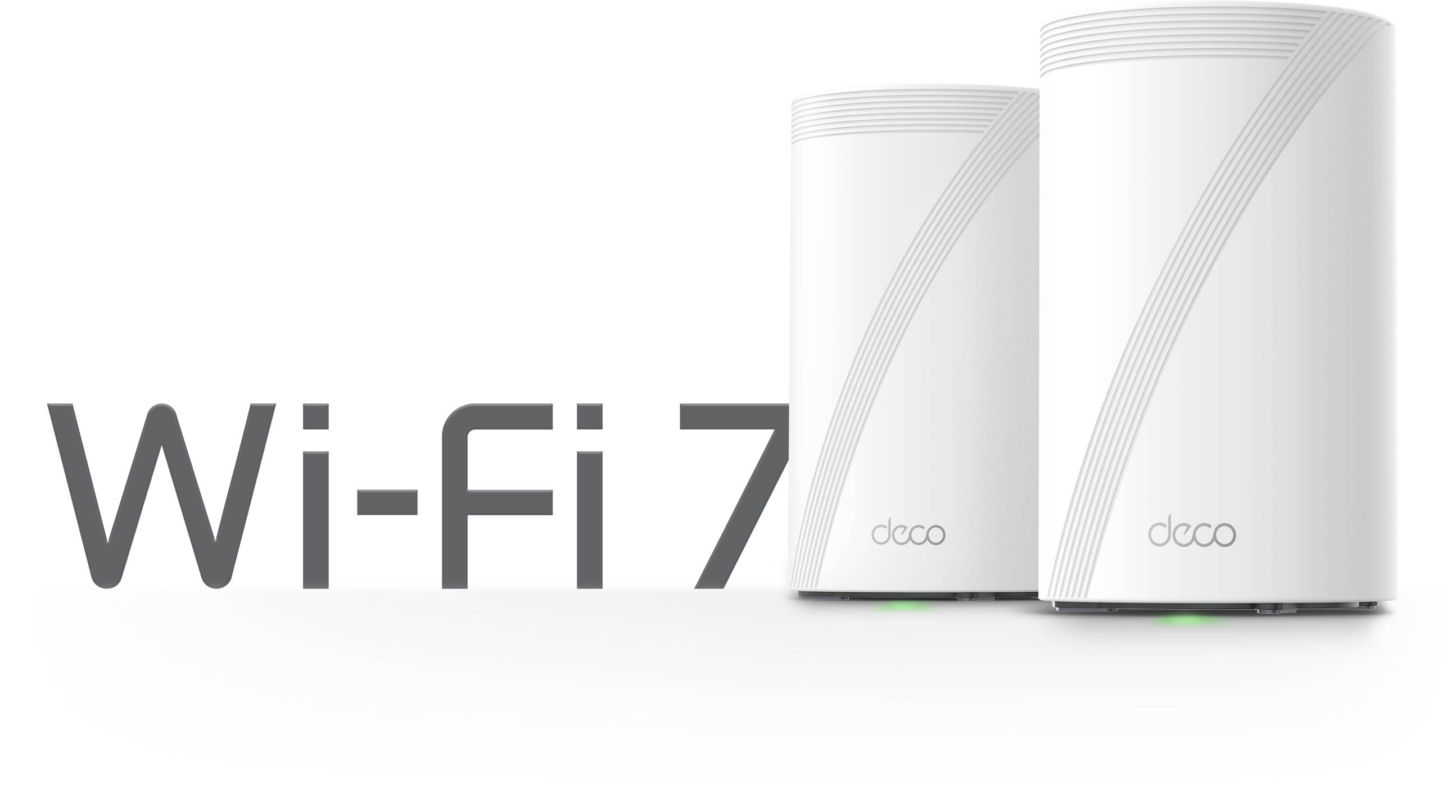

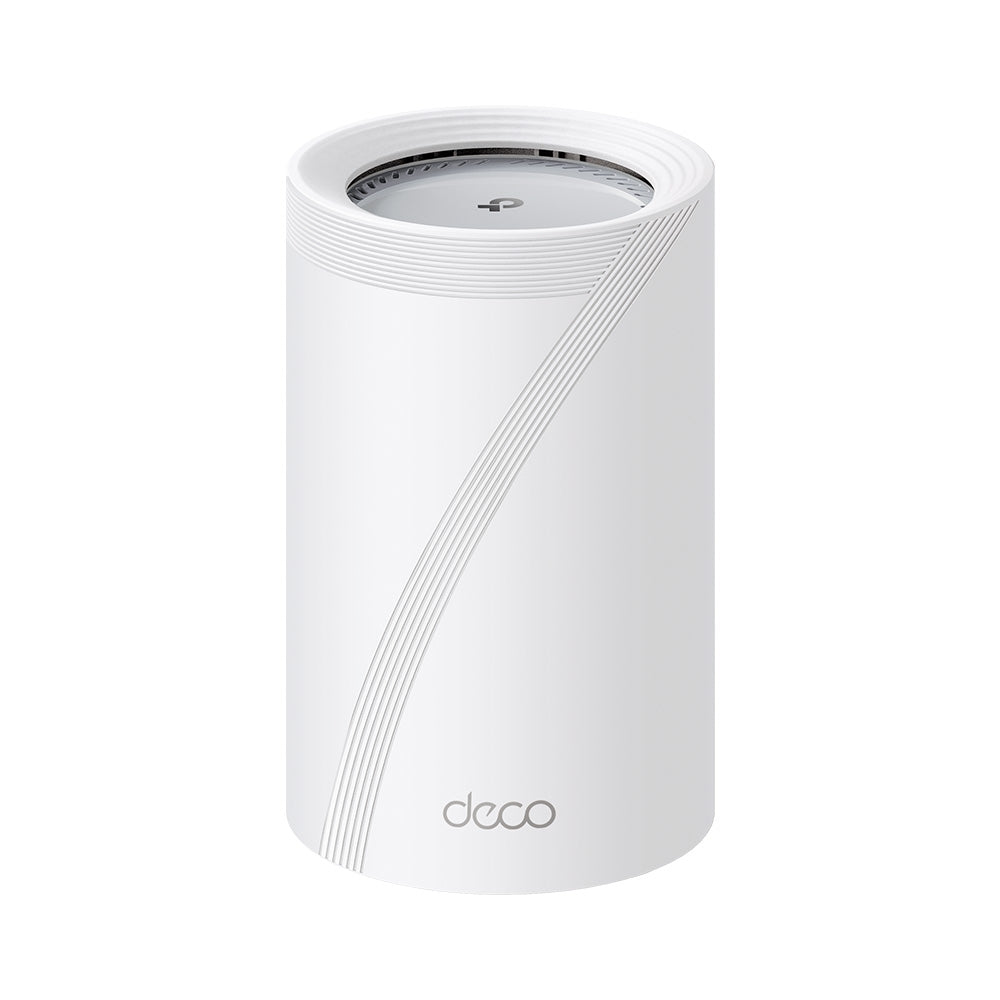
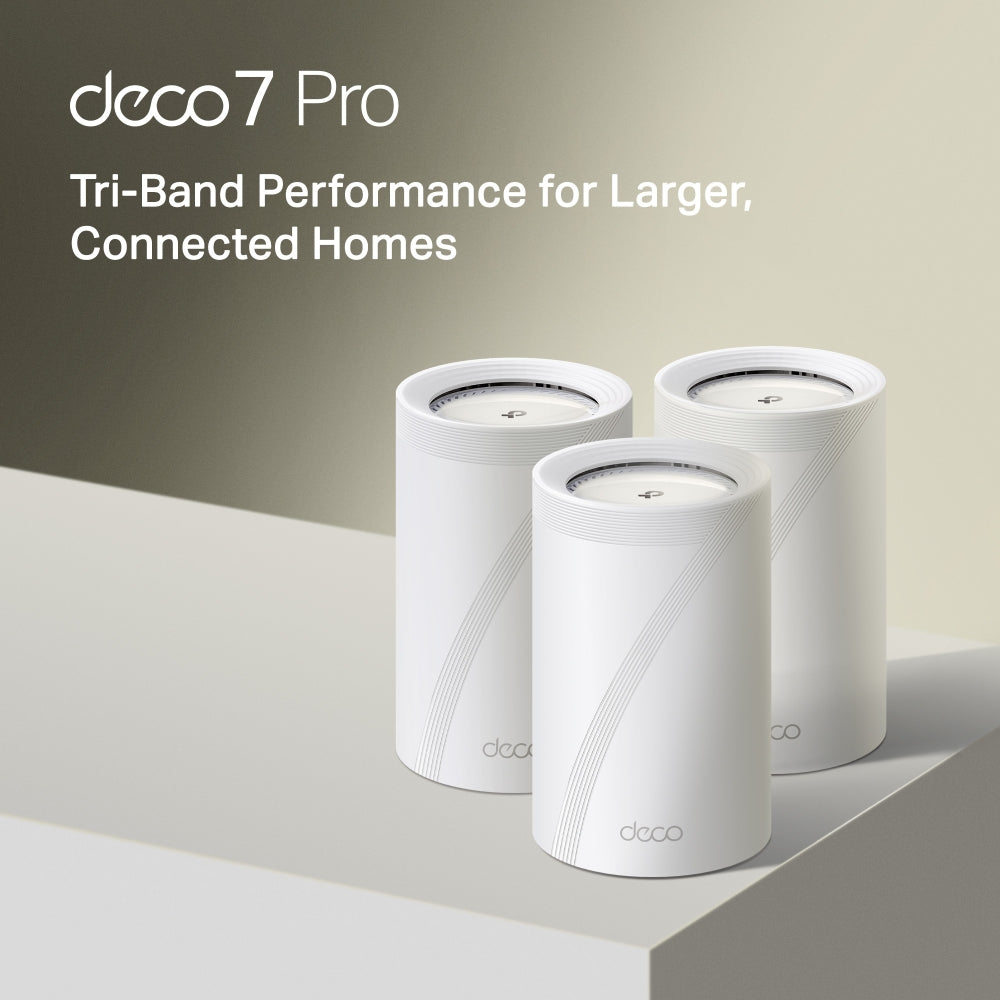
BE11000 Tri-Band Wi-Fi 7 Mesh System | Deco BE65 Pro(1-Pack)

2× 5G Ports MLO Multi-Link HomeShield Security 2×2 MU-MIMO
Prix de vente$379.99

Taxes exclues Frais d'envoi calculés à la caisse


  • Ultra-Fast WiFi 7
  • High-Speed Wired Connections
  • Optimized Backhaul
  • Multi-Link Operation (MLO)
  • 320 MHz Channels
En stock
🚚 Delivery time: Calculating...
  • Tracking status may only update after the order is processed at the carrier facility.
  • Weekends may affect shipping and delivery.
<p>Gagnez%20[points_amount]%20lorsque%20vous%20achetez%20cet%20article.</p>
Buy now
Secured Shopping
American Express
Apple Pay
Diners Club
Discover
Google Pay
Mastercard
Shop Pay
Visa

Shipping from Canada

  • Free Shipping for Orders Over CAD 200
  • 30-Day No Reason Return Policy
  • Local English/French Customer Service
  • 2 Years Warranty
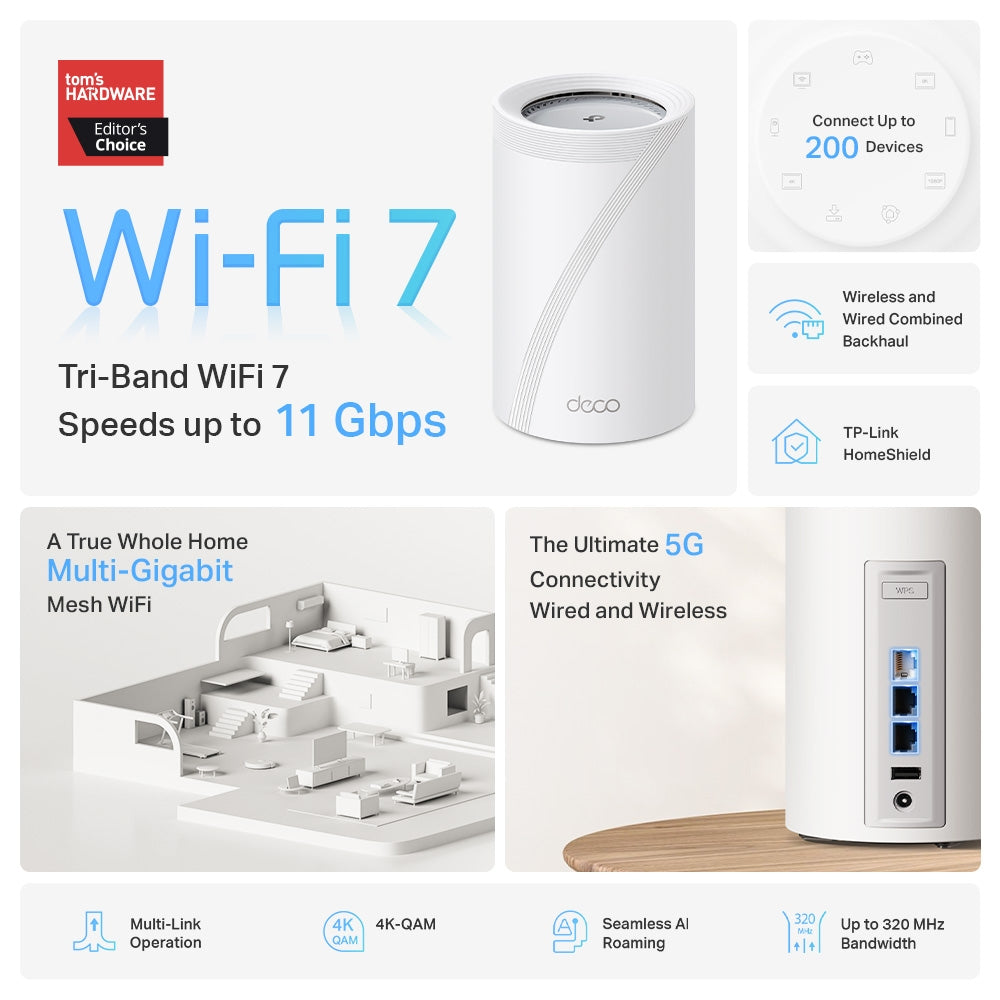
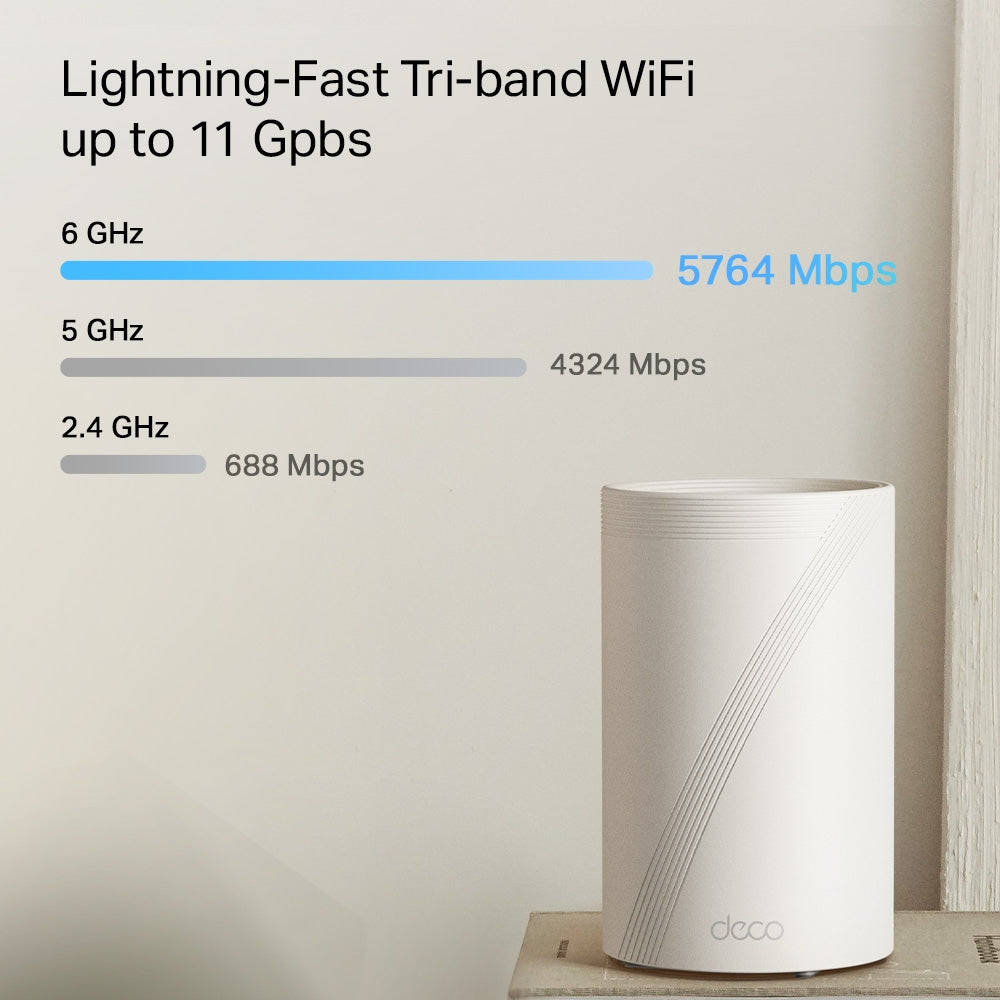
  • Ultra-Fast WiFi 7: Experience tri-band speeds up to 11 Gbps (6 GHz: 5764 Mbps, 5 GHz: 4324 Mbps, 2.4 GHz: 688 Mbps).
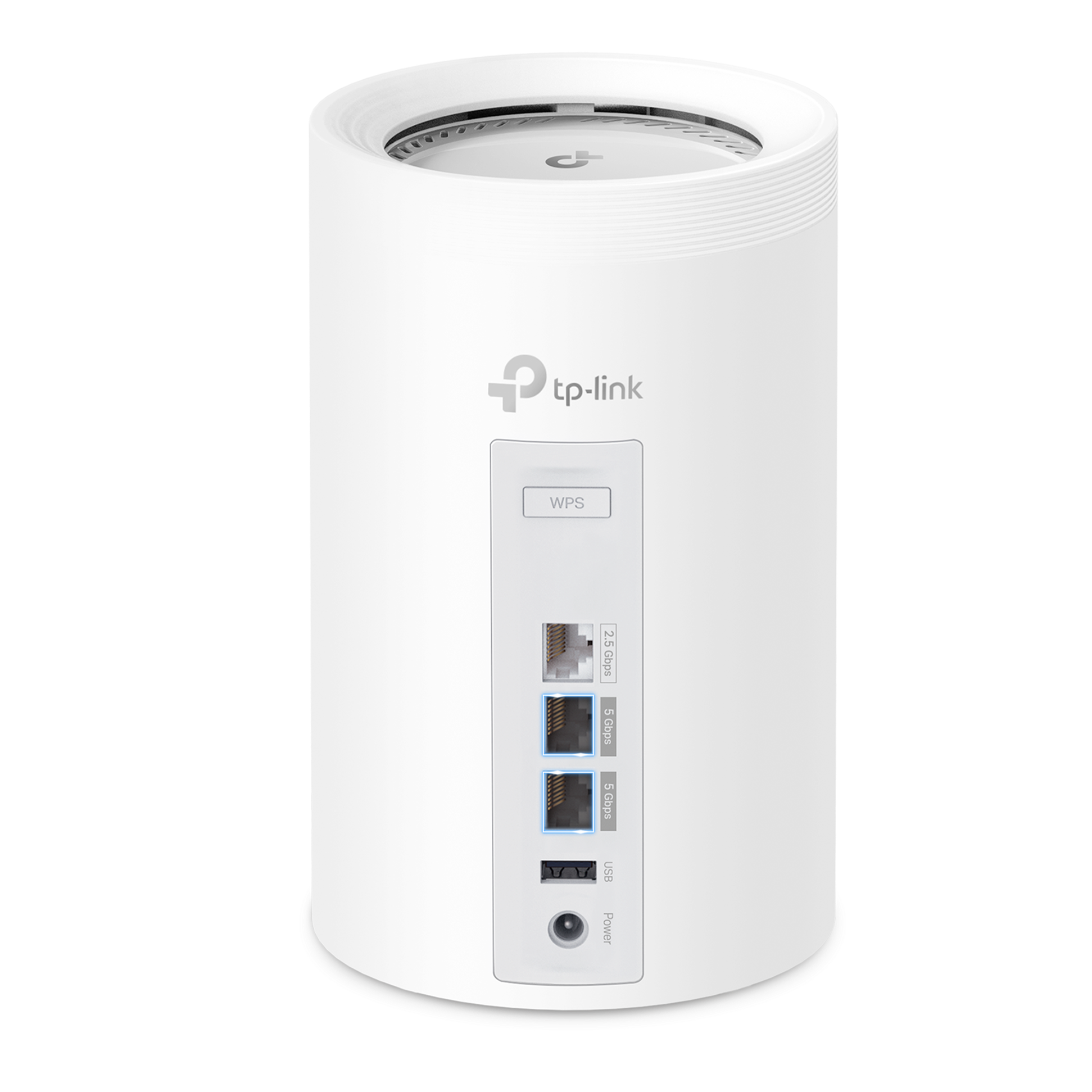
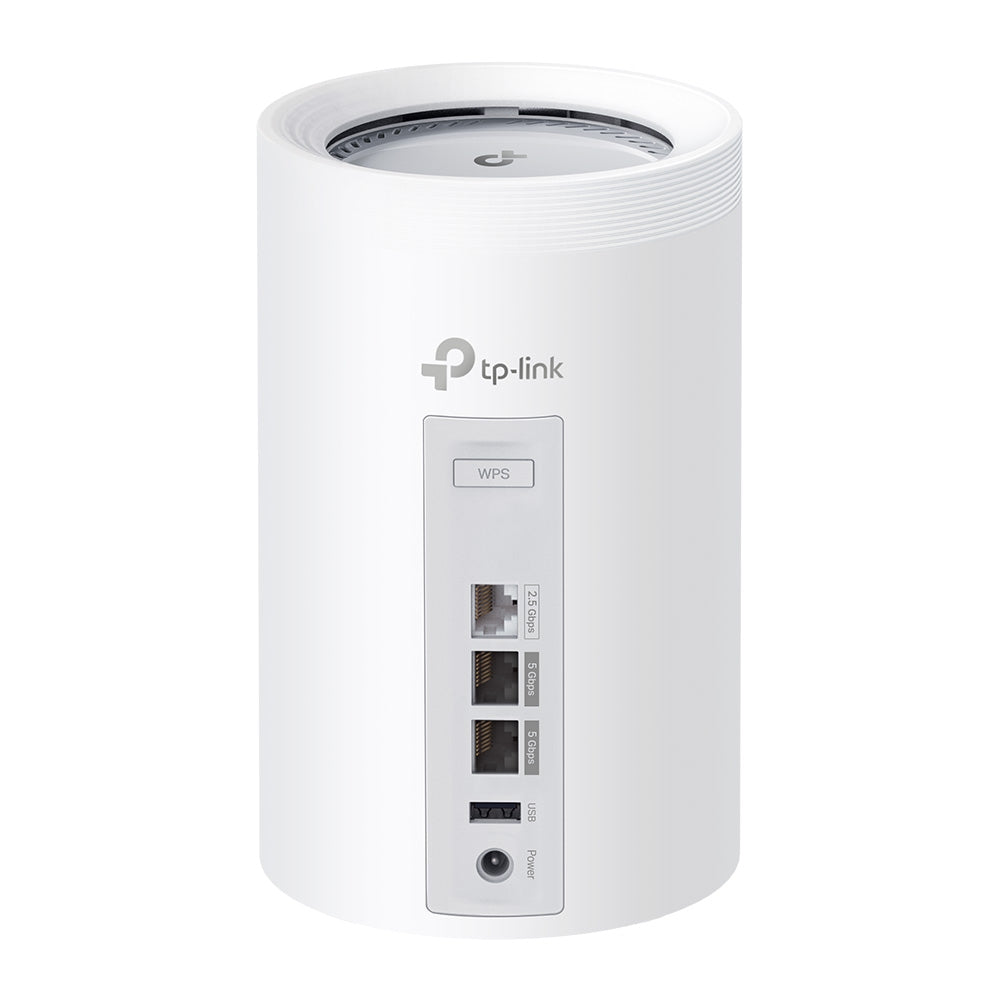
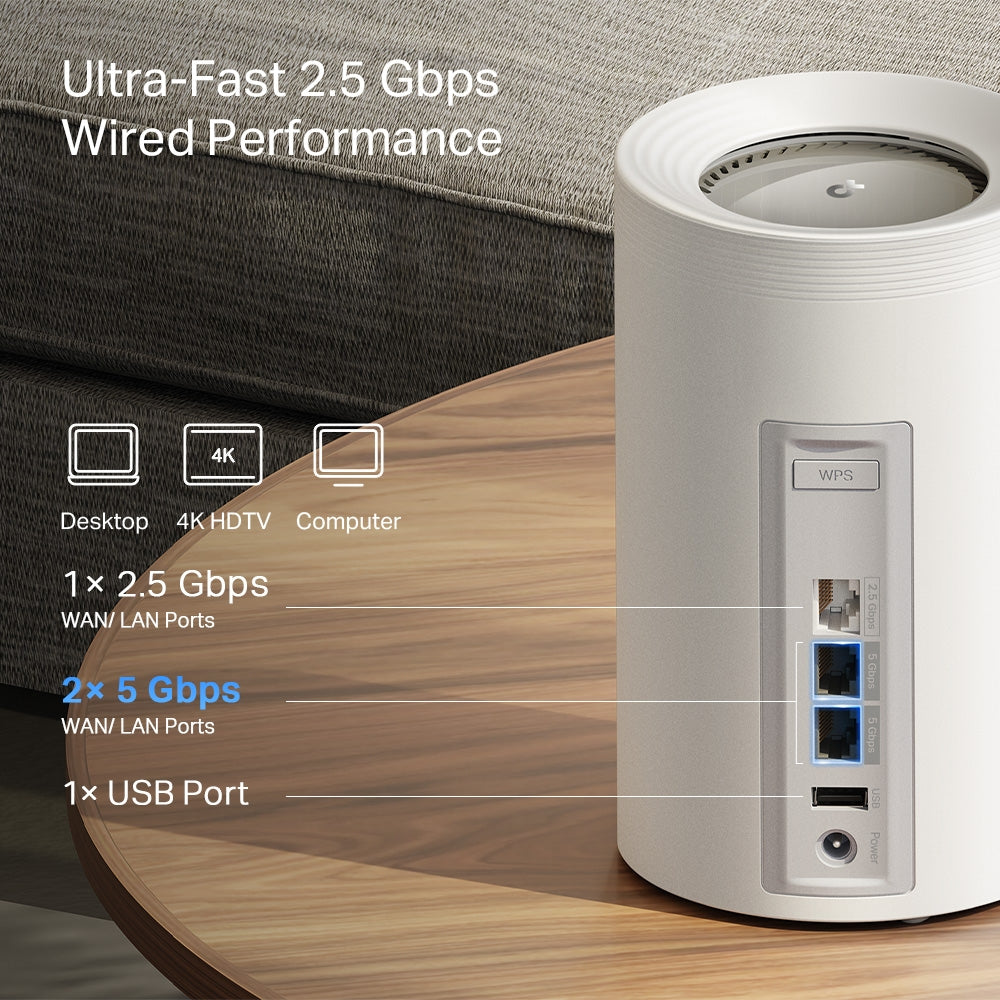
  • High-Speed Wired Connections: Equipped with 2× 5 Gbps and 1× 2.5 Gbps ports for flexibility and high throughput.
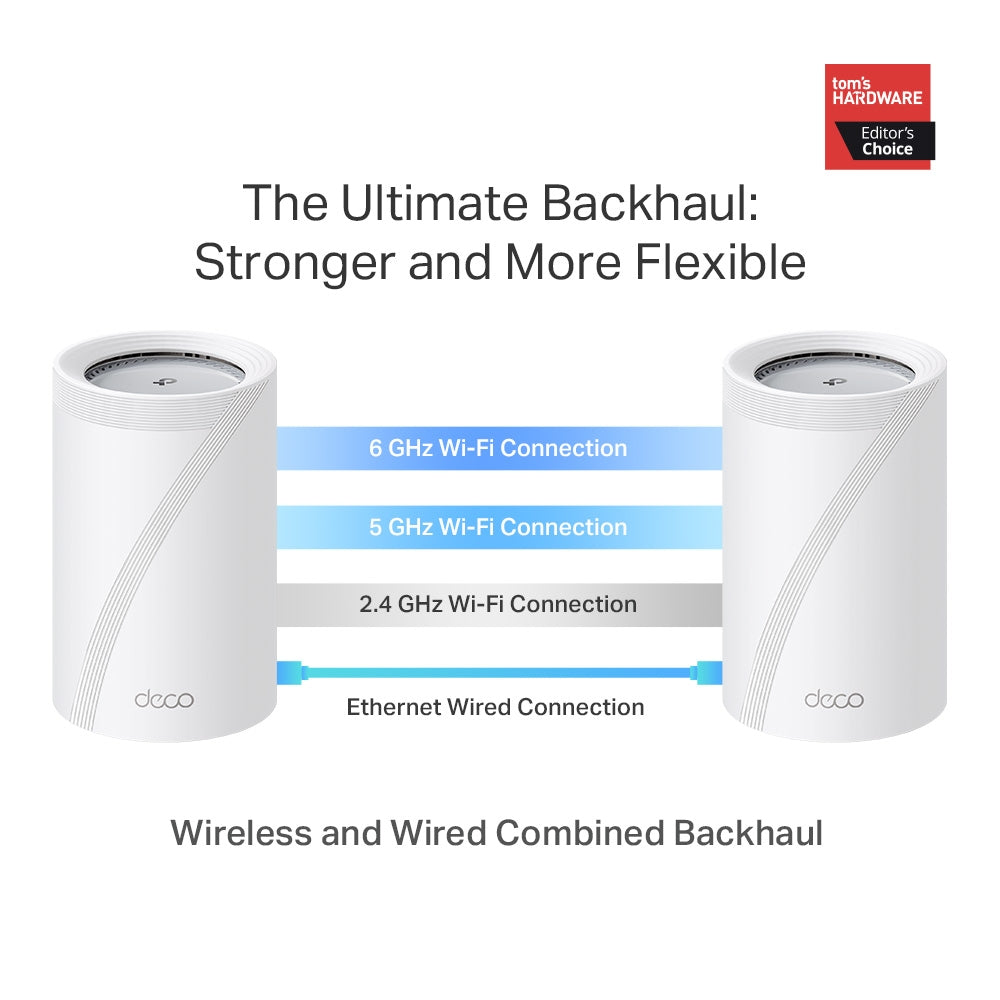
  • Optimized Backhaul: Combines wireless and wired backhaul for enhanced overall speed and reduced latency.
  • Multi-Link Operation (MLO): Transfers data across multiple bands for improved reliability, reduced latency, and boosted throughput.
  • 320 MHz Channels: Double the bandwidth for more simultaneous, high-speed transmissions.

WIRELESS

Standards and Protocols Wi-Fi 7
IEEE 802.11be/ax 6 GHz
IEEE 802.11be/ax/ac/n/a 5 GHz
IEEE 802.11be/ax/n/b/g 2.4 GHz
WiFi Speeds BE11000
6 GHz: 5764 Mbps (802.11be)
5 GHz: 4324 Mbps (802.11be)
2.4 GHz: 688 Mbps (802.11be)
WiFi Range Broader Whole Home Coverage
TP-Link Mesh Technology
Optional Ethernet backhaul work together to link Deco units to provide seamless coverage
AI-Driven Mesh
Intelligently learns the network environment to provide ideal Wi-Fi unique to your home
4× High-Performance Antennas (Internal)
Multiple antennas form a signal-boosting array to cover more directions and large areas
Tri-Band
A newly-opened 6 GHz band brings more bandwidth and faster speeds
WiFi Capacity Very High
Tri-Band
Distribute devices to different bands for optimal performance
2×2 MU-MIMO
Simultaneously communicates with multiple MU-MIMO clients
OFDMA
Simultaneously communicates with multiple WiFi 7 clients
6 Streams
More than enough bandwidth for connected devices
Working Modes Router Mode
Access Point Mode
Advanced Features • Multi-Link Operation (MLO)
• 320 MHz Channel
• 4K-QAM
• Multi-RUs
• Works with Alexa and Google Assistant

SECURITY

Network Security SPI Firewall
Access Control
HomeShield Security
Real-Time IoT Protection
Malicious Site Blocker
Intrusion Prevention System
DDoS Attack Prevention
Home Network Scanner
Guest Network 1× 6 GHz Guest Network
1× 5 GHz Guest Network
1× 2.4 GHz Guest Network
Effective Time
Bandwidth Control
VPN Server • OpenVPN Server
• PPTP VPN Server
• L2TP/IPSec VPN Server
VPN Client • OpenVPN Client
• PPTP VPN Client
• L2TP/IPSec VPN Client
WiFi Encryption WPA-Personal
WPA2-Personal
WPA3-Personal

HARDWARE

Button 1× Reset Button
1× WPS
Ethernet Ports • 2× 5 Gbps WAN/LAN Ports + 1× 2.5 Gbps WAN/LAN Port
*Per Deco Unit
Supports WAN/LAN auto-sensing
USB Support 1× USB Port
FTP Server
Media Server
Samba Server

SOFTWARE

Advanced Features • Reboot Schedule
• Tapo/Kasa Onboarding
• IoT network & Device Isolation
• Static Routing Function
• Node/Band Connection Preference
Protocols IPv4
IPv6
Service Kits HomeShield
Learn More>
Parental Controls HomeShield Parental Controls
Youtube Restriction
SafeSearch
Custom Profiles
Professional Content Filter Library
Family Time
Bedtime
Off Time
Time Rewards
Family Online Time Ranking
Pause the Internet
Weekly and Monthly Reports
WAN Types Dynamic IP
Static IP
PPPoE
PPTP
L2TP
Quality of Service HomeShield QoS
QoS by Device
Cloud Service OTA Firmware Upgrade
TP-Link ID
DDNS
NAT Forwarding Port Forwarding
UPnP
IPTV IGMP Proxy
IGMP Snooping
Bridge
Tag VLAN
DHCP Address Reservation
DHCP Client List
Server
DDNS TP-Link
Management Features Deco App

OTHER

Network Services Enabled by Default Web Server
Manage and configure device through web (HTTP/HTTPS)
• Port: 80/443   Protocol: TCP
DNS
DNS
• Port: 53   Protocol: TCP & UDP
DHCP Server
IP address assignment (DHCP)
• Port: 67   Protocol: UDP
App management
Manage and configure device through app
• Port: 22   Protocol: TCP
• Port: 20001   Protocol: TCP
• Port: 30001   Protocol: TCP
• Port: 20002   Protocol: UDP

OTHERS

Certifications CE, FCC, RoHS
Environment Operating Temperature: 0°C~40°C (32 °F~104 °F)
Storage Temperature: -40°C~60°C (-40 °F~140 °F)
Operating Humidity: 10%~90% RH
Storage Humidity: 5%~90% RH
  • 1 Deco BE65 unit
  • 1 RJ45 Ethernet cable
  • 1 Power adapter
  • Quick Installation Guide
BE11000 Tri-Band Wi-Fi 7 Mesh System | Deco BE65 Pro(1-Pack)
$379.99
Order now


Selling points – Wi-Fi coverage, multi-gig, tri-band, easy setup, 200 devices

Wi-Fi that reaches every room.

Covers up to 7,600 sq. ft (3-pack)

Ready for
multi-gig
internet

11 Gbps Tri-Band
Wi-Fi 7

Easy setup with
the Deco app

Connect up to
200 devices

Smart Roaming

Smart
Roaming

Wi-Fi 7 Multi-Link

Wi-Fi 7
Multi-Link

6 GHz + 320 MHz Bandwidth

6 GHz + 320
MHz
Bandwidth

4K QAM

4K QAM

Flexible Backhaul

Flexible
Backhaul

HomeShield – Advanced Security

HomeShield -
Advanced Security

Wi-Fi Like Never Before – deco7 Pro

Wi-Fi Like Never Before

Wi-Fi 7 delivers faster speeds and smoother connections for today's connected homes. Deco 7 Pro makes next-generation Wi-Fi simple, reliable, and ready for everything you do online.

More Wi-Fi. Less interference.

The 6 GHz band keeps your network clear when every device in the home is running at once.

Family using Wi-Fi

Performance Wi-Fi for Homes That Demand More

No more buffering, dropped calls, or slowdowns when everyone’s online. Deco 7 Pro is built for busy homes, delivering smooth streaming and dependable connections in every room.


6 GHz
 
5764 Mbps
5 GHz
 
4324 Mbps
2.4 GHz
 
688 Mbps
A family enjoying smart tv
A man relaxing with a tablet
A fit woman exercising with a tv instructor
 
 
A family enjoying smart tv A man relaxing with a tablet A fit woman exercising with a tv instructor

Built for multi-gig Internet.

When your internet plan gets faster, your Wi-Fi should keep up. Deco 7 Pro supports 5 Gbps wired connections, helping reduce bottlenecks and slowdowns as more devices connect throughout your home.
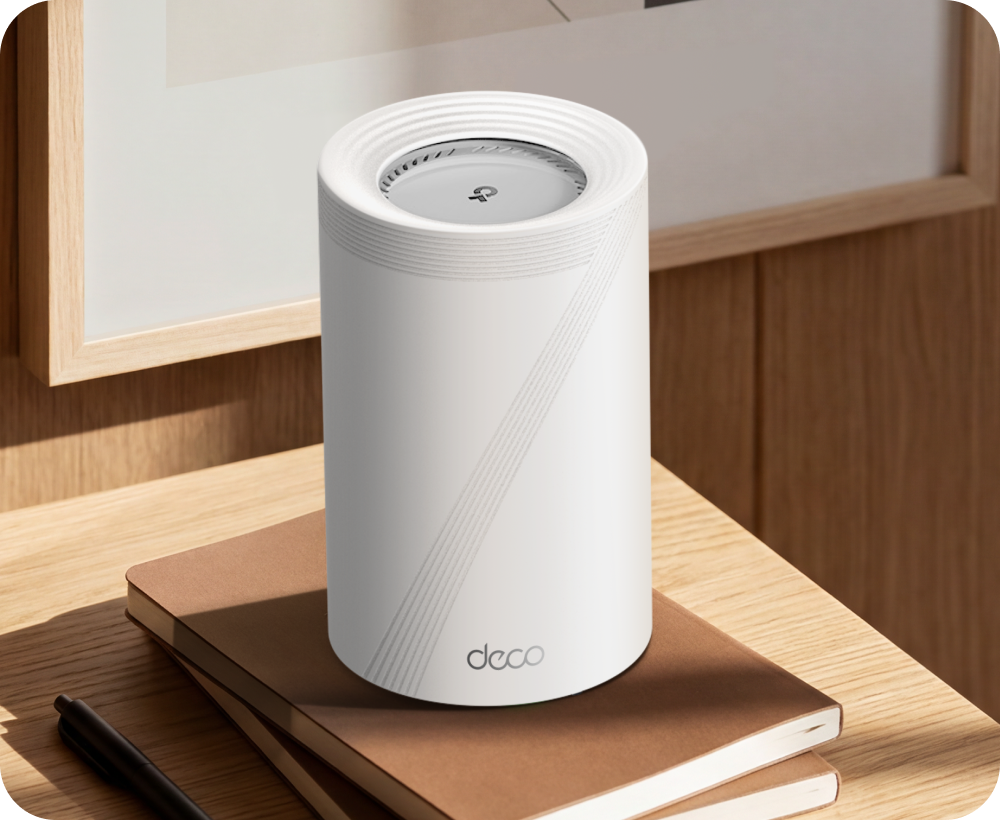
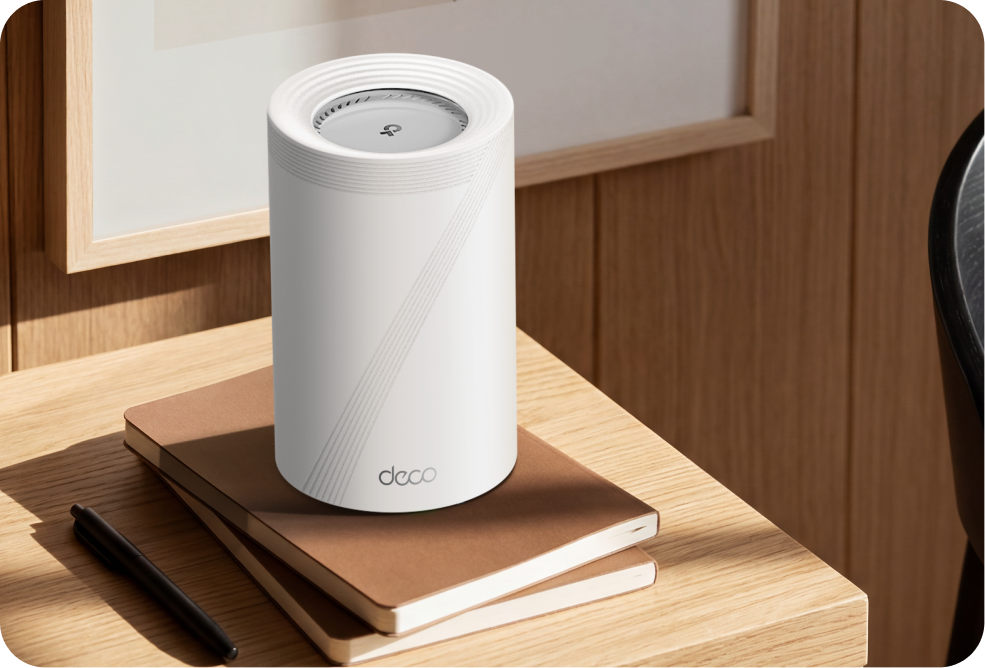
Built for multi-gig internet lifestyle Built for multi-gig internet lifestyle
Deco BE13000 ports

2× 5 Gbps

WAN / LAN Ports

 
Work from home

Work from home

Streaming in every room

Streaming in every room

Gaming without lag
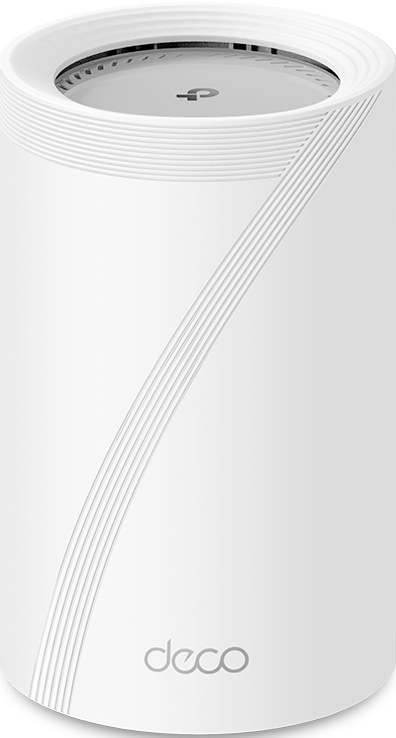
Gaming without lag

Deco BE65 Deco BE65

Stronger Connections Between Every Deco

Deco 7 Pro is designed to be effortless from the start. Set up in minutes with the Deco app, then enjoy strong, reliable Wi-Fi throughout your home.
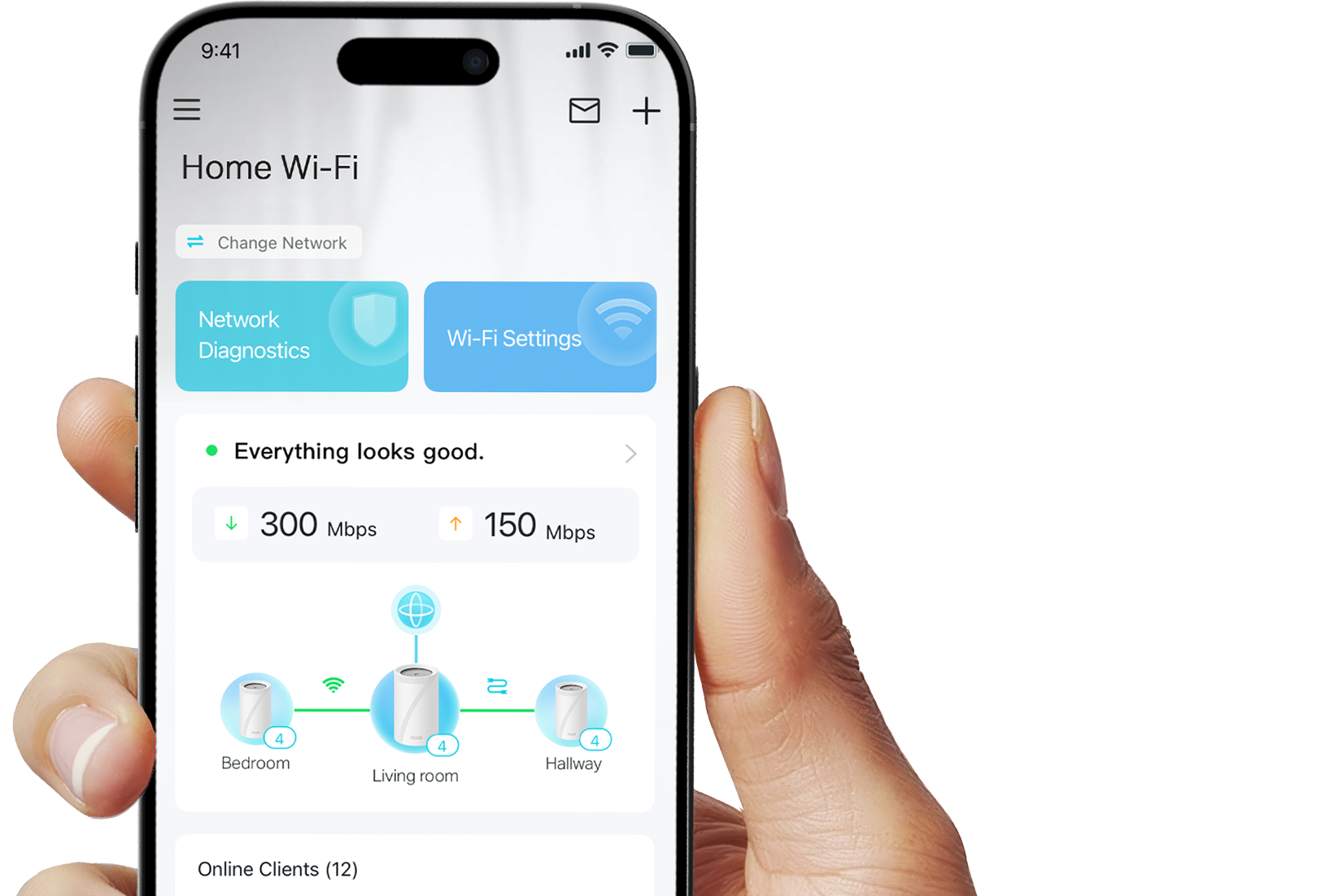
Stronger Connections Between Every Deco

Deco 7 Pro is designed to be effortless from the start. Set up in minutes with the Deco app, then enjoy strong, reliable Wi-Fi throughout your home.

Deco BE65 Deco BE65

Simple. Easy. Powerful.

Deco 7 Pro is designed to be effortless from the start. Set up in minutes with the Deco app, then enjoy strong, reliable Wi-Fi throughout your home.

Deco app setup

Simple. Easy. Powerful.

Deco 7 Pro is designed to be effortless from the start. Set up in minutes with the Deco app, then enjoy strong, reliable Wi-Fi throughout your home.

① Connect

to a modem and power on both.

② Download

and launch the Deco app.

③ Configure

by following the in-app instructions.

Built-In Security for Everyday Life

HomeShield helps protect every device on your network — automatically — so your family can connect with confidence at home and beyond.

Learn more about HomeShield >

Family browsing safely

Advanced Network Protection

Get automatic protection for your entire home network, designed to help block online threats so you can browse, stream, and connect with confidence.

Father and daughter using a tablet

Parental Controls

Use simple tools to manage screen time and filter content, designed to support healthier online habits for kids while giving parents more control.

Woman checking phone notifications

Protection that goes with you

Keep your devices protected at home and on the go, with security that stays with you wherever life happens.

 
Family browsing safely

Advanced Network Protection

Get automatic protection for your entire home network, designed to help block online threats so you can browse, stream, and connect with confidence.

Father and daughter using a tablet

Parental Controls

Use simple tools to manage screen time and filter content, designed to support healthier online habits for kids while giving parents more control.

Woman checking phone notifications

Protection that goes with you

Keep your devices protected at home and on the go, with security that stays with you wherever life happens.

Private IoT Network for More Security

Set up a separate Wi-Fi network for IoT devices, with built-in HomeShield protection and advanced WPA3 encryption to help better protect your home network and connected devices.
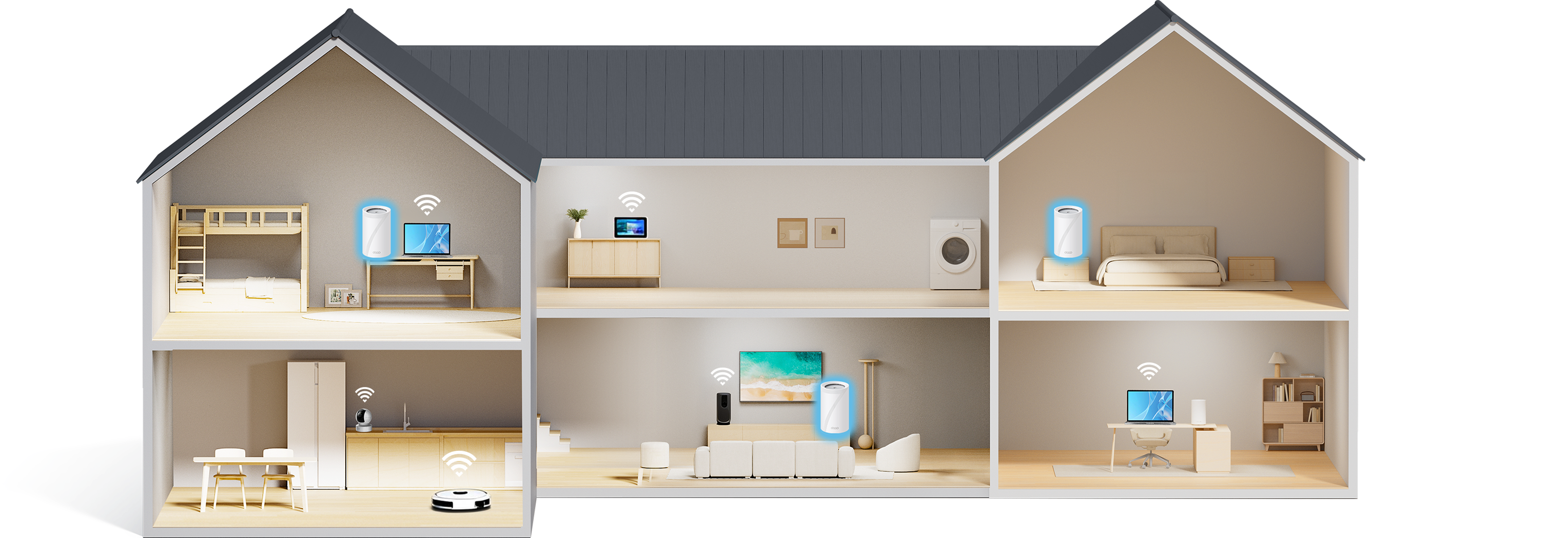
a house with wifi routers and a separate IoT network            

Smart Features Included with Every Deco 7 Pro System

Hands-Free Voice Control

"Alexa, pause Wi-Fi for Juliet's tablet"

Hands-Free Voice Control

Use Amazon Alexa or Google Assistant-enabled devices to control your Deco system with simple voice commands, making it easy to manage your Wi-Fi hands-free.
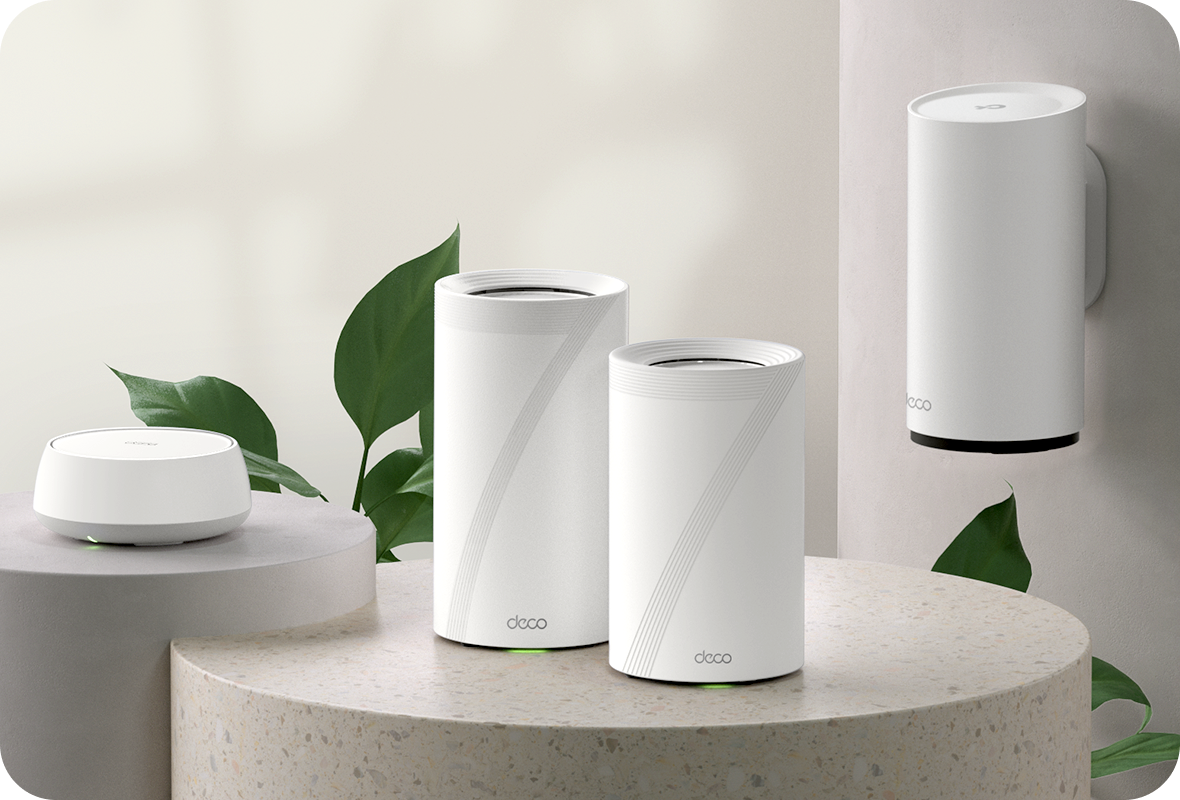
All Decos Work Together

All Decos Work Together

All Deco devices work together to form one seamless mesh network. Expand your Wi-Fi coverage anytime by adding more Decos to keep every corner of your home connected.

<p>Gagnez%20[points_amount]%20lorsque%20vous%20achetez%20cet%20article.</p>
  • 5 stars: 13 (100%)
  • 4 stars: 0 (0%)
  • 3 stars: 0 (0%)
  • 2 stars: 0 (0%)
  • 1 star: 0 (0%)
D
Darius D.
Blown Away Finally Getting the Speeds I Pay For!

The media could not be loaded.


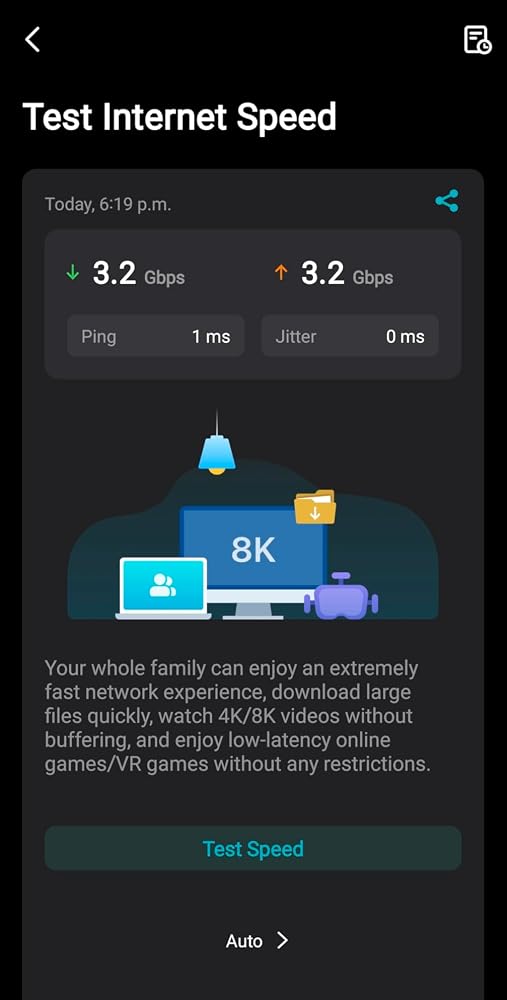
After years of struggling with inconsistent Wi-Fi coverage and speed from my Bell, I decided to try the TP-Link Deco BE65 Pro. I’m on a gigabit fiber 3 plan, and this mesh system has finally delivered the kind of performance I expected from a high-end network.In my setup, I connected the Deco system directly to my fiber modem using the 5Gb WAN port in the Deco and 10Gb port in the modem. I placed three units around the house using a wireless backhaul, and the results have been impressive. I'm now seeing over 3 Gbps speeds in optimal conditions and over 1 Gbps consistently throughout the entire home. Even areas that used to have poor signal now get full coverage, not to mention beyond my property line.Features like device prioritization, new device alerts, and performance summaries are built-in and easy to use. Best of all, there are no ongoing subscriptions required for full functionality.Setup wasn’t entirely plug-and-play, as I needed to reboot the units a few times before everything connected properly. Some compatibility issues with older modems 10Gb port being able to communicate with Deco 5Gb port, but once the connection was established, everything ran smooth as butter.Overall, the Deco BE65 Pro has significantly improved my home network’s performance, reliability, and reach. It’s a solid investment for anyone with a high-speed internet plan who needs reliable coverage throughout their home.Highly recommended!

A
Anoushka Allam
Amazing speeds on wireless backhaul

I have a three floor home and my ISP modem is all the way in the basement, but I’m able to get great speeds on the top floor because of thisI’m using wireless back haul as well

S
Sask
More than I expected

So far I am happy with this system. The phone app synced quickly and setup was clear. I already had backhaul wiring in place from my previous system so that part was easy to plug in. Much better wifi coverage and range as compared to my old system. So far very stable. I was happy with the configuration screens on the app. I assigned ip addresses for my cable boxes and TVs.

A
Arjel B.
Excellent wifi mesh for Telus

After testing a number of mesh Wi-Fi systems, this one stands out as a clear winner. I’m on the Telus 1.5Gb fiber plan, which is exceptionally fast and reliable—provided you’re wired directly into the modem. That’s where Telus’ own mesh solution really disappointed me. Despite the speed available at the source, their mesh couldn’t deliver anywhere close to the promised 1.5Gb. My wireless speeds were consistently capped at around 700Mbps, which felt like a massive waste of potential, especially when paying for premium fiber.Enter this mesh system—game changer. I connected it directly to Telus’ fiber terminal (that square modem they provide), and the results were instantly noticeable. My Wi-Fi speeds jumped dramatically, surging from a lackluster 700Mbps to an impressive 1.2Gb. That kind of boost isn’t just numbers on a speed test—it translates to smoother 4K streaming, faster downloads, and snappier smart home performance across the board.What makes this mesh system especially impressive is its ability to unlock nearly the full potential of my fiber connection wirelessly. Setup was straightforward, the range is excellent, and more importantly, the speed holds steady across multiple rooms and devices. While no mesh system is likely to hit 1.5Gb over Wi-Fi due to inherent wireless limitations, getting 1.2Gb is about as good as it gets—and for my household, it’s been transformative.Highly recommend for anyone frustrated with ISP-provided hardware or looking to truly harness the speed of their high-tier internet plan.

A
Amazon Customer
Really like them.

Wifi 7 is really cool. These work great. Just be cautious when you try changing them around. Have to completely power off and reset.

B
Blueowlbc
Backward compatibility

TP-Link never disappoints, I added this to my x60 mesh network. I only needed to add one and figured I would future proof a little. Now I want to upgrade the others LOL

R
Ruben F. Reyes
Tplink deco be65

A good product and it extend wifi coverage the entire house with no buffering. I pouches this as an upgrade to my current system I am very happy although it's expensive.

B
Bob Huby
Router a Step Ahead

Works great. Stable and fast connection. Got the most advance router feature. Good range too

T
Tommy C.
Fast…

So far so good. Blazing fast wired & wireless speeds. I bought the triple pack thinking 2 wouldn’t be enough from past mesh setups I’ve used, boy was I wrong. I now keep the third as a backup or a test unit for PC builds when a wired connection isn’t close by.

L
LuckyLucy
easy to recommend upgrading from older x60/xe75 series, to BE65/85 solution.

TP-Link Tri-Band BE11000 WiFi 7 Mesh Wi-Fi Router (Deco BE65 Pro) - 11 Gbps, 6 GHz/5 GHz/2.4 GHz Bands, 5 Gbps Ports, MLO, 320 MHz Channels, HomeShield, Universal Compatibility - 1-PackI bought this as an addon satellite mesh node to the BE85 being my main node. I upgraded my main mesh node to BE85 and wanted to upgrade my satellites from older Deco x60's to this BE65. Processing power alone is worth it to pair with BE85. Things seem to just run smoother and less lag compared to using old X60's as satellite mesh nodes. I find overall management of mesh feels quicker and less glitchy than the x60. WIFI7 MLO is nice but i isnt that great in practice. Things run slower with MLO at least throughput wise. Throughput with just regular wifi6 is much better than x60 not in terms of peak but more sustained throughput. The oddest thing i noticed is my IOT 2ghz wifi devices (switches, plugs etc) work WAY more reliably. With X60s in the network, my IOT devices struggled to connect for some reason -- especially DHCP address assignment.If youre using an older deco mesh network, i can easily recommend upgrading to BE65 or BE85 combo.

B
Behdad Navabi
Expensive but worth it

Great quality and definitely unified speed throughout the house

S
Scott Nye
Easy Set Up and Much Better/More Stable Network

Bit the bullet as our ISP's equipment simply wasn't working in our two story home + finished basement - even with a WAP on the main floor plugged into cat6 running from the modem in the furnace room in the basement. WiFi extenders from the ISP added to all of this were flaky at best. Over the last month, the network just got worse - sitting in living room and seeing your device drop from WiFi to 5G constantly. Just a mess.Verdict? So far so good. New WiFi network set up with the devices and the app works great. 1 unit on each floor. Consistent speeds no matter where we are in the house. And the devices act as a small switch so cat6 into the back on the unit on the main floor (to replace the ISP WAP) that then feeds into our TV.More importantly, set up was a breeze. 30-45 mins tops from opening the box to having 3 units up and running in the house. Arguably the longest amount of time was waiting for the app to download to my phone over my old WiFi network from the ISP before giving up and switching my phone to 5G to complete the download. The irony was not lost on me ...

K
Kai
A necessary upgrade for multi-floor homes and device-heavy users.

I am on a 1.5 Gbps plan, and to be fair, the router my ISP provided was decent—it was a high-tier model. However, even "good" ISP routers have limits, whether you are with Rogers, Shaw, Comcast, AT&T, or anyone else.The Real World Struggle: My router is in the basement, and trying to reach the top floor was inconsistent. I tried using the standard Wi-Fi extenders provided by the ISP, but they just couldn't handle the load. I have about 15 devices in the house (phones, tablets, smart home tech) all requiring different internet speeds, and they were just eating up the bandwidth.The extenders were much slower than the main router and became a bottleneck. Trying to connect all those devices to a single, slower extender caused lag and constant dropouts. I didn't necessarily need "faster" internet; I needed reliability without relying on flaky extenders.Why the Deco Mesh Fixed It: Switching to the Deco BE65 Pro removed that bottleneck entirely.Spectacular Performance: This system handles my mix of devices effortlessly. The internet now follows me from the basement to the top floor without skipping a beat.No Speed Loss: Unlike the old extender setup where speeds dropped significantly the further I got, this mesh system keeps the connection fast and stable everywhere.Bandwidth Management: It manages the different speed requirements of my devices perfectly, so my smart home gear doesn't slow down my streaming.Honest Buying Advice: These units are spectacular, but it depends entirely on your needs.You DON'T need this: If you have a smaller home, fewer devices, and your current ISP router covers your home fine without issues. Save your money.You DO need this: If you have a larger home, thick walls, or (like me) have multiple devices "eating up bandwidth" in areas your main router can't reach effectively. If you want full control and a stable, cohesive mesh rather than a router + patchy extender setup, this is the upgrade to get.Setup Tip for ISP Gateways: Setup took about 10-15 minutes. For most ISPs (Rogers, Shaw, Xfinity, etc.) that use a Coax/Fiber modem combo:Log into your ISP router settings.Switch it to "Bridge Mode" (or bypass mode). This turns it into a simple modem so it doesn't fight with the Deco.Plug an Ethernet cable from the LAN port on your ISP unit into your main Deco unit.Highly recommended for the peace of mind alone!