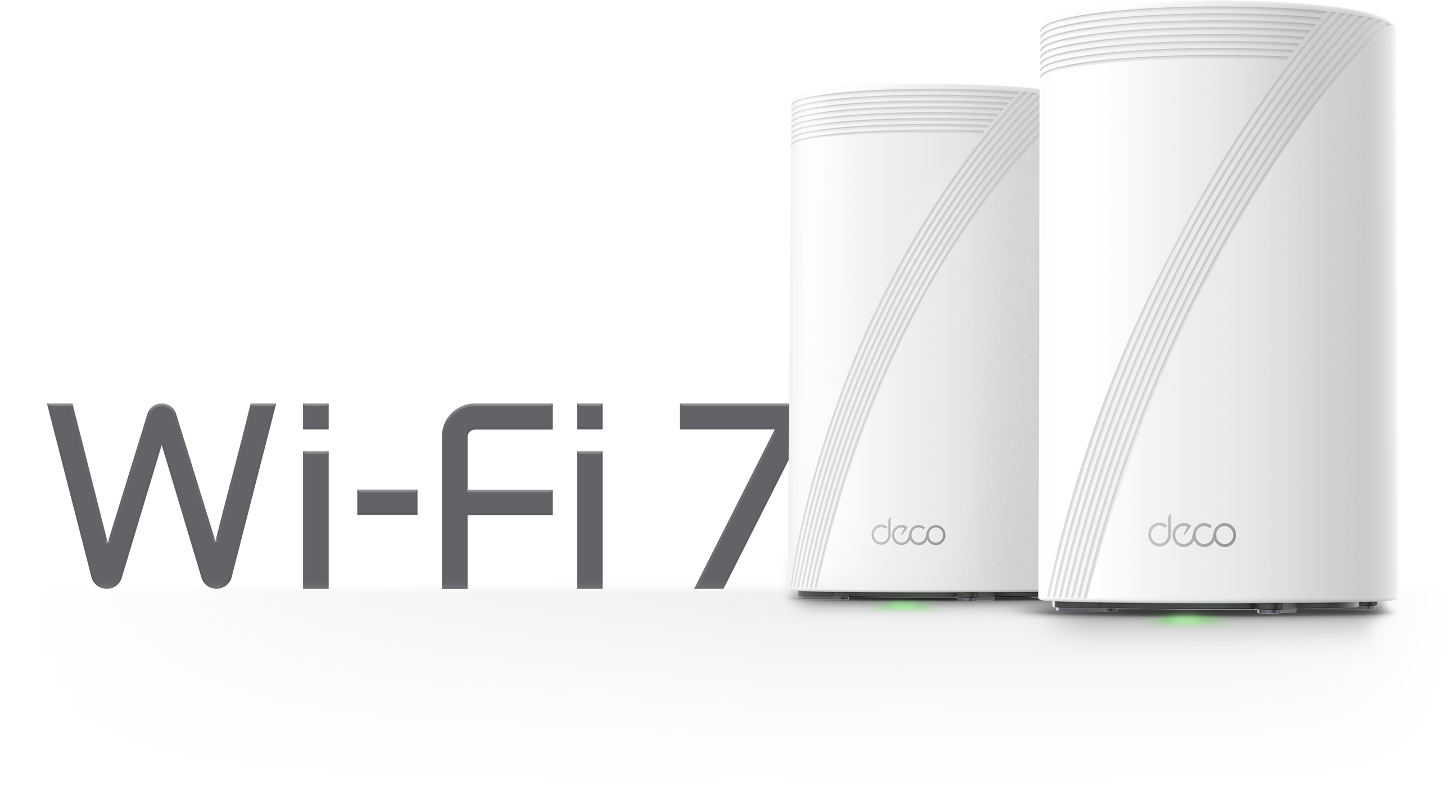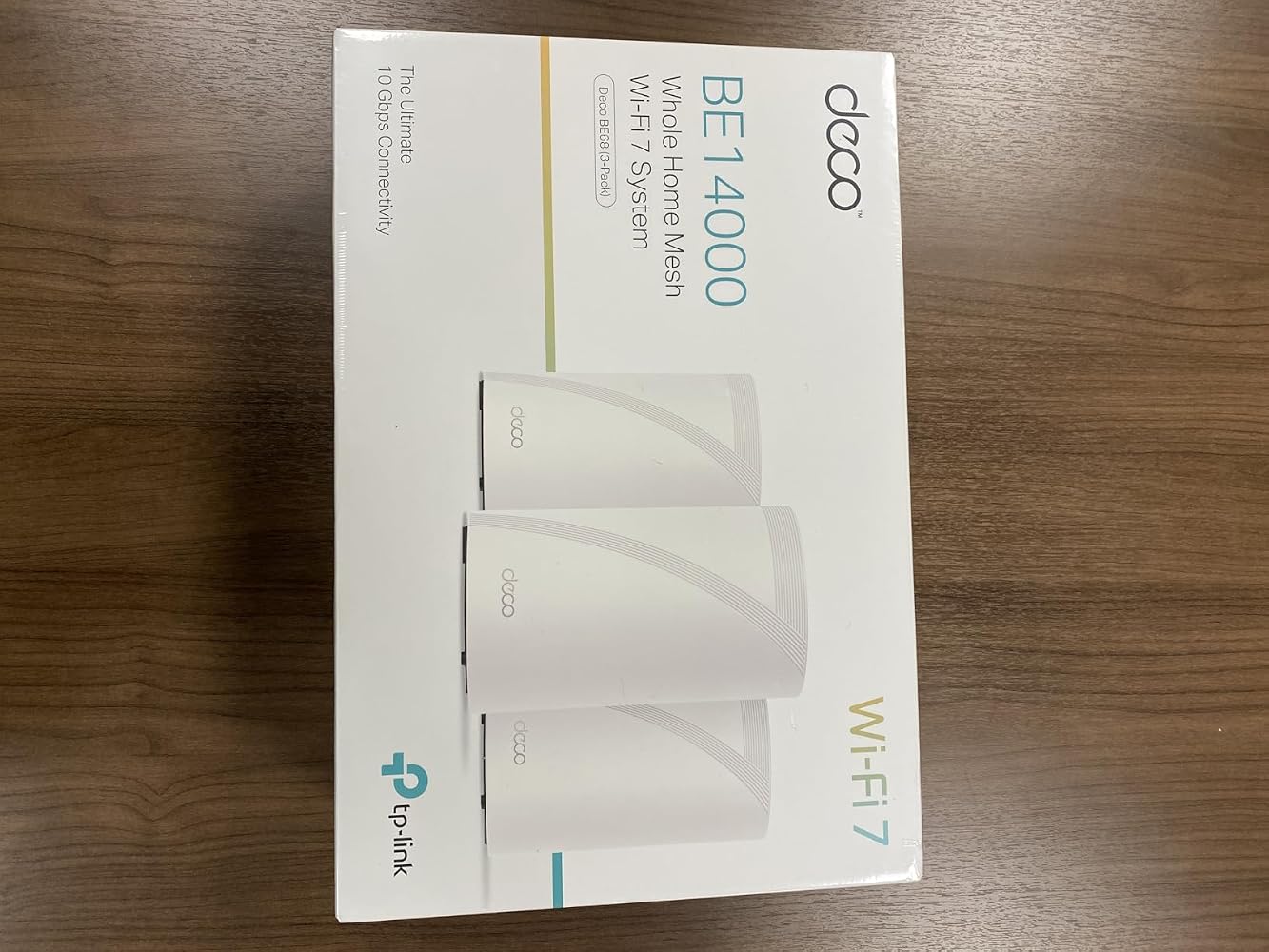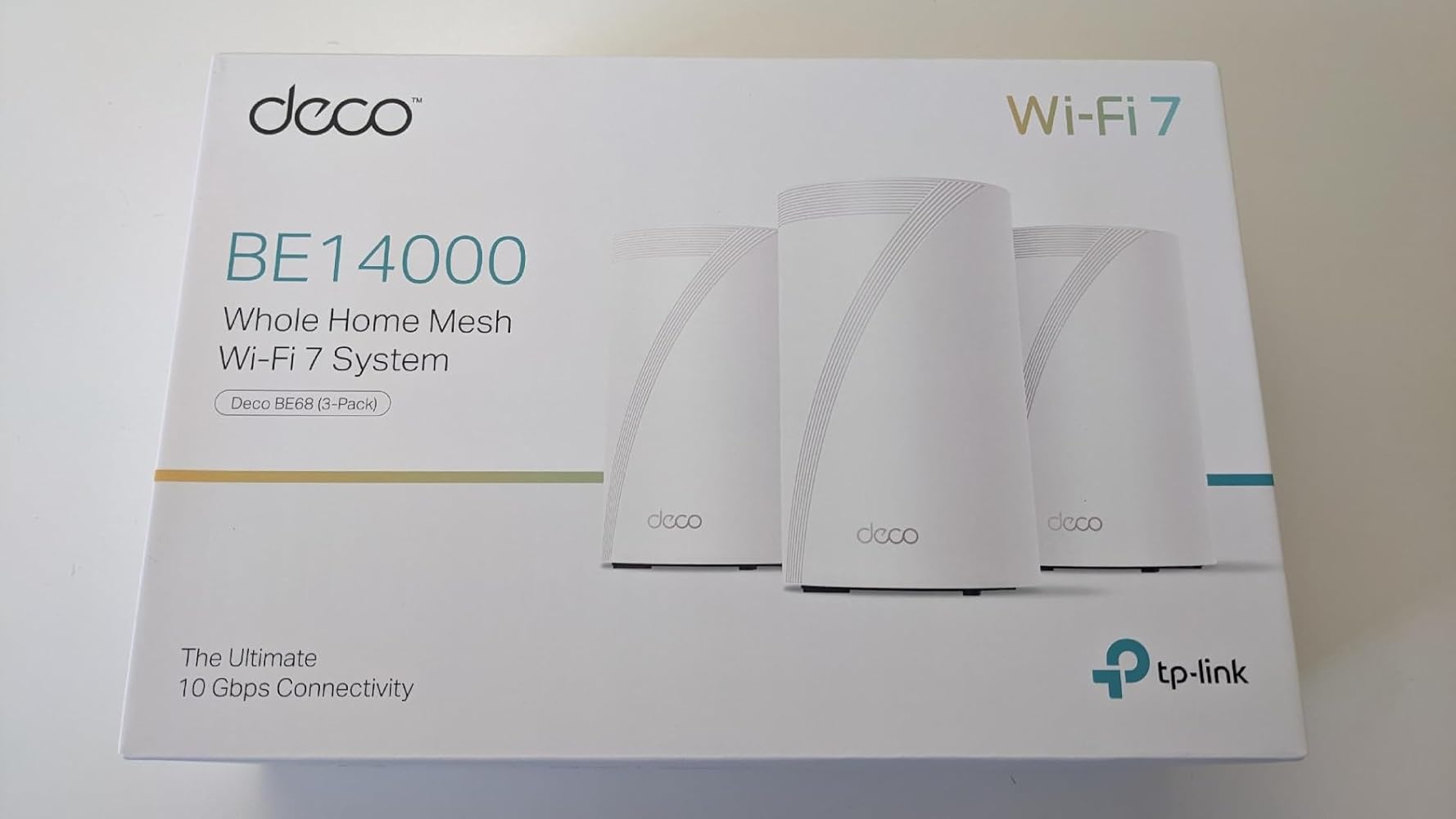

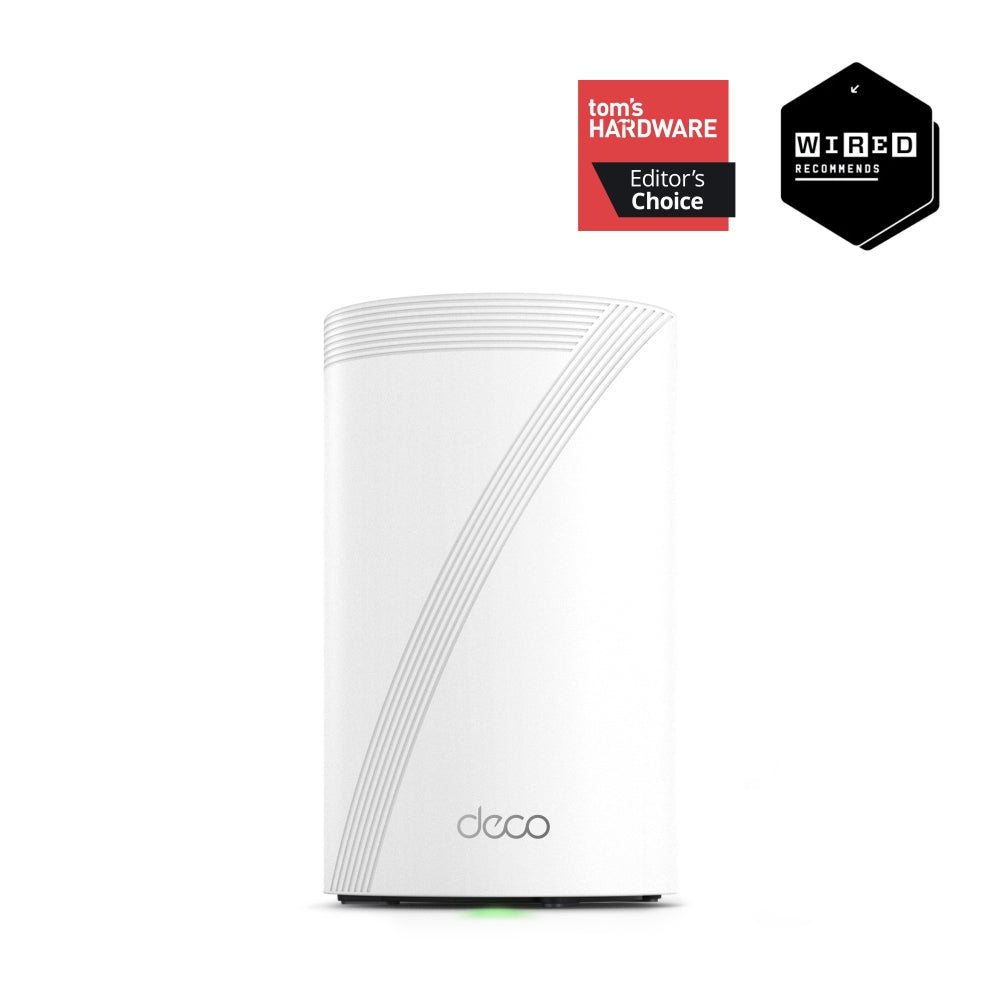
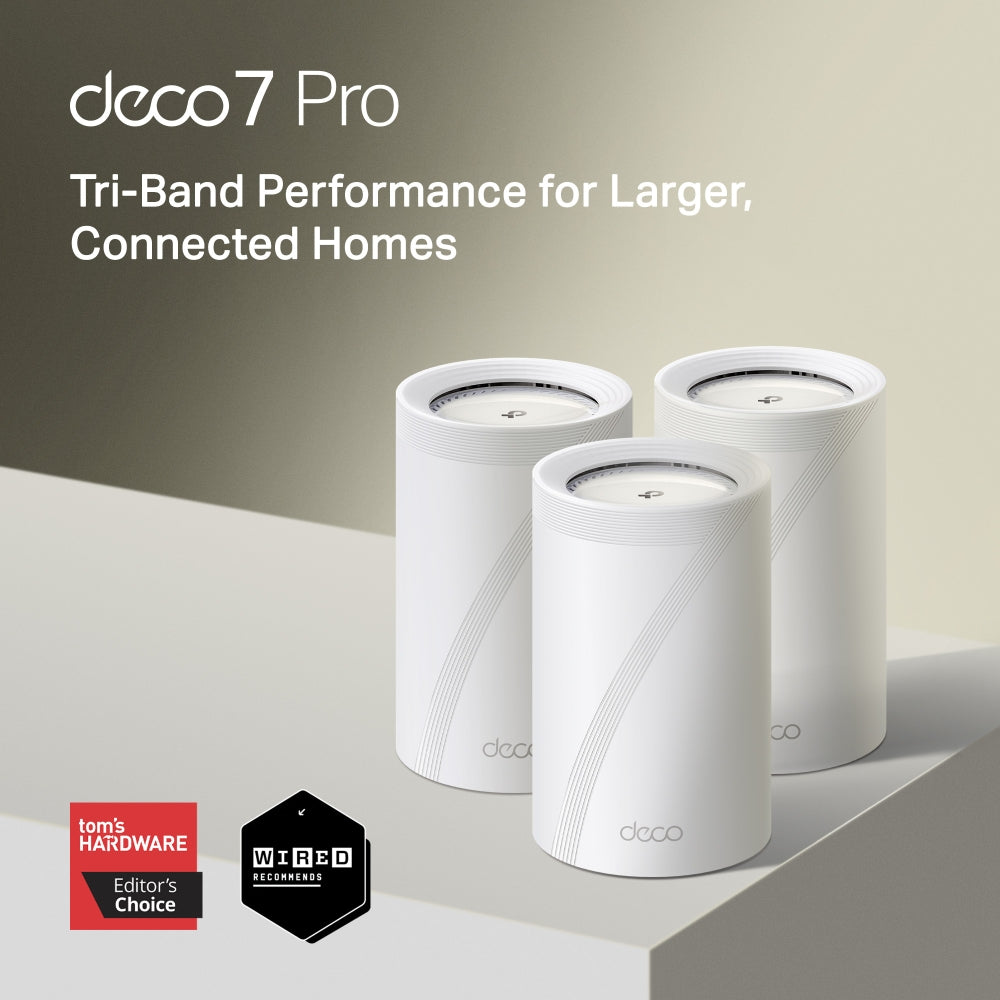
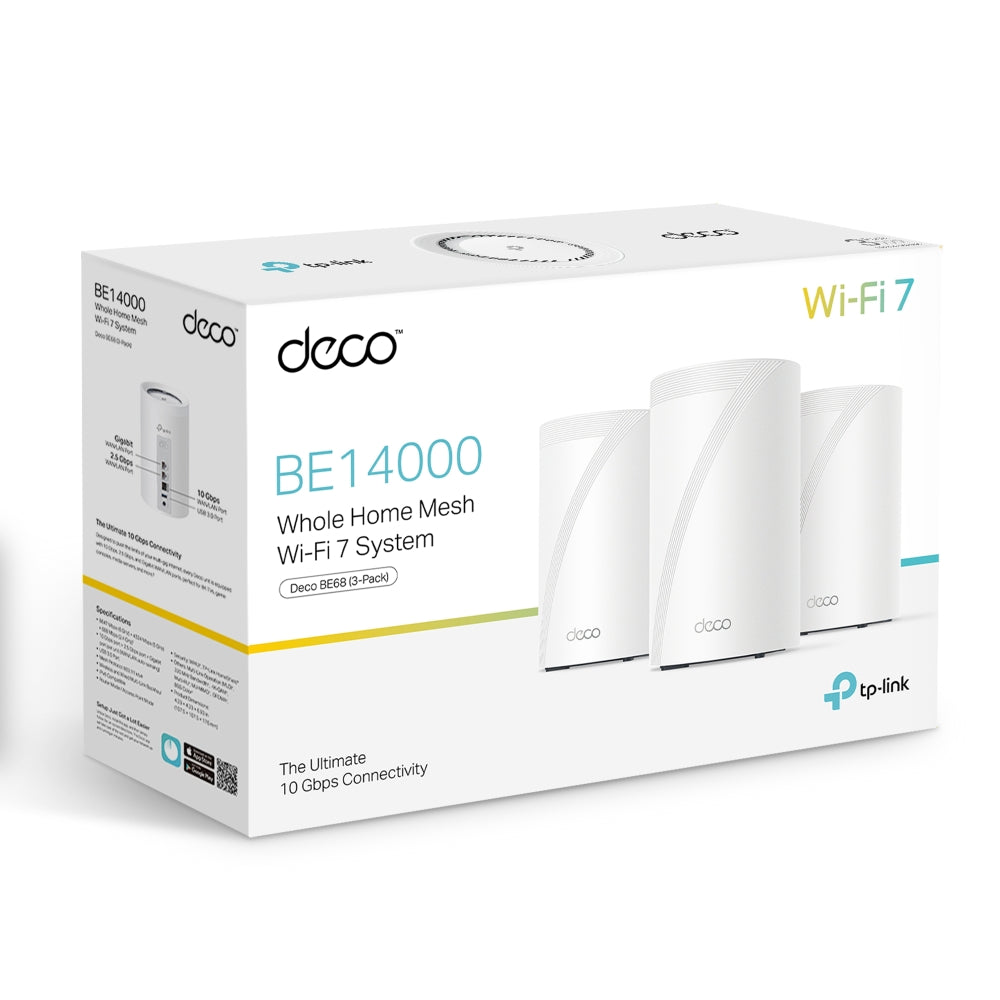

BE14000 Tri-Band Wi-Fi 7 Mesh System | Deco BE68(3-Pack)

1× 10G Ports MLO Multi-Link HomeShield Security 3×3 MU-MIMO
Prix de vente$949.99

Taxes exclues Frais d'envoi calculés à la caisse


  • Wi-Fi 7 BE14000 Tri-Band Performance
  • 10G Multi-Gig Wired Connectivity
  • Advanced Wi-Fi 7 Technologies
  • Seamless Whole-Home Mesh Wi-Fi
  • Smart Home Capacity & Security
<p>Gagnez%20[points_amount]%20lorsque%20vous%20achetez%20cet%20article.</p>
Secured Shopping
American Express
Apple Pay
Diners Club
Discover
Google Pay
Mastercard
Shop Pay
Visa

Shipping from Canada

  • Free Shipping for Orders Over CAD 200
  • 30-Day No Reason Return Policy
  • Local English/French Customer Service
  • 2 Years Warranty
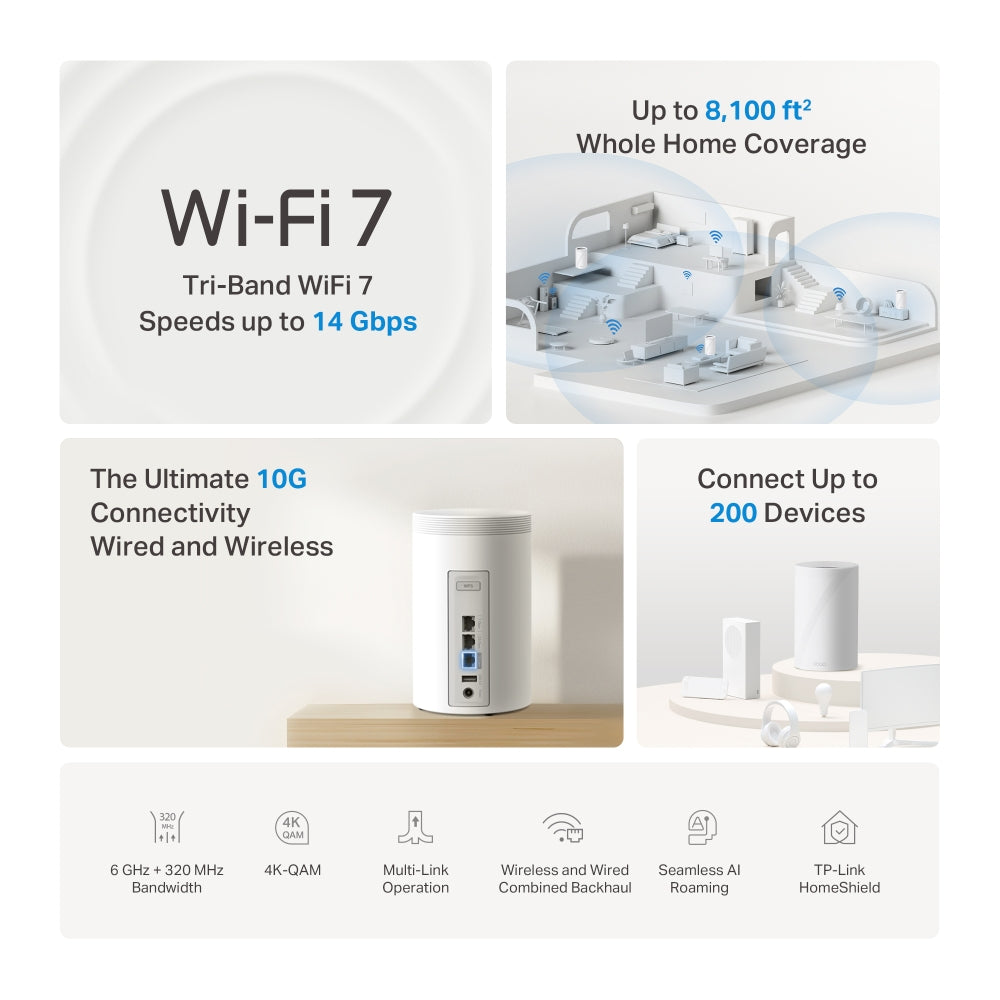
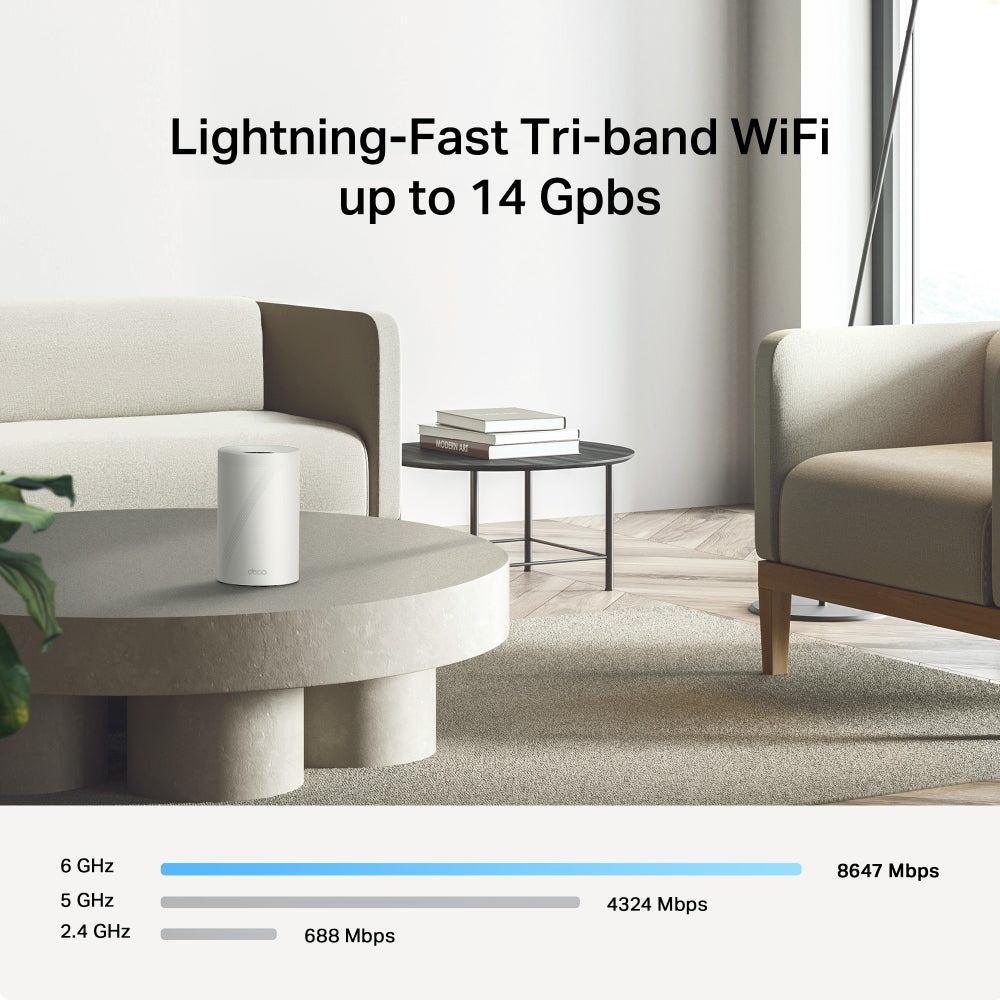
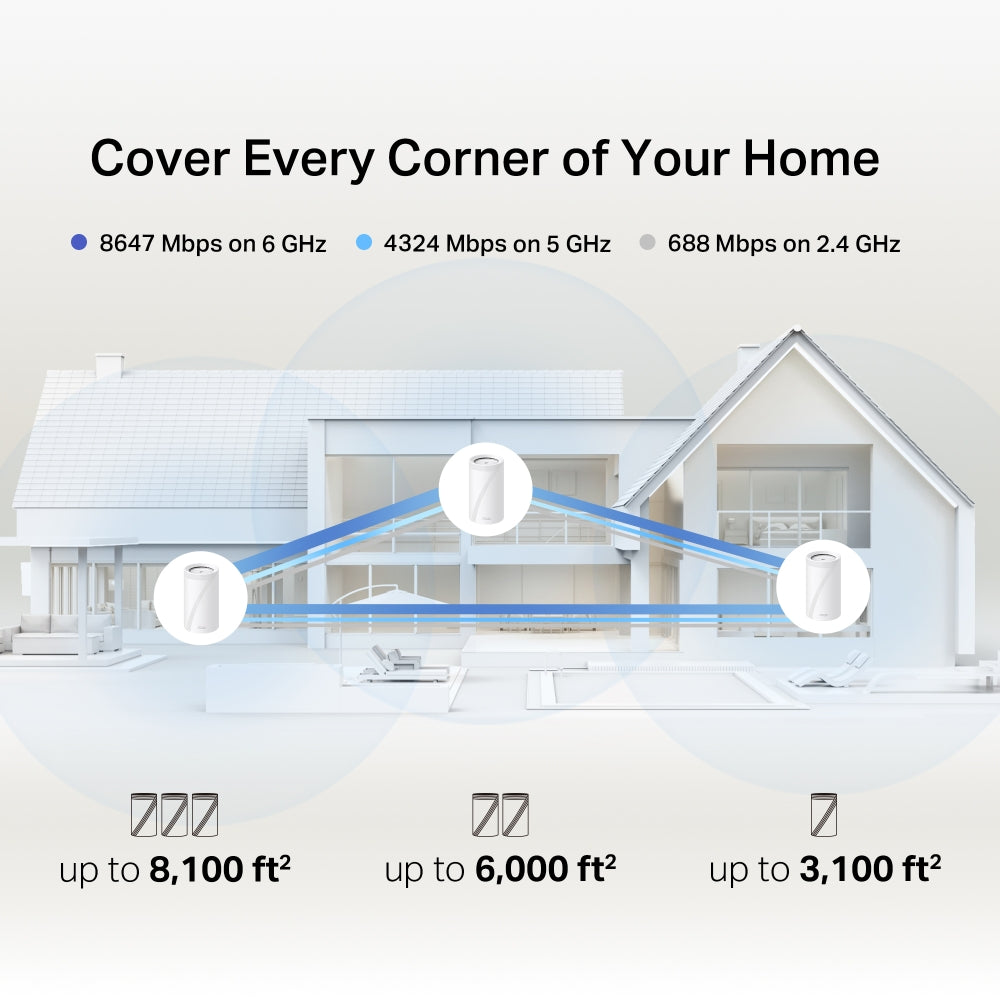
  • Wi-Fi 7 BE14000 Tri-Band Performance: Powered by next-generation Wi-Fi 7 (802.11be), Deco BE68 delivers combined speeds up to 14 Gbps — 8647 Mbps on 6 GHz, 4324 Mbps on 5 GHz, and 688.
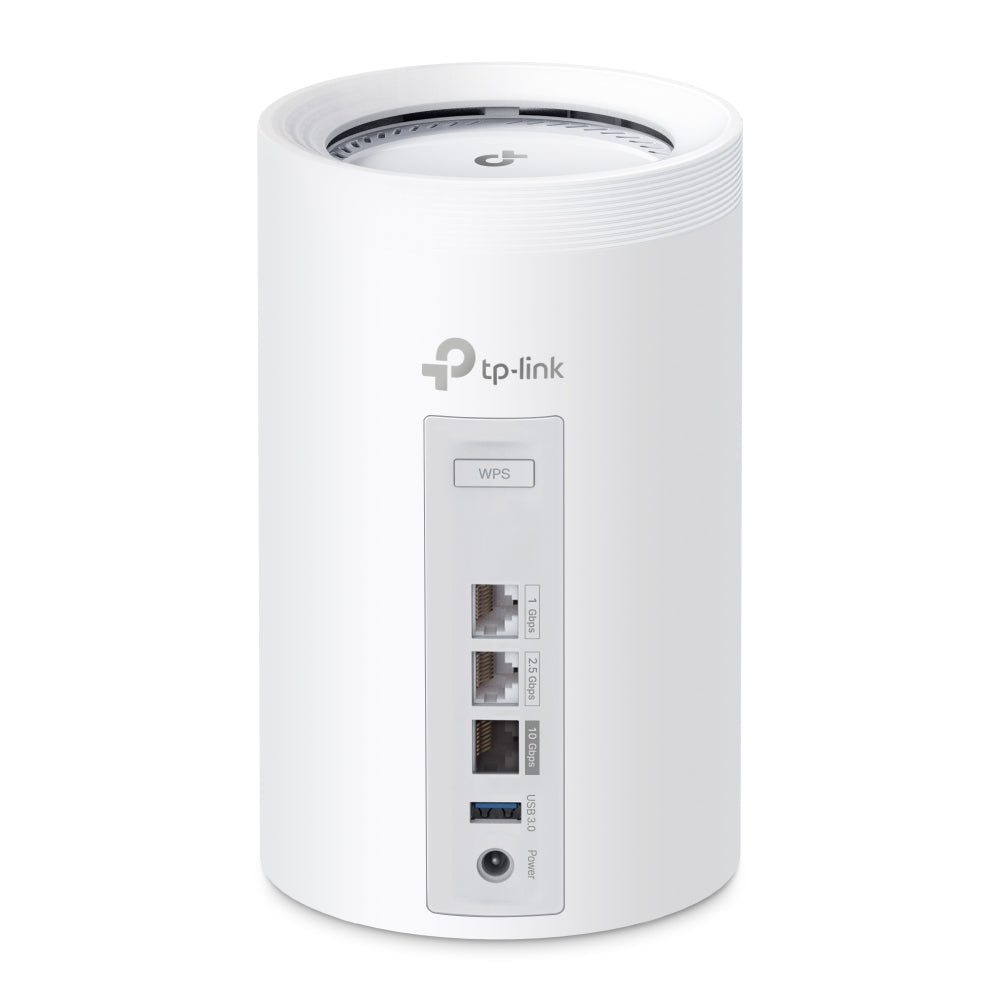
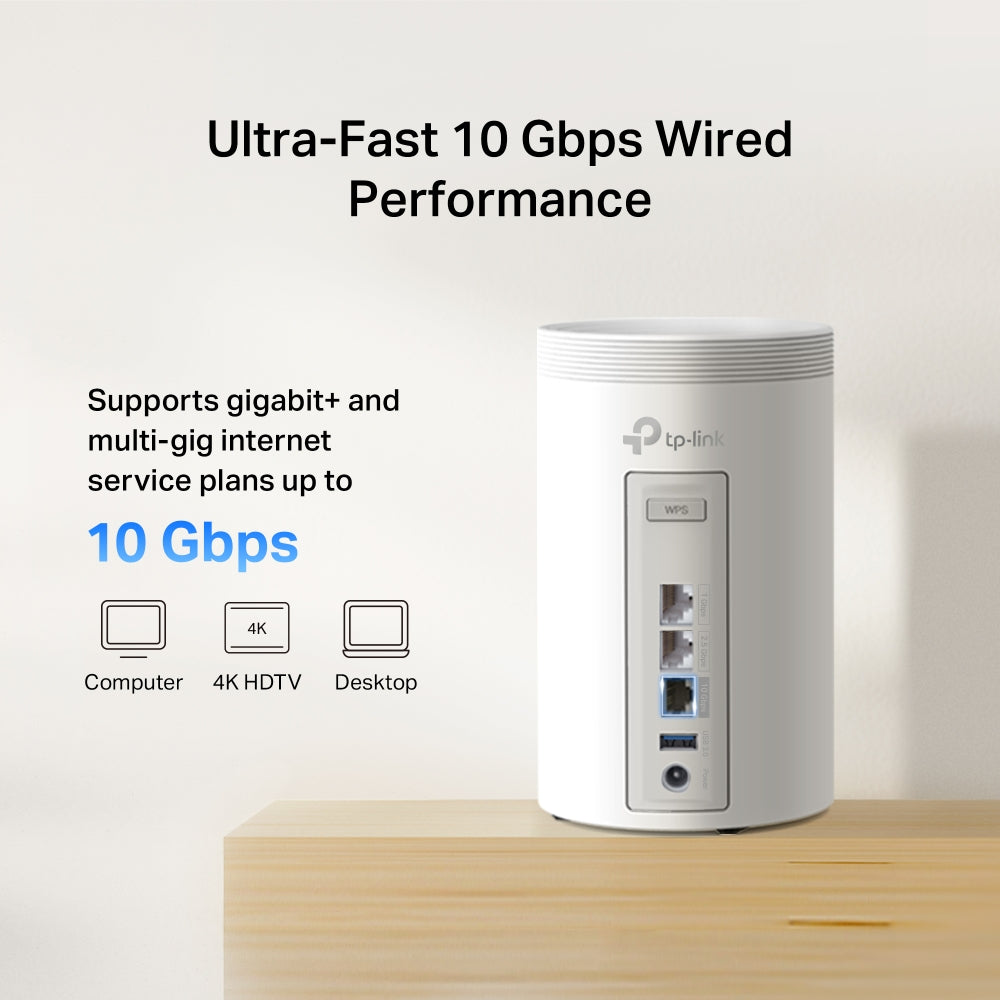
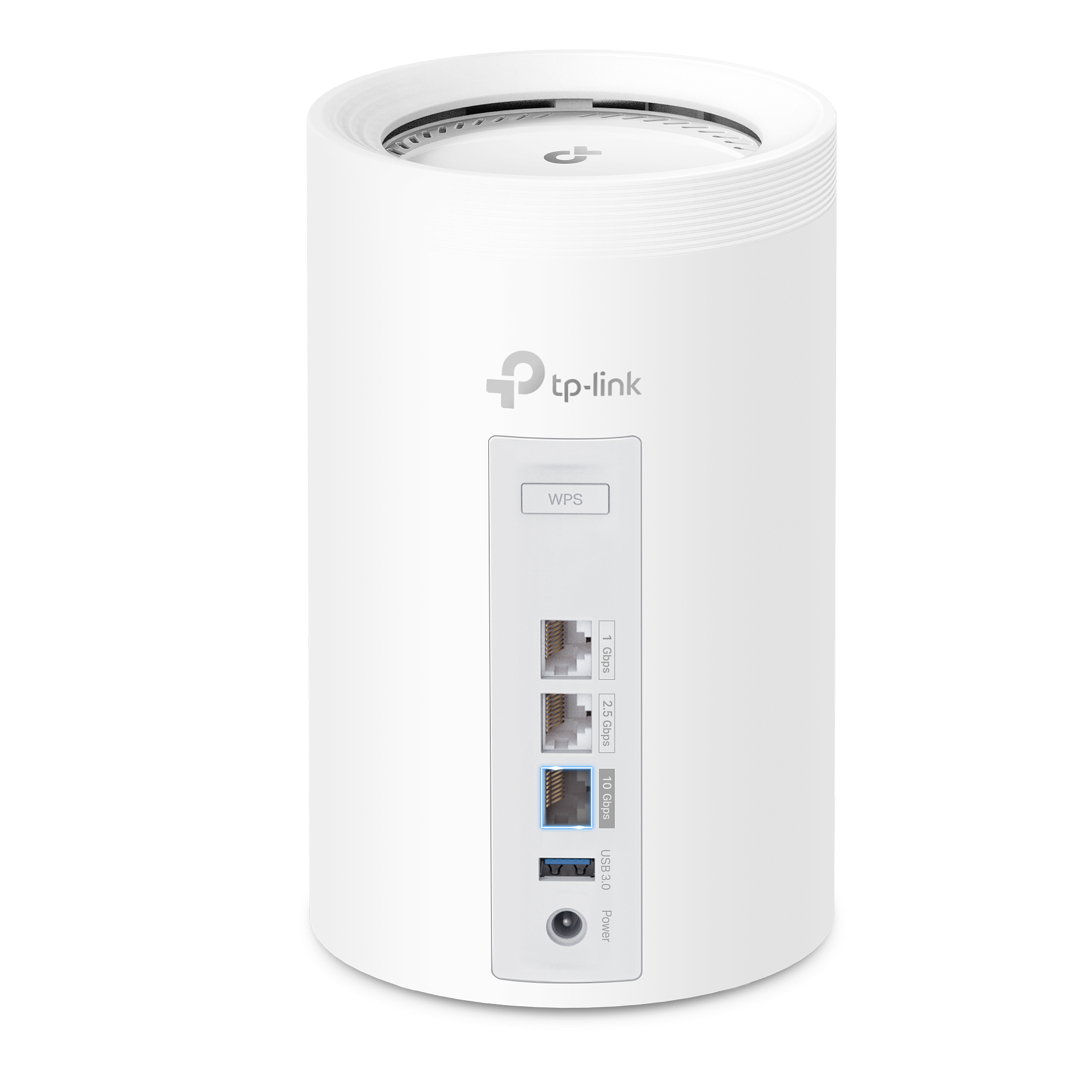
  • 10G Multi-Gig Wired Connectivity: Each Deco unit includes 1× 10 Gbps WAN/LAN port, 1× 2.5 Gbps port, and 1× Gigabit port, enabling ultra-fast wired connections for NAS storage, gaming PCs, and multi-gig.
  • Advanced Wi-Fi 7 Technologies: Equipped with cutting-edge features including Multi-Link Operation (MLO), 320 MHz bandwidth, 4K-QAM, and Multi-RU, improving network capacity, reducing latency, and maximizing wireless efficiency.
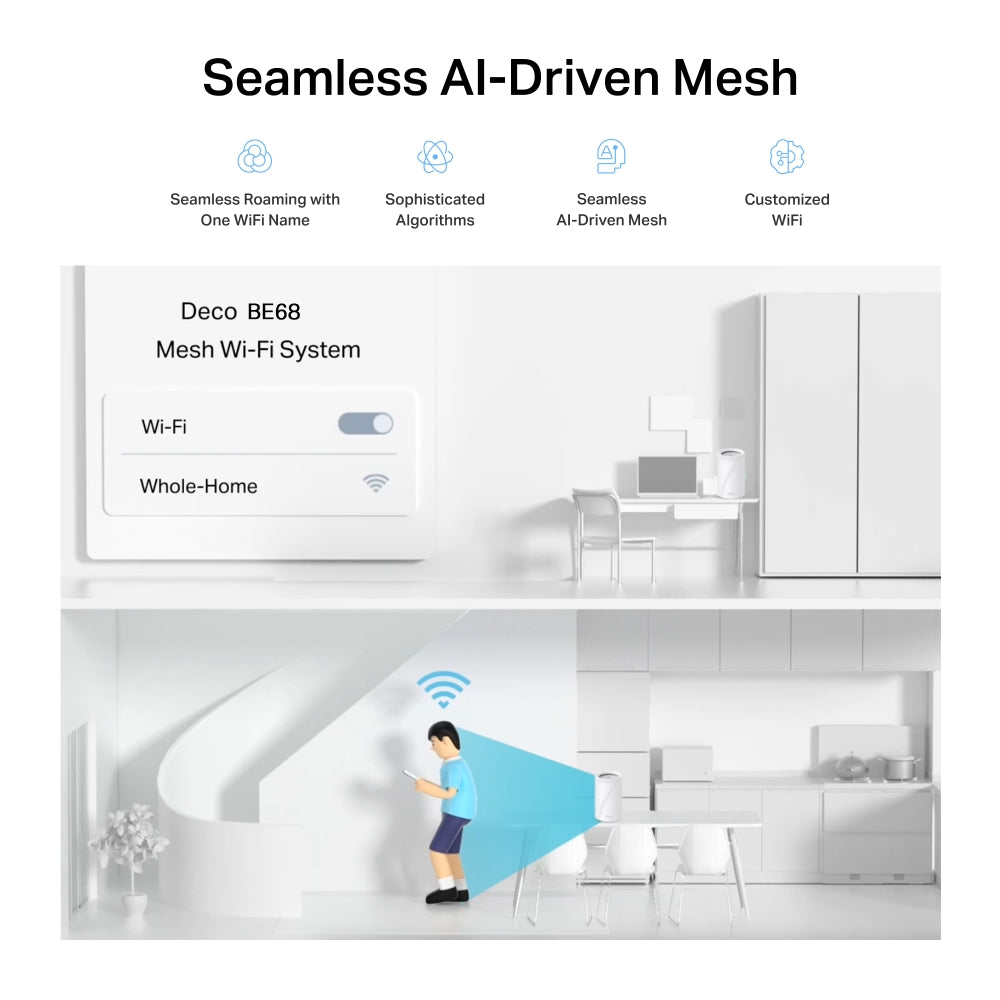
  • Seamless Whole-Home Mesh Wi-Fi: The 3-pack Deco system creates a unified Wi-Fi network with seamless roaming, eliminating dead zones while maintaining a stable and fast connection as you move throughout your home.
  • Smart Home Capacity & Security: Connect up to 200 devices simultaneously while protecting your network with TP-Link Home Shield, featuring network protection, parental controls, QoS prioritization, and easy management through the Deco app.

WIRELESS

Standards and Protocols Wi-Fi 7
IEEE 802.11be/ax 6 GHz
IEEE 802.11be/ax/ac/n/a 5 GHz
IEEE 802.11be/ax/n/b/g 2.4 GHz
WiFi Speeds BE14000
6 GHz: 8647 Mbps (802.11be)
5 GHz: 4324 Mbps (802.11be)
2.4 GHz: 688 Mbps (802.11be)
WiFi Range Broader Whole Home Coverage
TP-Link Mesh Technology
Optional Ethernet backhaul work together to link Deco units to provide seamless coverage
AI-Driven Mesh
Intelligently learns the network environment to provide ideal Wi-Fi unique to your home
8× High-Gain Antennas (Internal)
Multiple antennas form a signal-boosting array to cover more directions and large areas
Tri-Band
The greenfield 6 GHz band brings more bandwidth and faster speeds
WiFi Capacity Very High
Tri-Band
Distribute devices to different bands for optimal performance
3×3 MU-MIMO
Simultaneously communicates with multiple MU-MIMO clients
OFDMA
Simultaneously communicates with multiple WiFi 7 clients
8 Streams
More than enough bandwidth for connected devices
Working Modes Router Mode
Access Point Mode
Advanced Features • Multi-Link Operation (MLO)
• 320 MHz Channel
• 4K-QAM
• Multi-RUs
• Works with Alexa and Google Assistant

SECURITY

Network Security SPI Firewall
Access Control
HomeShield Security
Real-Time IoT Protection
Malicious Site Blocker
Intrusion Prevention System
DDoS Attack Prevention
Home Network Scanner
Guest Network 1× 6 GHz Guest Network
1× 5 GHz Guest Network
1× 2.4 GHz Guest Network
Effective Time
Bandwidth Control
VPN Server • OpenVPN Server
• PPTP VPN Server
• L2TP/IPSec VPN Server
• WireGuard VPN Server
VPN Client • OpenVPN Client
• PPTP VPN Client
• L2TP/IPSec VPN Client
• WireGuard VPN Client
WiFi Encryption WPA-Personal
WPA2-Personal
WPA3-Personal

HARDWARE

Ethernet Ports • 1× 10 Gbps
• 1× 2.5 Gbps
• 1× 1.0 Gbps
*Per Deco Unit
Supports WAN/LAN auto-sensing
USB Support 1× USB 3.0 Port
FTP Server
Media Server
Samba Server
Buttons 1× Reset Button
1× WPS

SOFTWARE

Advanced Features • Reboot Schedule
• Tapo/Kasa Onboarding
• IoT network & Device Isolation
• Static Route Function
• Node/Band Connection Preference
Protocols IPv4
IPv6
Service Kits HomeShield
Learn More>
Parental Controls HomeShield Parental Controls
Youtube Restriction
SafeSearch
Custom Profiles
Professional Content Filter Library
Family Time
Bedtime
Off Time
Time Rewards
Family Online Time Ranking
Pause the Internet
Weekly and Monthly Reports
WAN Types Dynamic IP
Static IP
PPPoE
PPTP
L2TP
Quality of Service HomeShield QoS
QoS by Device
Cloud Service OTA Firmware Upgrade
TP-Link ID
DDNS
NAT Forwarding Port Forwarding
UPnP
IPTV IGMP Proxy
IGMP Snooping
Bridge
Tag VLAN
DHCP Address Reservation
DHCP Client List
Server
DDNS TP-Link
Management Features Deco App

OTHER

Network Services Enabled by Default Web Server
Manage and configure device through web (HTTP/HTTPS)
• Port: 80/443   Protocol: TCP
DNS
DNS
• Port: 53   Protocol: TCP & UDP
DHCP Server
IP address assignment (DHCP)
• Port: 67   Protocol: UDP
App management
Manage and configure device through app
• Port: 22   Protocol: TCP
• Port: 20001   Protocol: TCP
• Port: 30001   Protocol: TCP
• Port: 20002   Protocol: UDP

PHYSICAL

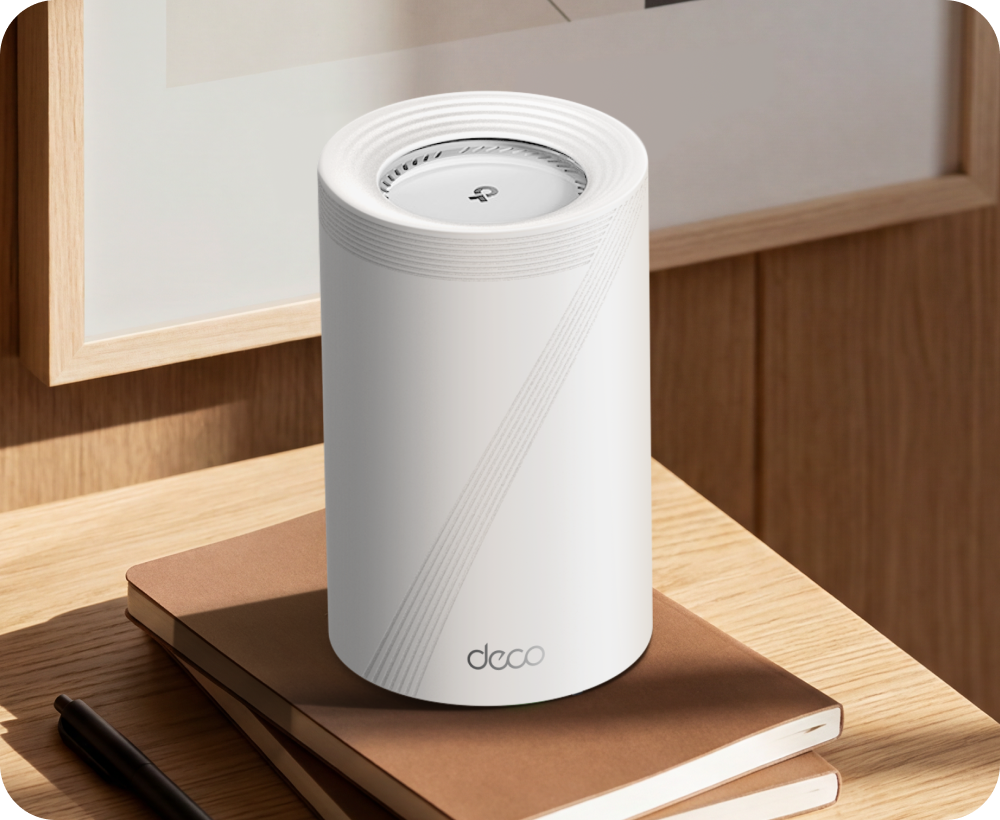
Dimensions (W×D×H) 4.23 × 4.23 × 6.93 in (107.5 × 107.5 × 176 mm)

OTHERS

Certifications CE, FCC, RoHS
Environment Operating Temperature: 0°C~40°C (32 °F~104 °F)
Storage Temperature: -40°C~60°C (-40 °F~140 °F)
Operating Humidity: 10%~90% RH
Storage Humidity: 5%~90% RH
  • 3 Deco BE68 units
  • 1 RJ45 Ethernet cable
  • 3 Power adapters
  • Quick Installation Guide
Deco BE14000 Whole Home Mesh Wi-Fi 7 System.
deco 7 Pro

Pro-Grade Wi-Fi Powering Every Corner of Your Home

Deco BE14000 Whole Home Mesh Wi-Fi 7 System

Deco BE68
Wi-Fi 7 8,100 ft² 10G 6 GHz
Works with Google Home
Compatible with Amazon Alexa
HomeShield
aireal
deco 7

Pro-Grade Wi-Fi Powering Every Corner of Your Home

Deco BE14000 Whole Home Mesh Wi-Fi 7 System

Deco BE67

Wi-Fi 7 8,100 ft² 10G 6 GHz
Works with Google Home
Compatible with Amazon Alexa
HomeShield
aireal
Selling points – Wi-Fi coverage, multi-gig, tri-band, easy setup, 200 devices

Wi-Fi that reaches every room.

Covers up to 8,100 sq. ft (3-pack)

Ready for
multi-gig
internet

14 Gbps Tri-Band
Wi-Fi 7

Easy setup with
the Deco app

Connect up to
200 devices

Smart Roaming

Smart
Roaming

Wi-Fi 7 Multi-Link

Wi-Fi 7
Multi-Link

6 GHz + 320 MHz Bandwidth

6 GHz + 320
MHz
Bandwidth

4K QAM

4K QAM

Flexible Backhaul

Flexible
Backhaul

HomeShield – Advanced Security

HomeShield -
Advanced Security

Wi-Fi Like Never Before – deco7 Pro

Wi-Fi Like Never Before

Wi-Fi 7 delivers faster speeds and smoother connections for today's connected homes. Deco 7 Pro makes next-generation Wi-Fi simple, reliable, and ready for everything you do online.

More Wi-Fi. Less interference.

The 6 GHz band keeps your network clear when every device in the home is running at once.

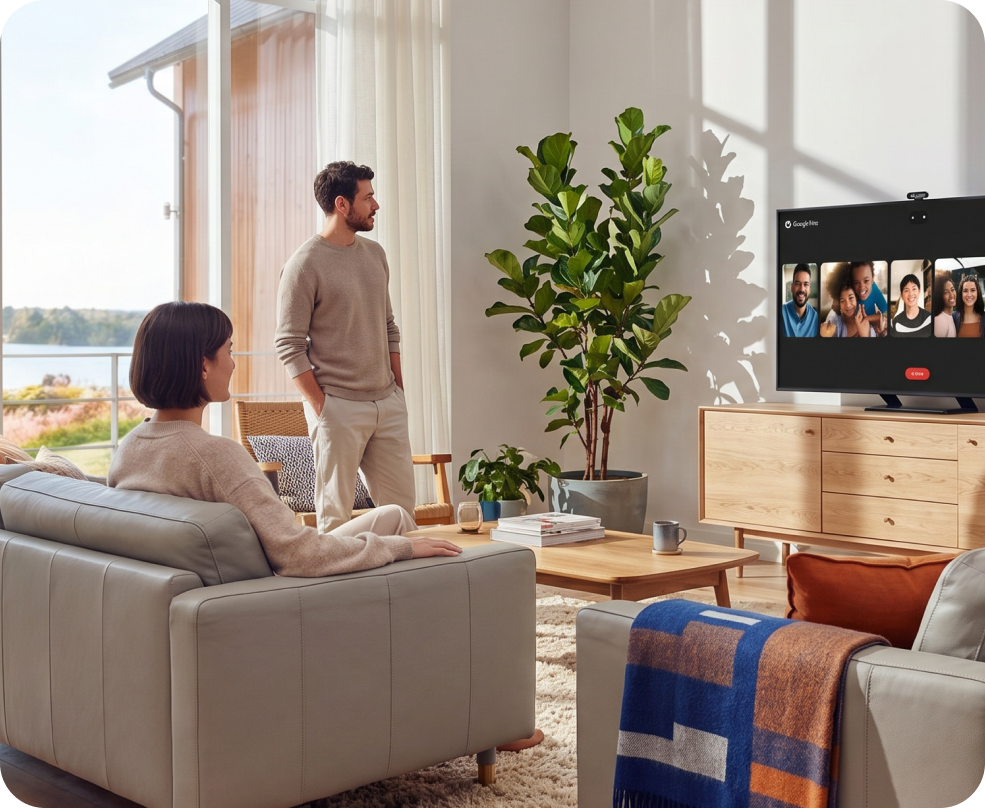
Family using Wi-Fi

Performance Wi-Fi for Homes That Demand More

No more buffering, dropped calls, or slowdowns when everyone's online. Deco 7 Pro is built for busy homes, delivering smooth streaming and dependable connections in every room.


6 GHz
 
8647 Mbps
5 GHz
 
4324 Mbps
2.4 GHz
 
688 Mbps
A family enjoying smart tv
A man relaxing with a tablet
A fit woman exercising with a tv instructor
 
 
A family enjoying smart tv A man relaxing with a tablet A fit woman exercising with a tv instructor

Built for multi-gig Internet.

When your internet plan gets faster, your Wi-Fi should keep up. Deco 7 Pro supports 10 Gbps wired connections, helping reduce bottlenecks and slowdowns as more devices connect throughout your home.
Built for multi-gig internet lifestyle
Deco BE13000 ports

10 Gbps

WAN / LAN Ports

 
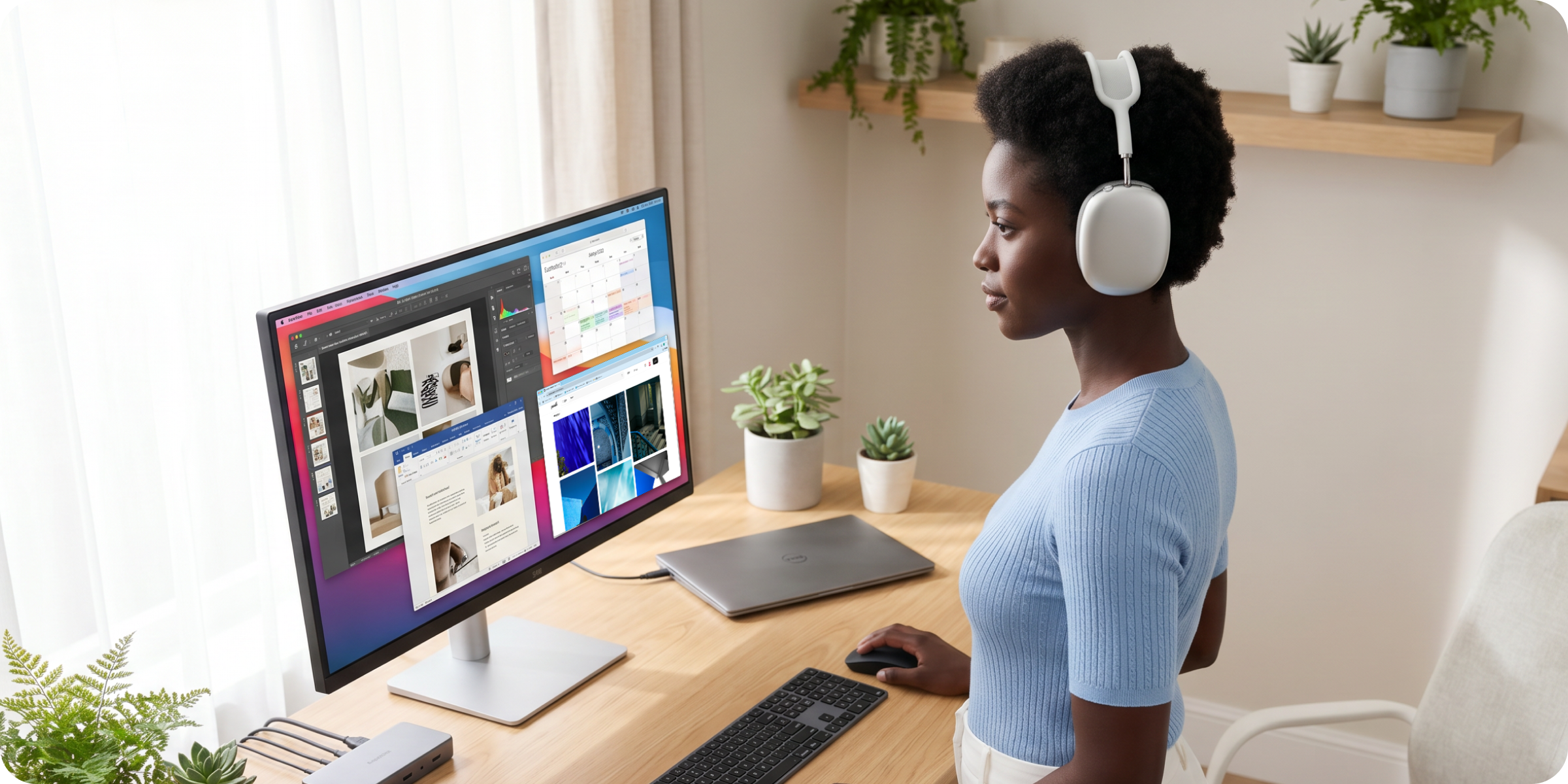
Work from home

Work from home

Streaming in every room

Streaming in every room

Gaming without lag

Gaming without lag

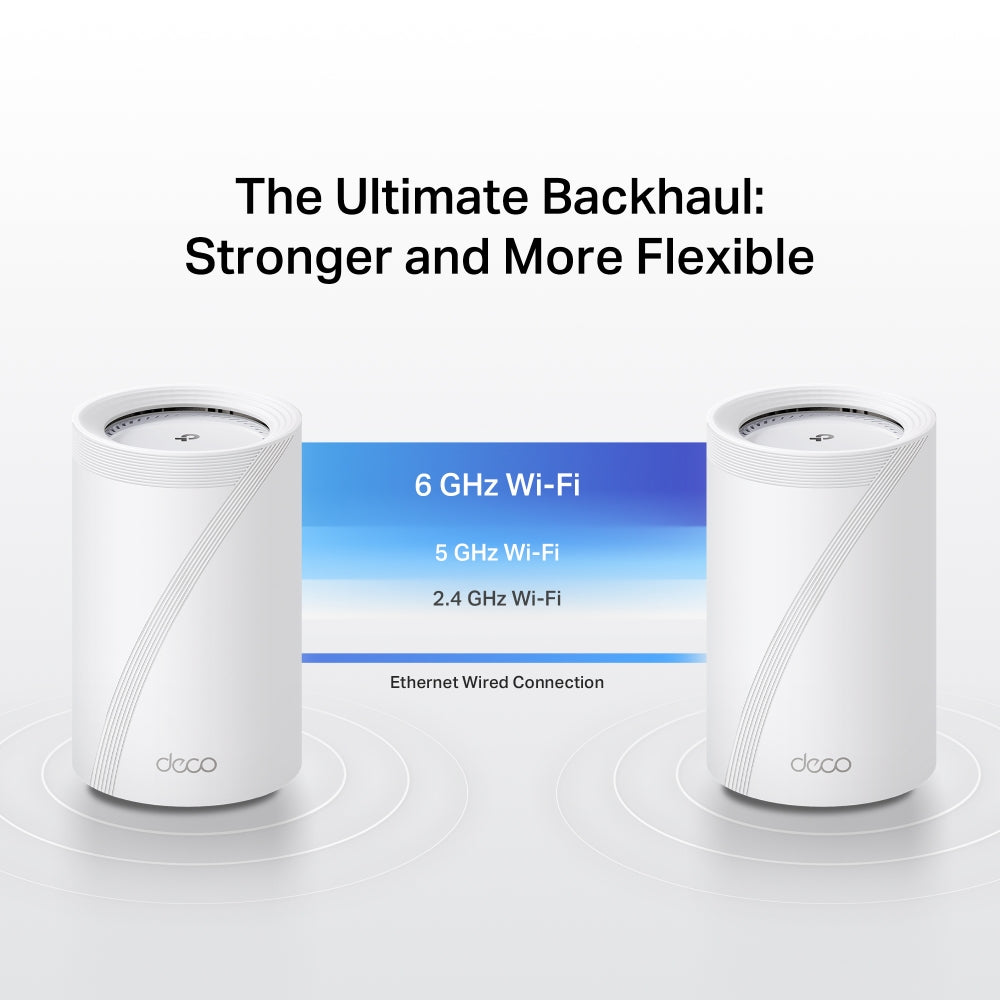
Stronger Connections Between Every Deco

Deco 7 Pro is designed to be effortless from the start. Set up in minutes with the Deco app, then enjoy strong, reliable Wi-Fi throughout your home.
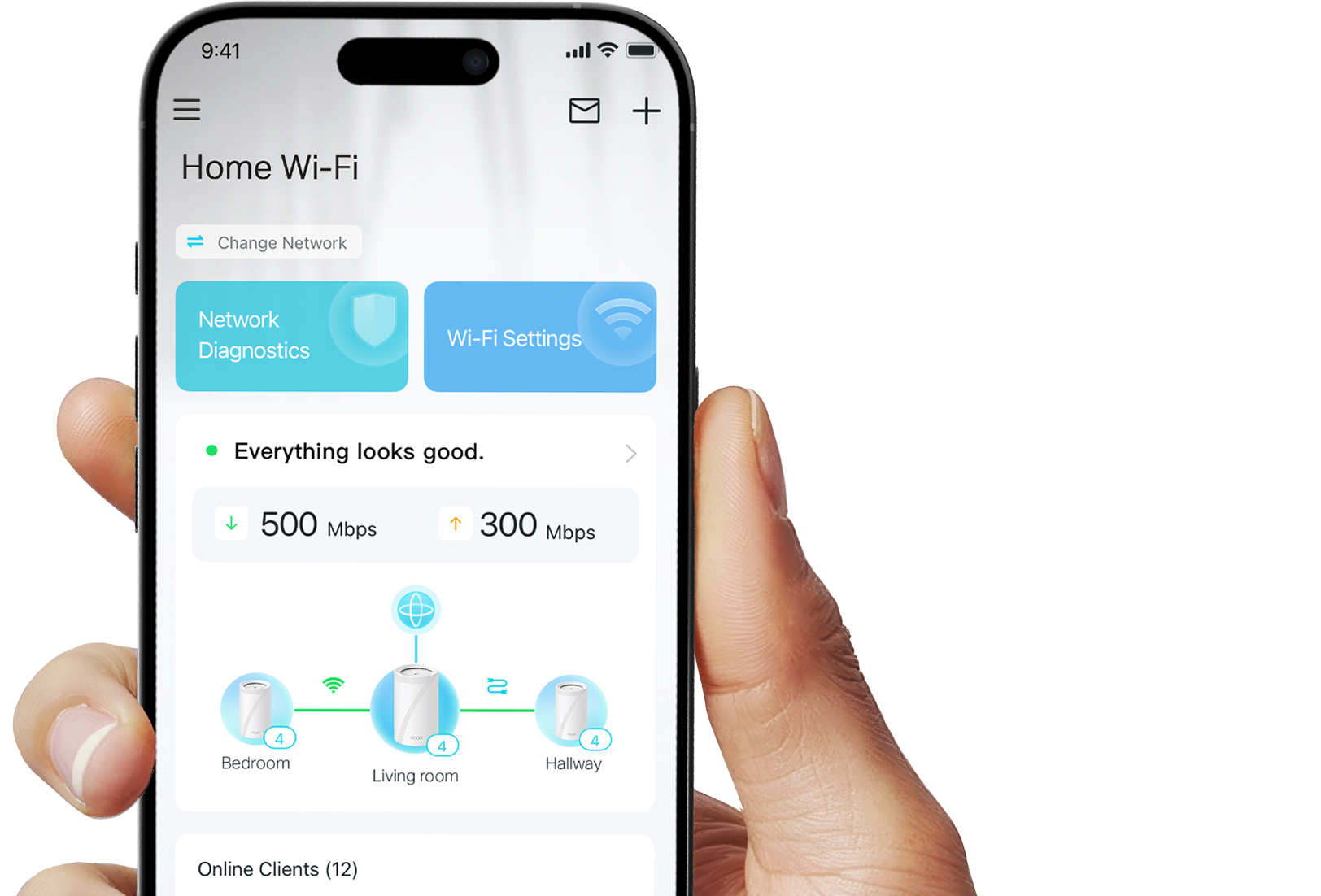
Stronger Connections Between Every Deco

Deco 7 Pro is designed to be effortless from the start. Set up in minutes with the Deco app, then enjoy strong, reliable Wi-Fi throughout your home.

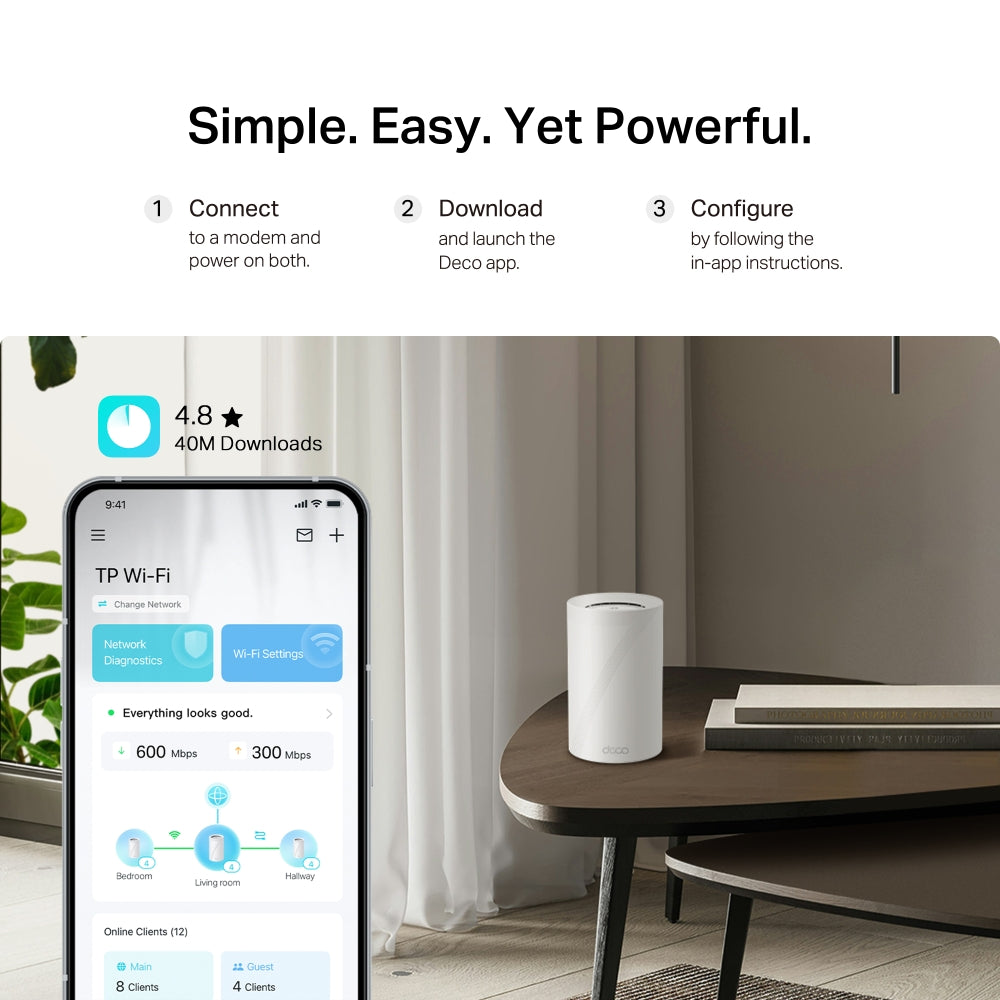
Simple. Easy. Powerful.

Deco 7 Pro is designed to be effortless from the start. Set up in minutes with the Deco app, then enjoy strong, reliable Wi-Fi throughout your home.

Deco app setup

Simple. Easy. Powerful.

Deco 7 Pro is designed to be effortless from the start. Set up in minutes with the Deco app, then enjoy strong, reliable Wi-Fi throughout your home.

① Connect

to a modem and power on both.

② Download

and launch the Deco app.

③ Configure

by following the in-app instructions.

Built-In Security for Everyday Life

HomeShield helps protect every device on your network — automatically — so your family can connect with confidence at home and beyond.

Learn more about HomeShield >

Family browsing safely

Advanced Network Protection

Get automatic protection for your entire home network, designed to help block online threats so you can browse, stream, and connect with confidence.

Father and daughter using a tablet

Parental Controls

Use simple tools to manage screen time and filter content, designed to support healthier online habits for kids while giving parents more control.

Woman checking phone notifications

Protection that goes with you

Keep your devices protected at home and on the go, with security that stays with you wherever life happens.

 
Family browsing safely

Advanced Network Protection

Get automatic protection for your entire home network, designed to help block online threats so you can browse, stream, and connect with confidence.

Father and daughter using a tablet

Parental Controls

Use simple tools to manage screen time and filter content, designed to support healthier online habits for kids while giving parents more control.

Woman checking phone notifications

Protection that goes with you

Keep your devices protected at home and on the go, with security that stays with you wherever life happens.

Private IoT Network for More Security

Set up a separate Wi-Fi network for IoT devices, with built-in HomeShield protection and advanced WPA3 encryption to help better protect your home network and connected devices.
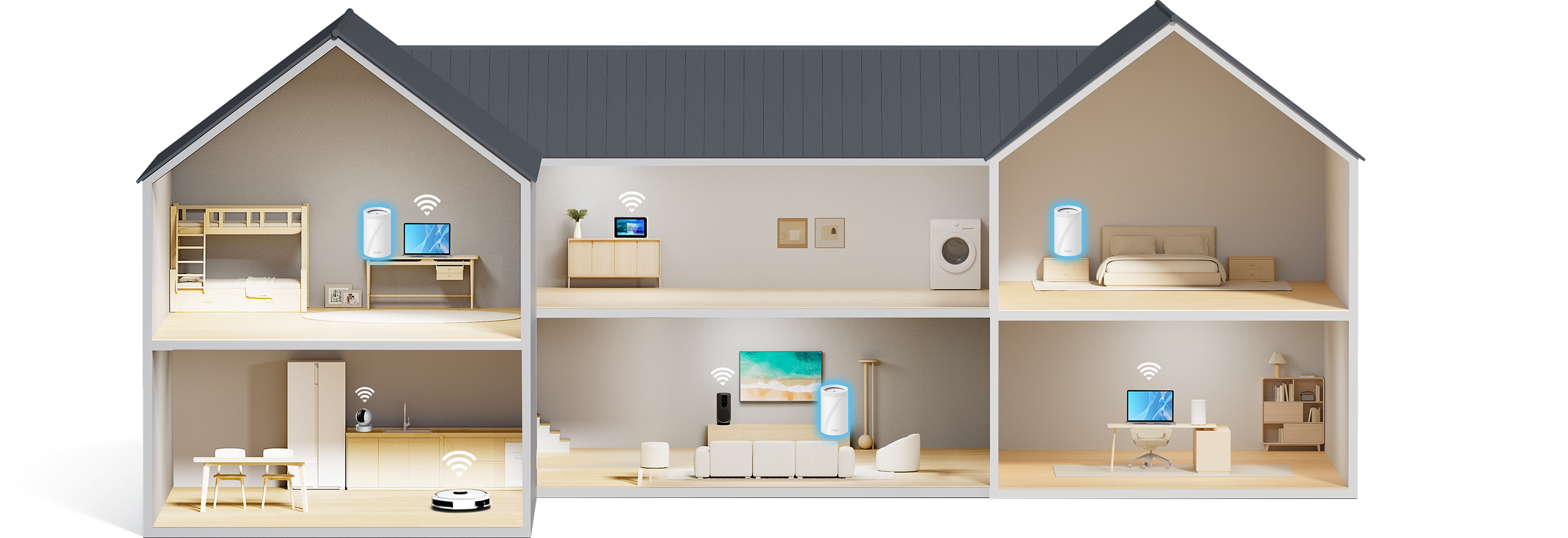
a house with wifi routers and a separate IoT network            

Smart Features Included with Every Deco 7 Pro System

Hands-Free Voice Control

"Alexa, pause Wi-Fi for Juliet's tablet"

Hands-Free Voice Control

Use Amazon Alexa or Google Assistant-enabled devices to control your Deco system with simple voice commands, making it easy to manage your Wi-Fi hands-free.
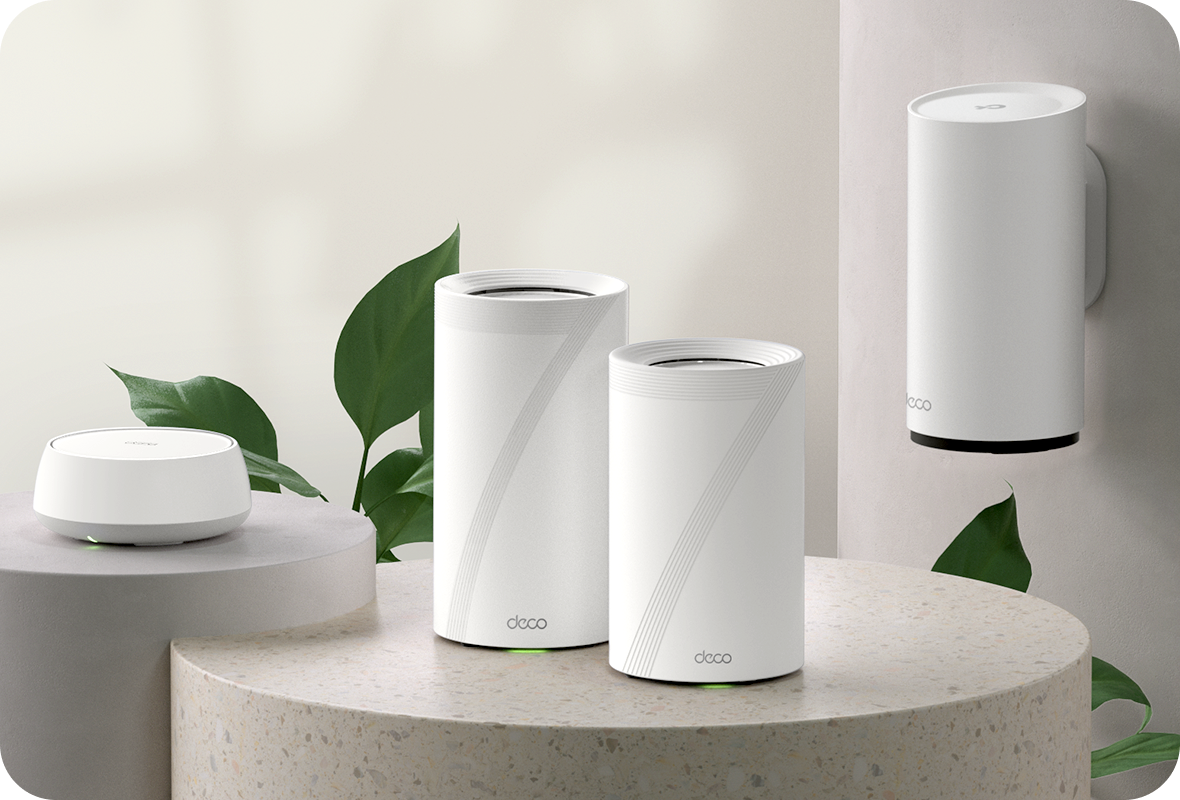
All Decos Work Together

All Decos Work Together

All Deco devices work together to form one seamless mesh network. Expand your Wi-Fi coverage anytime by adding more Decos to keep every corner of your home connected.

<p>Gagnez%20[points_amount]%20lorsque%20vous%20achetez%20cet%20article.</p>
  • 5 stars: 10 (91%)
  • 4 stars: 1 (9%)
  • 3 stars: 0 (0%)
  • 2 stars: 0 (0%)
  • 1 star: 0 (0%)
P
PJam
A Total Game Changer!

This system is an absolute game changer for bringing strong, reliable signal exactly where I need it most throughout my home. The coverage is incredibly impressive, and the setup has significantly improved performance for all of my connected devices. It has completely eliminated the dead zones I was struggling with previously, and I am thrilled with how stable and fast the connection is now. This has been a massive upgrade for my home network.

M
Martin C.
Big improvement in performance

Very nice mesh wifi system. This is my first mesh setup and it's really impressive how much it improves internet speed around the house. I am upgrading from a TP-Link AXE16000 and the difference is considerable. First off, setup. Setup is done via the TP-Link Deco app. It's available for Android and IOS. I used the Android one. Until this mesh system, I have always configured my routers via their built-in web interface, but that's not how this one works. It's quite impressive how well the app is written. Every part of the setup flows logically, telling you when to connect the main unit, when to connect the satellites, etc. The initial setup takes a few minutes, and you can then customize your network as you wish. There actually is a web UI available as well which you can access by going to the router's IP address but it's very much a slimmed down version of the app and only covers the most basic parts of the router's functionality.The amount of features in the app is impressive. You can set up anything you would normally set up in a router web UI. I still prefer to do that stuff with a keyboard and mouse so I used my 11" tablet and a bluetooth keyboard and mouse to do it. Just personal preference. I set up my IP reservations, port forwarding and wireless networks. Speaking of which, you can set up 3 wireless networks: your main one, a guest network and a IOT network. I like that setup as I can put all my IOT devices (wifi switches, plugs, thermostat) on that network and keep them separate from the main network. The guest network can then be used specifically for guests.So, that brings us to internet speed. That's where this mesh system really shines. Below is a list of locations I tested in, followed by the speed (up/down) of my original router followed by the speed of this Deco 7 Pro BE68. My internet speed is 1.5 down, 50 up.Computer desk: 1526/44 -> 1782/50Outside/side door: 298/7 -> 277/48Back yard: 294/19 -> 482/51Living room: 46/34 -> 628/50Bedroom 1: 732/47 -> 880/51Bedroom 2: 555/37 -> 619/48As you can see, all but 1 location has improved, some significantly. There are no more "dead" (very slow) spots.There is one more thing I'll add. This mesh system allows for a wireless or a wired backhaul. Meaning that if you have an ethernet connection near the satellites, you can plug the satellites into it for a faster connection. In my particular situation, however, that didn't improve things. It actually ran slower. This would appear to be due to my network configuration. For others, it could be very useful.Overall, an excellent mesh system. I am really happy with the performance and I definitely recommend it.

B
Bowen Pang
Outstanding WiFi Performance and Easy Setup!

I recently upgraded to the Deco BE68 (3-Pack), and the difference has been amazing. The setup process was incredibly simple through the app, and the whole system was up and running within minutes.The WiFi coverage is excellent throughout my entire home, including areas that previously had weak signals. Speeds are consistently fast, even with multiple devices connected at the same time. Streaming, gaming, and video calls all work flawlessly now.I also really appreciate the sleek design and stable connection. The roaming between units is seamless, and I no longer experience random dropouts or buffering.Overall, this is one of the best mesh WiFi systems I’ve used. Highly recommended for anyone looking for fast, reliable, whole-home coverage!

P
PKay
Latest and greatest

Wi-Fi 7 is out of bleeding edge, and firmly in the premium market. The TP-Link Deco 7 Pro BE68 BE14000 Tri-Band WiFi 7 Mesh System is a good example of the latest tech.It’s a three node mesh router meant for larger homes up to 8100 sq. ft. It’s got the latest Ethernet ports - 1 gig, 2.5 gig and even 10 gig. Note that they can all step down to any speed Ethernet they’re connected to. Each node has a USB3 port should you want to turn it into a cheap NAS. The best part of Wi-Fi 7 (like Wi-Fi 6E) is the new 6 gig channels which older Wi-Fi’s can’t use. In a neighborhood of congested Wi-Fi channels, it’s like a free highway all to yourself. Of course, your end devices also have to be up to date to take advantage of this.Right out of the box, I noticed these are premium units. The nodes are substantially heavier than my old Wi-Fi 6 mesh units. The power adapters are huge. Each can supply 40W, which is ample for the BE68’s expected peak load of 32W.The good.TP-Link did an excellent job of simplifying the setup. It’s all phone app based. You will need to register a User ID on the TP-Link site. Your phone connects to the first unit you power up over Bluetooth to start the setup. The app will step you through the entire process of powering up the other units, which will automatically mesh over Wi-Fi backhaul/trunking. For most consumers, that’s all you need to do to setup a three node router mesh. It's very quick. You don’t need any technical knowledge.Just a technical tip…. While the nodes can theoretically connect to each other over Wi-Fi (provided they’re within distance), it’s still best to connect all three to an Ethernet switch for stability, and to free up the Wi-Fi channels for end devices.The not so good - for some.I’m old school with a networking and security background. I’m used to configuring routers via command line or browser. The app process came as a bit of culture shock. The issue I have is the Deco app REQUIRES the TP-Link cloud to setup. It does have a stripped-down browser interface, but it is read only. From what I can observe, these are not like old school, standalone local routers. The Deco’s are essentially tethered to the cloud. Theoretically, TP-Link has a direct connection to your home network, which is encrypted so you cannot see what’s going on. These are powerful computers that can do a lot more damage than your run of the mill cheap IOT devices if something goes wrong. Not only are they ON your network – they ARE your network.Furthermore, I’m theorizing that these Deco’s can grind to a halt if TP-Link cloud decides to obsolete them, or in some countries, declared to be of national security concern.The Deco’s are powerful computers. There is ZERO technical reason for not allowing full local management from a browser, independent of the TP-Link cloud. That would alleviate a lot of my security concerns. I’m taking one star off for this marketing choice.4 Stars

V
Volodymyr
The ultimate Wi-Fi 7 upgrade. Flawless coverage and speed!

I needed a robust mesh system to cover my entire property, including the basement, without sacrificing any speed or stability. This TP-Link Deco 7 Pro (BE68) completely delivered.The setup was incredibly straightforward through the app. What impressed me the most is how it handles network congestion. I have multiple smart home devices running constantly, including complex ventilation and climate controllers, plus 4K streaming and daily heavy usage. The network handles all of it flawlessly with zero dropouts. The Tri-Band Wi-Fi 7 provides blazing-fast speeds everywhere, even in the far corners of the house.If you want to future-proof your home network and forget about dead zones, this is absolutely worth the investment. Highly recommended!

A
Aaron
Excellent Mesh System with great coverage

I recently got the TP-Link Deco 7 Pro BE68 WiFi 7 Mesh System, and it has made a noticeable difference in my home network. The coverage is great and provides a strong signal throughout the house with no more dead zones. The setup was straightforward using the app, and the units connected quickly. My speeds have been consistently fast, whether I'm streaming, gaming, or working from home. I also like the multiple high speed ports, which are great for connecting devices that benefit from a wired connection. Overall, it’s a powerful and reliable mesh system that delivers great coverage and performance. I would absolutely recommend this system to anyone, and it gets a solid five stars from me.

A
Amazon Customer
insane speeds, dead zones gone, pods are huge

searching for something to fix the horrible dead zones in my basement and backyard since the single router from the isp wasn't cutting it. setting up these three nodes took like ten minutes with the phone app and they basically blanket the whole house in signal now. wired speed is blazing fast and my gaming setup in the basement pulls down full bandwidth without any drops ngl fr. but the nodes themselves are pretty massive and look like weird futuristic vases sitting on the shelf which my wife lowkey hates. wait actually the main node gets kinda warm to the touch if it's running a bunch of downloads at once so i try not to stuff it inside a closed cabinet. it defintely has been rock solid for all our devices tho. happy with it so far, worth the upgrade if you have a lot of dead spots.

W
What
Excellent coverage.

TP-Link network devices are always super reliable, and this Deco 7 mesh system is no different. The set of three nodes can be used to bring a strong and reliable WiFi signal to every corner of your house. They can be used to connect to up to 200 devices-- that's some serious WiFi service.The nodes are easy to set up. They are all the same, so it doesn't matter which one you use as your main router. The TP-Link app is very intuitive to use; it will guide you through the installation process.You can run with the default settings with no issues, or you can spend an hour or more digging through every tiny setting to get the exact setup you want. As someone who likes to tweak my settings but with plenty of friends who do not, I appreciate this kind of flexibility.This Deco set is backwards compatible, and can be used with both older Deco nodes and devices that use older WiFi bands. If you have an existing mesh ecosystem, you'll still want to upgrade to having one of the Deco 7 nodes as your main router due to the increased capabilities.

A
AllGoodNamesRGone
Top Tier Performance

I’ve been using the TP-Link Deco 7 Pro BE68 three-pack, and the biggest difference compared with cheaper mesh systems is how consistent the connection stays throughout the house. Setup through the Deco app was straightforward, and all three units are identical, so there is no weaker satellite unit doing less work. Once positioned properly, phones, laptops, TVs, cameras, and smart-home devices move between rooms without needing separate network names or manual reconnecting. The app is easy to understand and gives enough control for most homeowners, including guest access, device priority, schedules, parental controls, and a separate IoT network.Where this model stands out from less expensive Deco systems is the combination of tri-band Wi-Fi 7, a dedicated 6 GHz band, and fast wired connections on every unit. Each node has a 10GbE port, a 2.5GbE port, and a Gigabit port, which is useful for fast internet service, wired gaming systems, network storage, switches, or Ethernet backhaul between nodes. The 6 GHz band gives newer Wi-Fi 6E and Wi-Fi 7 devices a cleaner connection, while older devices still use the 5 GHz and 2.4 GHz bands normally. Features like Multi-Link Operation and 320 MHz channels are useful for compatible devices, although older phones and laptops will not suddenly receive Wi-Fi 7 performance just because the router supports it.Coverage has been excellent, but placement still matters. The 6 GHz band is fast at shorter distances but does not travel through thick walls as well as the lower bands, so the three units need to be spaced sensibly. Wired backhaul will always give the most reliable performance, but the wireless mesh connection has worked well too. Roaming between nodes is smooth, and the system handles several people streaming, downloading, gaming, and using video calls at the same time without feeling overloaded. The separate IoT network is also useful for keeping smart plugs, cameras, and appliances away from personal computers.This model is probably unnecessary for a small apartment, a basic internet plan, or a home with only a few connected devices. TP-Link’s cheaper Deco systems will still handle normal browsing, streaming, and smart-home use perfectly well. The BE68 makes more sense for a larger home, fast fibre service, several heavy users, newer Wi-Fi 7 devices, network storage, or anyone who wants multi-gig wired ports available around the house. The main drawbacks are the larger size of the units, one Gigabit port per node instead of all multi-gig ports, and some HomeShield features requiring a subscription. Overall, it is a strong premium mesh system for someone who will actually use the extra capacity, faster ports, and 6 GHz performance rather than simply wanting the highest model number.

A
Amazon Customer
Great Router

My Orbi RBR850 died after 2 years & i replaced it with the Deco 7 Pro. Great router. Christine in tech support was great!

D
DC
Good wifi

Just upgraded to the tplink new wifi 7 mesh Deco BE68 3-PackMy old router always had a few dead spots around the house, especially upstairs. After setting up the BE68, the Wi-Fi is strong pretty much everywhere. Setup took maybe 15 minutes through the app and was super straightforward.We usually have a bunch of devices connected at the same time—phones, laptops, TVs, cameras—and everything has been running smoothly. Streaming, video calls, and gaming all feel more stable now.I also like that the units don’t look like typical routers. They blend in nicely and don’t take up much space.