

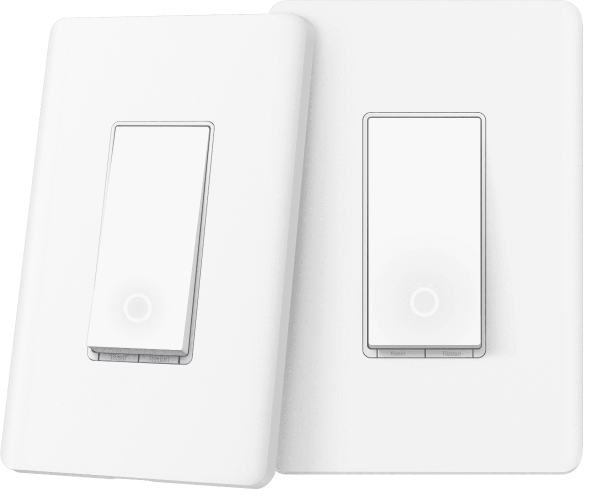
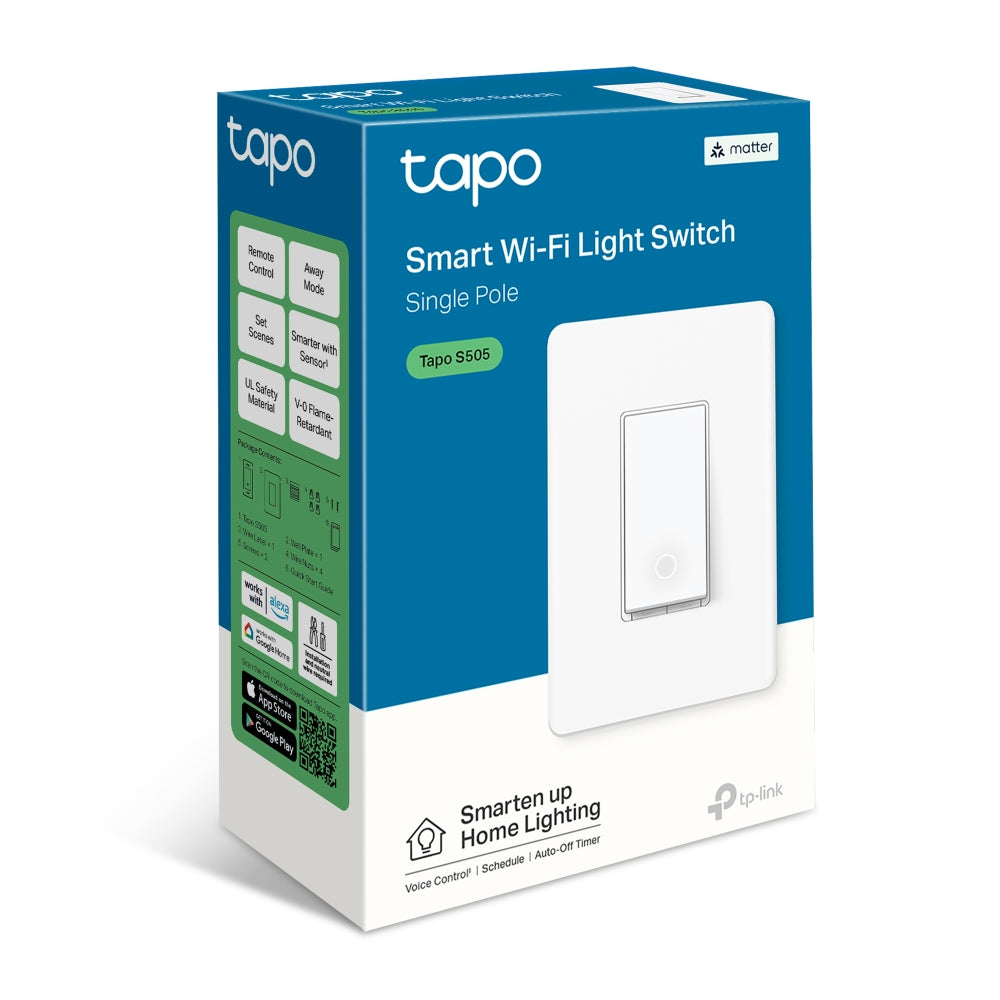
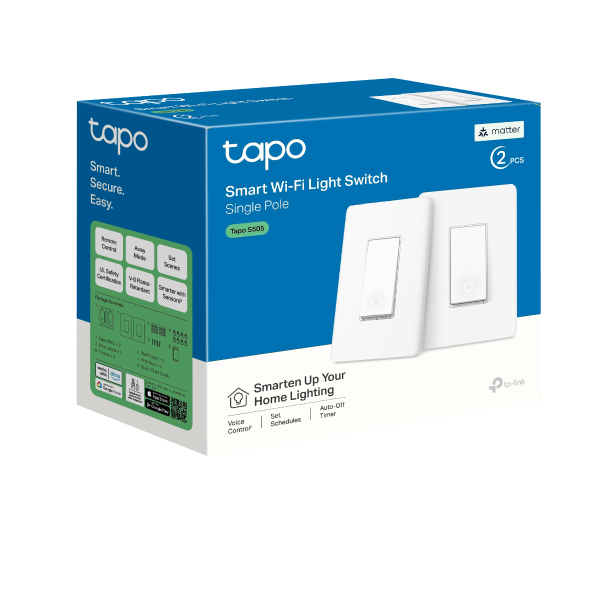
Matter Smart Wi-Fi Light Switch | Tapo S505(2-Pack)

Matter Certified 15A Max Load Apple Home Support 2.4GHz Wi-Fi
Prix de vente$30.99 Prix normal$36.99

Taxes exclues Frais d'envoi calculés à la caisse


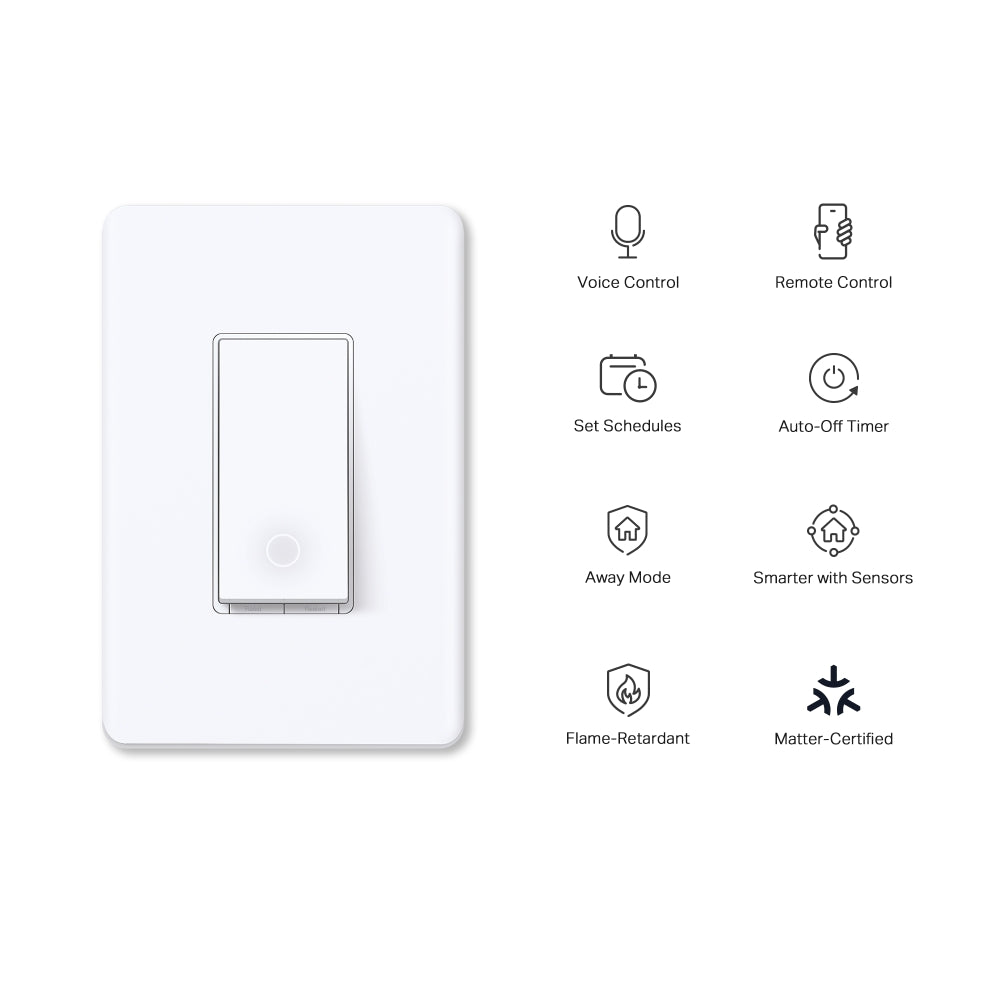
  • Matter & Multi-Admin Unified Control
  • Smarter Action Sensor Automation
  • Custom Scheduling & Timers
  • Security Deterrence Away Mo?e
  • App-Guided Installation
<p>Gagnez%20[points_amount]%20lorsque%20vous%20achetez%20cet%20article.</p>
Secured Shopping
American Express
Apple Pay
Diners Club
Discover
Google Pay
Mastercard
Shop Pay
Visa

Shipping from Canada

  • Free Shipping for Orders Over CAD 200
  • 30-Day No Reason Return Policy
  • Local English/French Customer Service
  • 2 Years Warranty
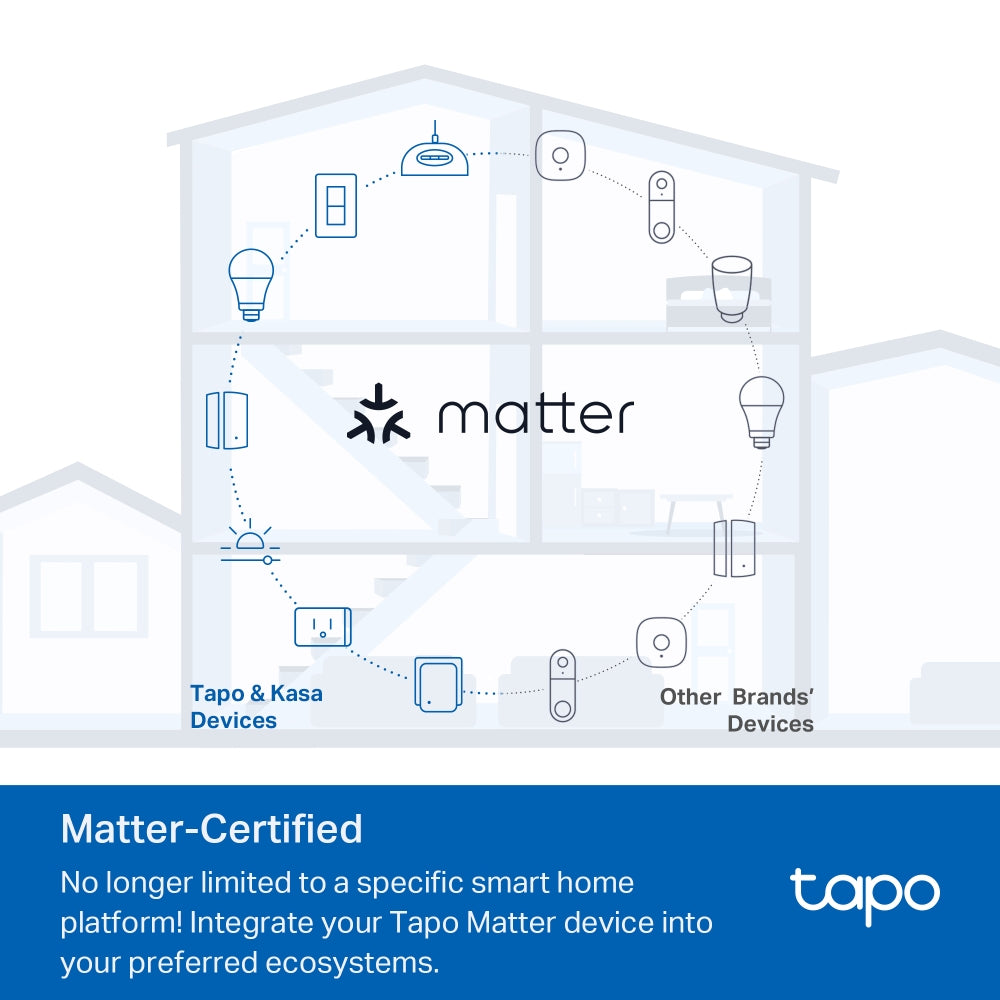
  • Matter & Multi-Admin Unified Control: Compatible with Apple Home, Amazon Alexa, Google Home, and Samsung SmartThings. Supports voice commands, concurrent multi-platform management and controls devices over the local LAN without internet.
  • Smarter Action Sensor Automation: Syncs with Tapo smart sensors to establish automated custom routines and trigger specific smart action configurations without requiring manual input.
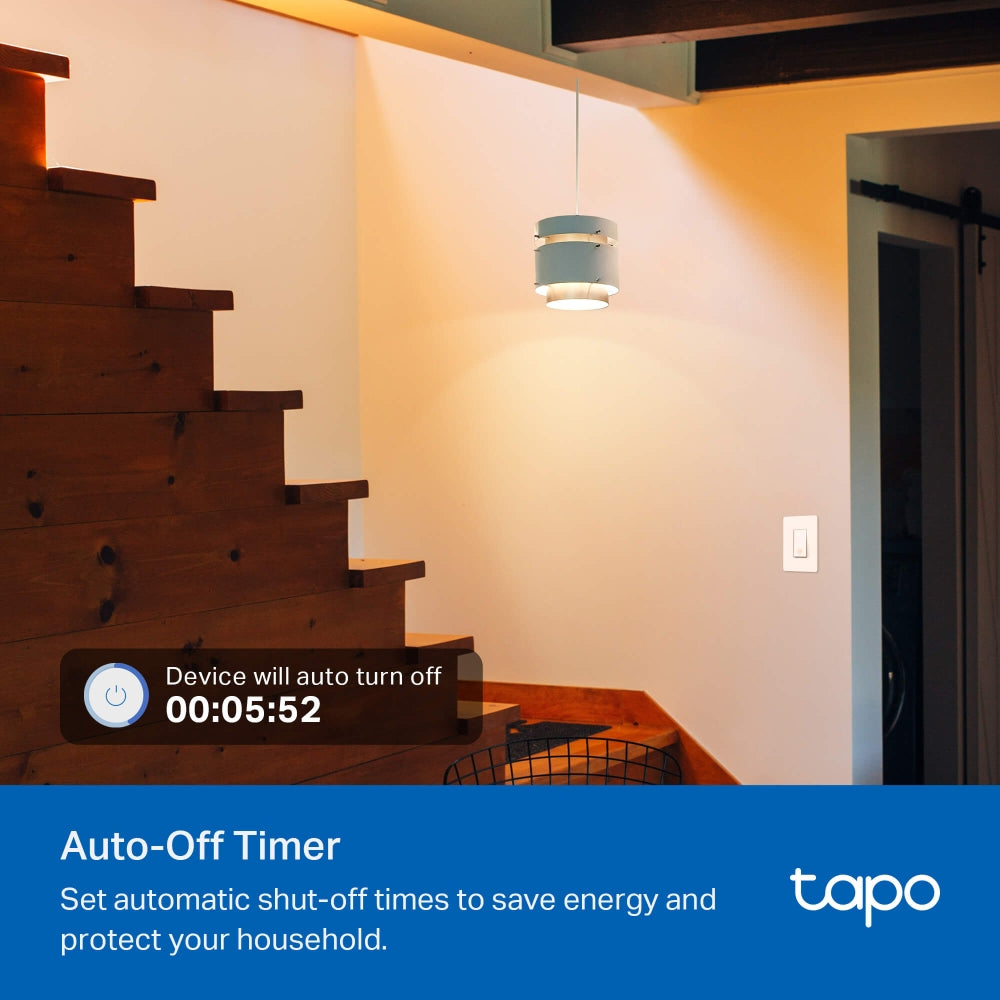
  • Custom Scheduling & Timers: Presets automated recurring operational schedules and custom timers through the Tapo app to manage connected lighting systems and ceiling fans based on daily routines.
  • Security Deterrence Away Mo?e: Activates a randomized operational cycle that turns connected lighting hardware on and off at variable intervals to simulate active home occupancy while you are away.
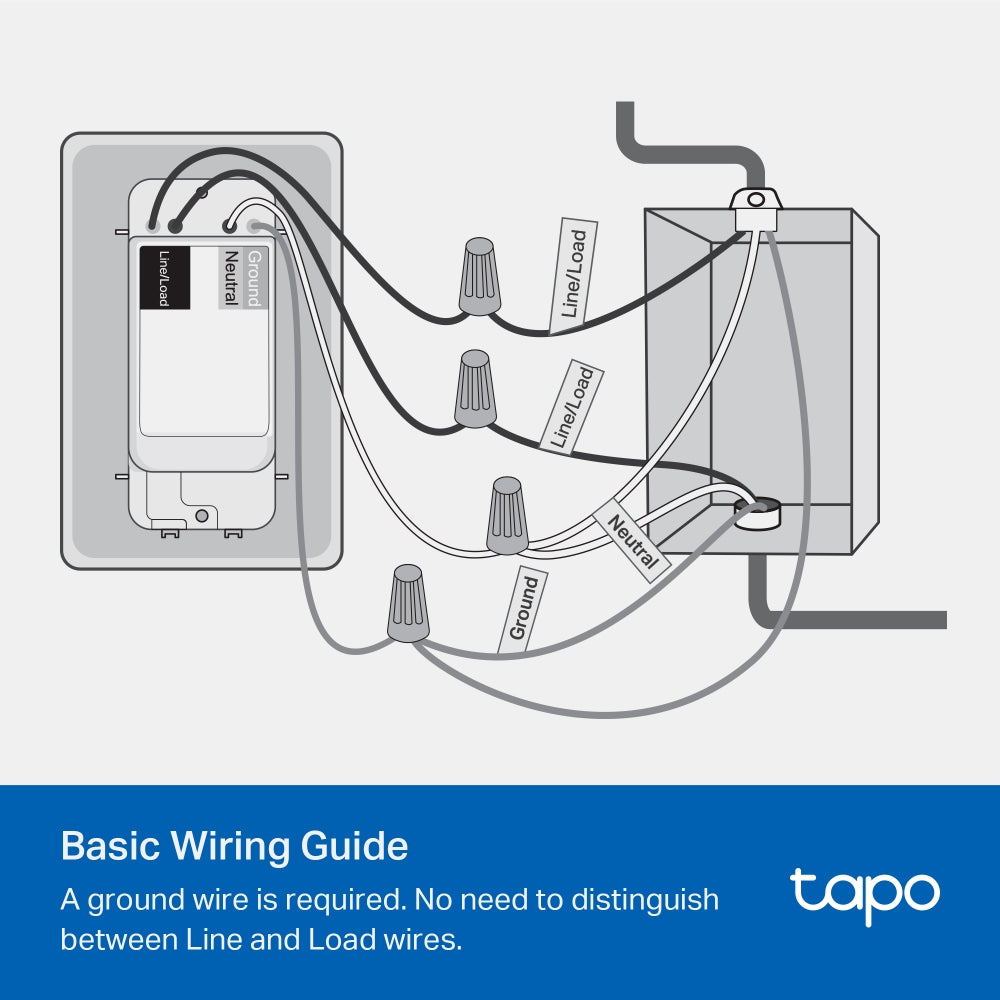
  • App-Guided Installation: Features step-by-step physical installation mapping via the Tapo app. Hardware requires a dedicated neutral wire and a 2.4 GHz Wi-Fi network connection to complete setup.

NETWORK

Protocol IEEE 802.11b/g/n, Bluetooth (for setup only)
Wireless Type 2.4 GHz WiFi, Bluetooth 4.2 (for setup only)

GENERAL

Dimensions( H X W X D ) 5.04 × 3.33 × 1.4 in (128 × 84.6 × 35.7 mm)
Material PC (V-0, UL 94), Flame-retardant
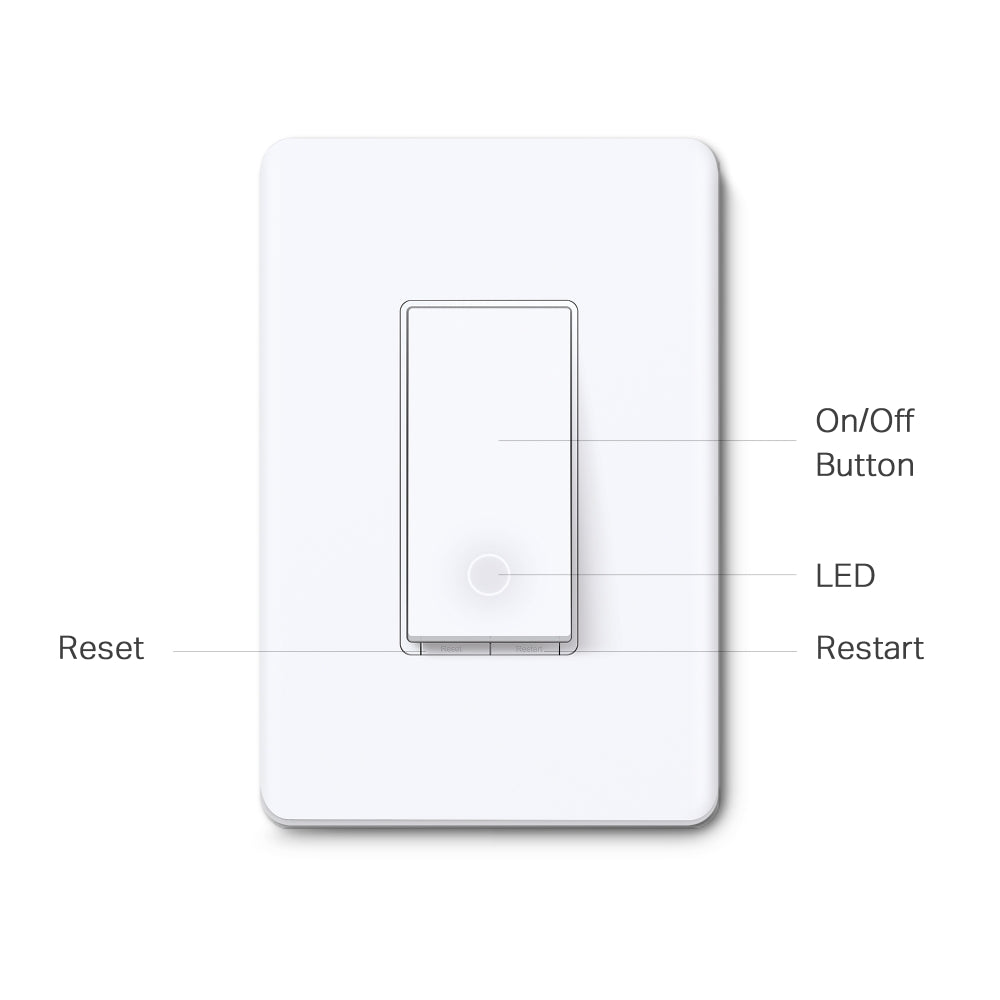
Buttons • Power Button
• Restart Button
• Reset Button

Working Status

Rated 100-120V~, 50/60Hz
Maximum Load 15A General Use, 600W Incandescent, 120W Ceiling Fan, 1/6 HP Motor

COMPATIBILITY

Third-Party Platform • Matter-Certified
• Apple Home
• Alexa
• Google Assistant
• Samsung SmartThings

OTHERS

Certifications FCC, RoHS, UL
Environment 0 ºC ~ 40 ºC (32°F ~ 104°F)
10%~90% RH, Non-condensing
  • Tapo S505×2
  • Wall Plate×2
  • Wire Nuts×8
  • Screws×4
  • Quick Start Guide

Customize Lighting Ambience from Anywhere

Smart Wi-Fi Light Dimmer Switch

Tapo S505D
 
  •  

    Smart Dimming

  •  

    Fade On/Off

  •  

    Voice Control

  •  

    Remote Control

  •  

    Set Schedules

  •  

    Away Mode

  •  

    Smarter with Sensors

  •  

    Unprecedented Compatibility

Meet Matter
All-Round Compatibility

With Matter support, using one app to control all smart devices is no longer a fantasy. Integrate Tapo Matter devices into your favorite ecosystems to create a unified smart home.

Brightness Control

Control the brightness of lights in any room and set the ambience for any activity. Designed to dim today's energy efficient LEDs as well as traditional incandescent bulbs.

*The actual lighting effect varies according to the connected lights.

Fade On/Off

Smart dimmer switches smoothly adjust lighting levels without sudden eye-irritating brightness or darkness. Fade off the lights in your child’s bedroom as they drift off to sleep.

Voice Control

Use simple voice commands to turn on/off your connected devices or set lighting levels via Siri®, Alexa, Google Assistant, or any other Matter-compliant voice assistant.

Hey Siri®, dim the living room light to 50% brightness.

Local Control

Your connected devices in your local area network (LAN) remain accessible via the Tapo app or other Matter-compatible smart home control centers, even when the household goes offline.

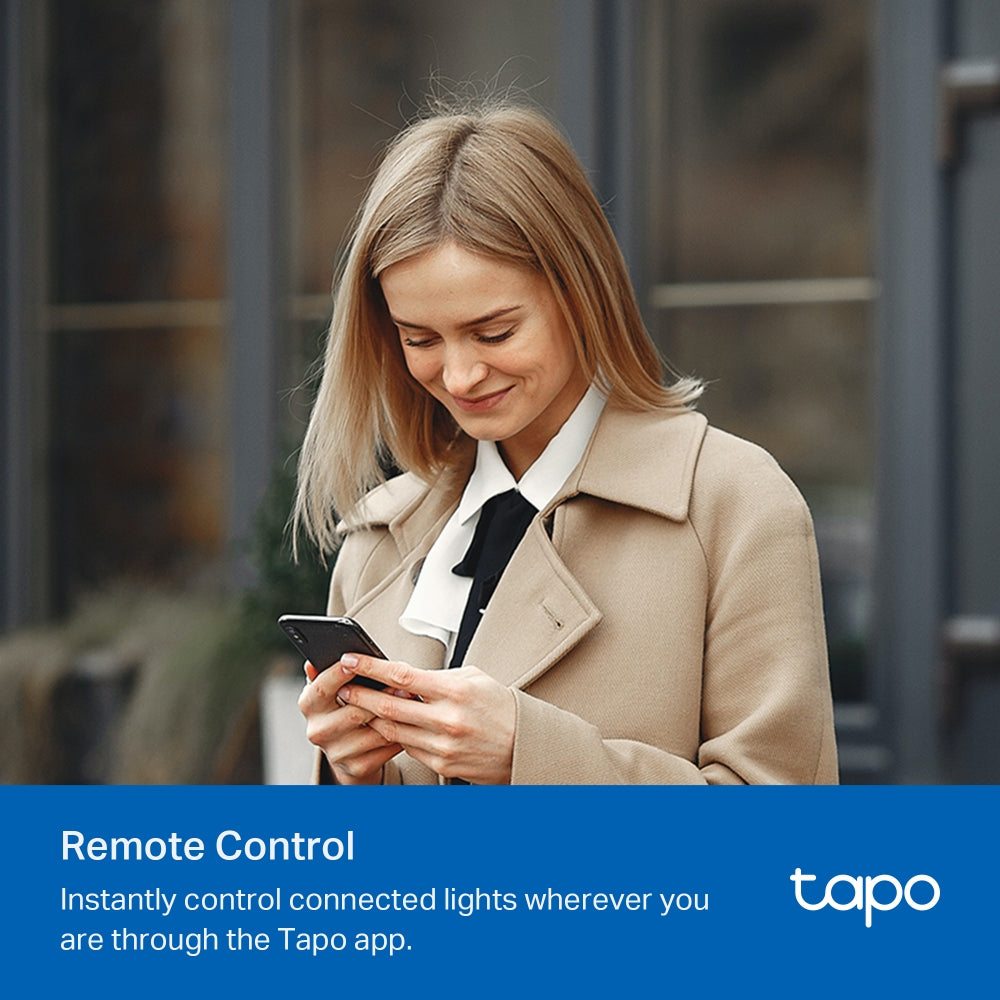
Control from Anywhere

Control the lighting ambience of your home spaces from anywhere, at any time using the Tapo app.


Smarter with Sensors1

Effortlessly control your lights by setting automation or scenes triggered by Tapo smart sensors.

Tapo Hub Tapo Sensor Tapo S505D
1. Tapo Smart Sensors are sold separately. When working with smart sensors, the Tapo Hub is required.

More Versatile with a Tapo Smart Button2

Pair with a Tapo Smart Button to turn your single-pole dimmer switch into a 3-way or even 4-way dimmer switch without rewiring.

Tapo Hub Tapo Button Tapo S505D
2. Tapo S505D is a Single Pole dimmer switch and not compatible with 3-way wiring. Tapo Smart Buttons are sold separately. When working with a Tapo Smart Button, the Tapo Hub is required.
  • The courier is delivering the courier.The owner talks to the courier through tapo c500

    Set Scenes

    Control multiple devices all at once for a customizable scene. Instantly set the perfect ambience for any activity.

  • a record videos icon,a SD card icon,a timer icon

    Scheduling

    Use Schedules to set your smart dimmer switch to automatically turn on and off.

    06:00PM

  • The Tapo C500,a tapocare icon, and the Tapo app is being displayed on a phone.

    Share to Family

    The Matter protocol enables family members to access your home's smart products through different control ecosystems.

  • Tapo C500 are install at different positions

    Away Mode

    Automatically turn on and off connected appliances, like lights, to make it appear as if you're home.

Enjoy Easy, Friendly Setup

Tapo offers users multiple options to simplify configuration experiences. Use Bluetooth to easily onboard the smart switch with the Tapo app. Users can also set up Tapo S505D by scanning the included code with any Matter-compatible app, such as the Alexa app, Google Home app, and Apple Home app.

Scan the QR code to download Tapo app:

the qrcode to download the tapo app
logo of tapo app

Easy to Install

  • icon

    Turn off the circuit breaker.
    Then remove the old wallplate of the wall switch and label the Ground and Neutral wires.
    Then disconnect the wires from the old switch.

  • icon

    Turn on the circuit breaker.
    Use a voltage detector to identify the energized wire (Line wire).
    Then turn off the circuit breaker. Label the Line and Load wires.

    danger

    Take care to avoid electric shocks.

    Line wire Load wire
  • icon

    Connect the wires to the smart dimmer switch as shown below.

    To Light Power Source
  • Ground: Usually green or copper.
  • Neutral: Usually white, and not connected to the dumb switch.
  • Line: Usually black and coming from the circuit breaker.
  • Load: Usually black. One end is connected to the light.
  • If you are unsure, consult a qualified electrician.
<p>Gagnez%20[points_amount]%20lorsque%20vous%20achetez%20cet%20article.</p>
  • 5 stars: 17 (89%)
  • 4 stars: 2 (11%)
  • 3 stars: 0 (0%)
  • 2 stars: 0 (0%)
  • 1 star: 0 (0%)
T
Thomas E
Works great

Just got these a few days ago. Installation was straightforward. The TAPO app on my iPad found these easily. Function on and off without any delay through the app or manually. Set up these switches for our outside lights at the front and back door. Set up these switches using the timer through the app for on off before and after sunset and works flawlessly.

V
Vaibhav Juneja
Exactly what the add says

Good product and installation guide. Works exactly as depicted. Compatible with Alexa and routines can be set. I installed it myself and the guide was pretty straight forward. If you are slightly handy it’s an easy set up.

G
Godwin
Very nice switch. Easy to install and set up.

The switches were fairly easy to install. You may need to check the wiring at the old switch first to make sure you have access to the power, neutral and ground wires. Some older installations of light switches may not have the neutral at the light switch. This switch will not work in that case.Otherwise, installation was relatively easy and adding the Tapo app and programming it to both the Tapo app and Google Home was pretty quick and easy.In the Tapo app, you can set an away mode which switches the lights on and off at a random time intervals. In the google home app, you can use voice control to turn on and off the lights.You can use the new cover plate which is slightly larger than the regular plates. In the photo, I used my old plate to match the rest of the house.There are 2 tiny buttons at the bottom of the switch. One is for restarting or reboot. The other is for resetting or for reconnecting to a new wifi.All in all, a good device for some automation.

B
Bill C
Well worth it

Great brand

A
Amazon Customer
Excellente intégration avec SmartThings

Ce lot de deux interrupteurs intelligents Tapo Matter m’a vraiment impressionné par sa simplicité d’installation et sa compatibilité parfaite avec mon écosystème SmartThings. La configuration s’est faite en quelques minutes seulement, sans aucune complication. Depuis, ils fonctionnent sans faille : la réactivité est excellente et la connexion stable. Un produit fiable, bien conçu et idéal pour moderniser facilement son installation électrique. Je recommande à 100 %.

R
Richard
Good

Easy to install

J
Jimboy
Fonctionne bien

Fonctionne bien

D
Drew Locke
would buy again.

Good product. Works great. Happy with purchase.

F
François Larouche
Bonne achat

Facile installation

A
Abdullah Jasem
Switch

Very convenient

D
David Mozer
Matter compatible with mDNS on my Network

Bought this to replace my Wemo Light Switch. Install was very straightforward. I used the Tapo app to Configure this light switch to tun off at sunrise and turn on at sunset using the scheduler was remarkably easy compared to how irritating the Amazon switch was which I returned. I absolutely would recommended this Tapo device …My LAN is subdivided into subnets so I had to use mDNS to get the Apple Home app to recognize this switch -- however so far I have found that the configurabilty using the Home app is very limited …

D
DanP
Très satisfait.

Facile à installé et fonctionne très bien avec Google Home.

M
Maria Gonzalez
Work

It’s easy to install, the app works perfectlyGood product

S
Shannon Zak
Smart switch

Extremely easy to Install and set up !

S
Simon L.
Works well with matter system

Works well with matter and tapo ecosystem.

M
Mike S.
So Far Very Good

I was a loyal customer of smart switches and smart outlets of another brand. I have about twenty around my property. After a few years they started acting up or stopped working one by one. The thing I like about this one is the depth of the switch is shorter than my other ones. Now they fit easier in my wall boxes.

H
HUMAN NOT AI
A Solid, Multi-Platform Smart Switch with a Clean Look.

I’ve been slowly upgrading my home to be smarter, and the last holdouts were the "dumb" light switches. I grabbed this TP-Link Tapo Smart Switch because I wanted a simple, modern look (this one has a standard matte white finish, not a cheap gloss) and, primarily, I wanted it to work with my other smart devices.The main reason to get this switch is its Matter support. This is a very useful feature. Setup was straightforward; using my Android phone, I scanned the Matter code with the Google Home app, and it was added quickly. It then appeared in my Alexa app as well, without extra steps. It didn't require a specific skill or separate app to get the basics working.​The switch itself feels well-built. The "click" is a quiet rocker-style press. In the optional Tapo app, you get access to useful features like setting schedules, an "Away Mode" to randomize lights when you're gone, and an auto-off timer. It connects directly to Wi-Fi, so no extra hub is required.This is a 4-star review for one main reason: You MUST have a neutral wire. This is not a suggestion; it will not work without one. In my 1980s-built home, I was lucky that most of my switch boxes had one, but I couldn't install this in my hallway because that box lacked a neutral. Before you buy, pull your old switch plate off and confirm you see a bundle of white (neutral) wires tucked in the back of the box.​The second, minor caveat is the physical size. The back of the switch (the part that goes into the wall box) is quite bulky. It was a tight fit in my standard-sized electrical box, especially with all the existing wires and the new wire nuts. Be prepared for a bit of a challenge when stuffing everything back in.​If you have a neutral wire in your wall box, this is a good, forward-compatible smart switch. The Matter integration works well and makes it broadly compatible. The matte finish looks good, and the hub-free Wi-Fi connection is reliable. Just double-check your wiring and be prepared for a snug fit during installation.

T
TheBirdNest
Easy to install

I'm not an electrician, and I was quite intimidated by the thought of installing this in my apartment suite rental. I put off on buying this for that very reason and went with smart bulbs instead. After a little research on the internet, I started feeling more comfortable with the idea of installing these switches. Here's what you need to know (from a non technical standpoint).Your home needs to have a neutral wire in the switch box for this to work. There is apparently a workaround for homes without a neutral wire, but I can't advise on that. If your home is a newer build, it may already have neutral wires. Here's how to know if you have neutral wires in tour light switch box:-Turn the breaker to your light switch off and confirm there is no power to the switch (by turning the switch on to confirm no lights come on and also with the use of a non contact voltage meter).-Unscrew the screws holding the switch cover, and then unscrew the switch itself to pull it out. If there are only two screws on your switch with wires attached, then this is the product for you.(NOTE: If there are three screws with electrical wire attached to your switch, this is NOT the Tapo product for you. This means you have a three-way switch and Tapo makes a separate product for that.)-Now look inside the switch box to find a small bundle of wires (two or three maybe) all twisted together with a wire nut on them. This will be the neutral wires you are going to add the Tapo neutral wire to. If you have this small bundle of wire, you are good to go.(The only other thing you should see inside the box is a bare copper wire. This may be screwed to the box itself or may just be resting inside the box. This is the ground wire.)If your light switch and box meet the conditions above, then this Tapo product is for you and an easy one to install.The Tapo switch has four wires coming out of it, all labeled on the back. The Tapo switch also comes with wire nuts so you can securely add the Tapo wires to the existing wires. I would recommend removing then adding one wire at a time, leaving all the other existing wires alone until ready to connect them. In other words, disconnect ONE of the wires from your old switch, leaving the other one still connected. Connect one of the Tapo black wires to this one and then put the wire nut on it and make sure it's secure. Next, disconnect the other wire from your old switch and connect the second Tapo black wire to this. Cap it with a wire nut.(Note that it doesn't matter which black wire attaches to which of the old switch wires. If one of your old switch wires has TWO wires together going to ONE screw, keep these wires together and simply add one of the black Tapo wires to these wires.)Next, connect Tapo's white neutral wire to the bundle of neutral wires existing in your box. After adding the Tapo neutral wire and putting a wire nut on it and testing that it is secure, finally add the green Tapo ground wire to the ground wire in your box.Make sure no bare copper wire is showing (except for the ground wire obviously). Push everything back into the box and screw the new Tapo switch into the box where the old switch was. I would turn the breaker back on at this point to see if the switch works. Even before being paired with your network. The Tapo switch will still turn on and off the power to whatever it controls. If it works, put the Tapo cover on. It's a snap-on cover. Very easy to put on.The last thing to do id add the switch to the Tapo app amd to your network. And now you're ready to start using your new Tapo switch!

S
Swatch
As described with easy set up and great app as well scenes and routines

Great looking, price is fair and they a wonderful app