

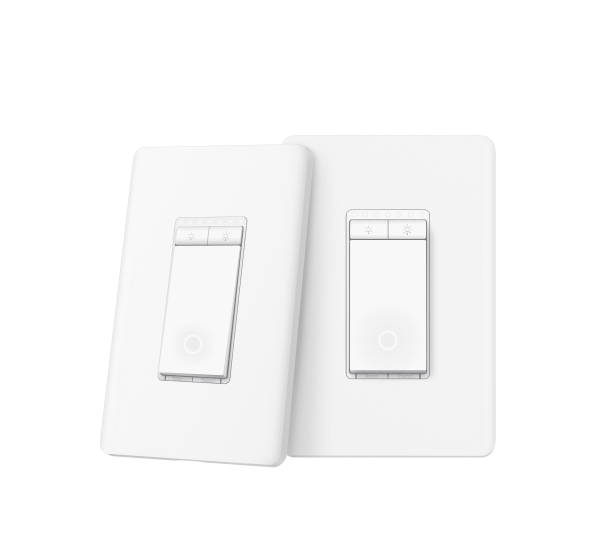
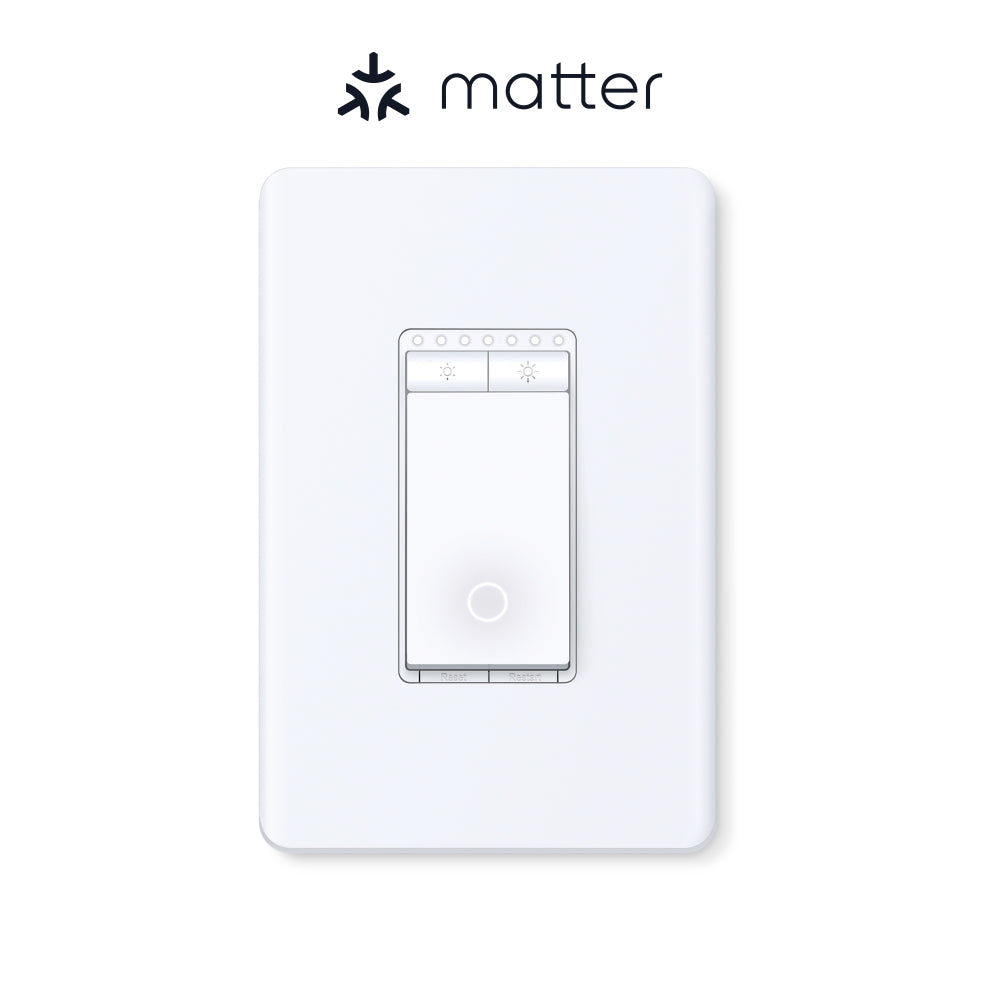
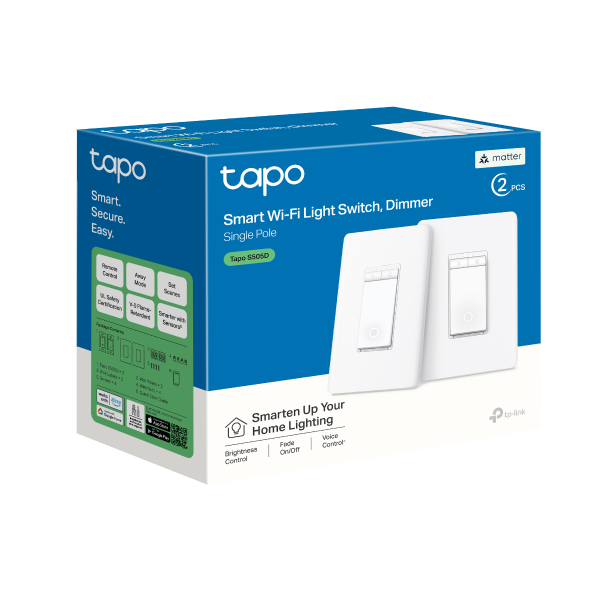
Matter Smart Wi-Fi Dimmer Switch | Tapo S505D(2-Pack)

Matter Certified 300W Dimmable Apple Home Support 2.4GHz Wi-Fi
Prix de vente$33.99 Prix normal$44.99

Taxes exclues Frais d'envoi calculés à la caisse


  • Matter & Voice Compatibility
  • Full Linear Dimming Control
  • Smart Single Pole & Custom Schedules
  • Security Protection Away Mode
  • App-Guided Wiring Setup
<p>Gagnez%20[points_amount]%20lorsque%20vous%20achetez%20cet%20article.</p>
Secured Shopping
American Express
Apple Pay
Diners Club
Discover
Google Pay
Mastercard
Shop Pay
Visa

Shipping from Canada

  • Free Shipping for Orders Over CAD 200
  • 30-Day No Reason Return Policy
  • Local English/French Customer Service
  • 2 Years Warranty
  • Matter & Voice Compatibility: Integrates with Apple HomeKit, Amazon Alexa, Google Home, and Samsung SmartThings. Supports remote app control and hands-free voice commands via multi-platform management.
  • Full Linear Dimming Control: Adjusts illumination brightness from 0% to 100% to manage light output. Features a Fade On/Off setting that produces smooth lighting transitions to eliminate abrupt changes and minimize eye strain.
  • Smart Single Pole & Custom Schedules: Replicates traditional single-pole wall switches to automate existing fixtures. Programs custom operational timers and schedules to turn on, off, or dim connected lighting systems at specific times.
  • Security Protection Away Mode: Features an integrated Away Mode that cycles connected lighting fixtures on and off at randomized intervals to simulate physical home occupancy and deter unauthorized entry while away.
  • App-Guided Wiring Setup: Provides step-by-step physical installation instructions via the Tapo app. Hardware requires a dedicated neutral wire and a standard 2.4 GHz Wi-Fi network connection to complete the configuration.

NETWORK

Protocol IEEE 802.11b/g/n, Bluetooth (for setup only)
Wireless Type 2.4 GHz WiFi, Bluetooth 4.2 (for setup only)

GENERAL

Dimensions( H X W X D ) 5.04 × 3.33 × 1.77 in (128 × 84.6 × 44.9 mm)
Material PC (V-0, UL 94), Flame-retardant
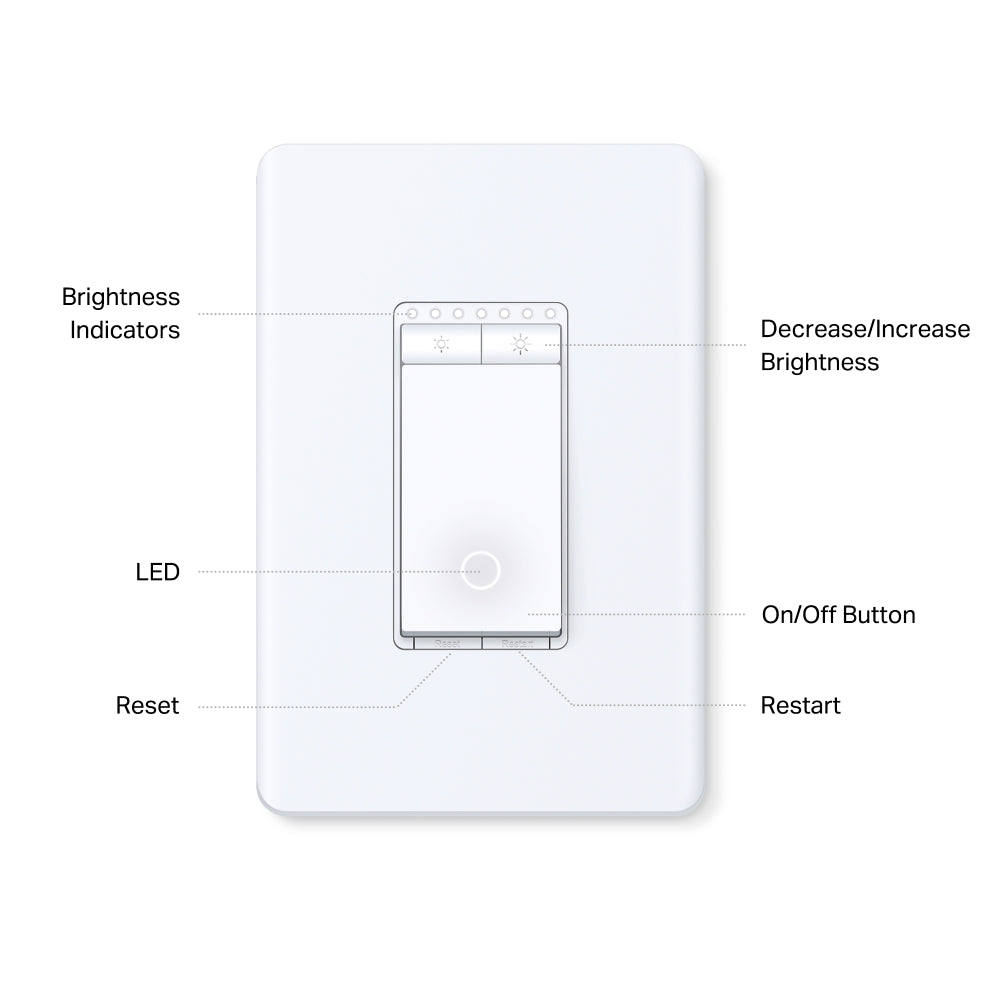
Buttons Brightness Indicators
LED indicator
Decrease/Increase Brightness Buttons
On/Off Button
Restart Button
Reset Button

Working Status

Rated 120V~, 60Hz
Maximum Load 300W INC/HAL,150W LED (TRIAC Dimmable)
Dimmable Leading Edge Dimming / TRIAC Phase Cut

COMPATIBILITY

Third-Party Platform • Matter-Certified
• Apple Home
• Alexa
• Google Assistant
• Samsung SmartThings

OTHERS

Certifications FCC, UL, RoHS
Environment 0 ºC ~ 40 ºC (32°F ~ 104°F)
10%~90% RH, Non-condensing
  • Tapo S505D×2
  • Wall Plate×2
  • Wire Nuts×4
  • Screws×4
  • Quick Start Guide

Customize Lighting Ambience from Anywhere

Smart Wi-Fi Light Dimmer Switch

Tapo S505D
 
  •  

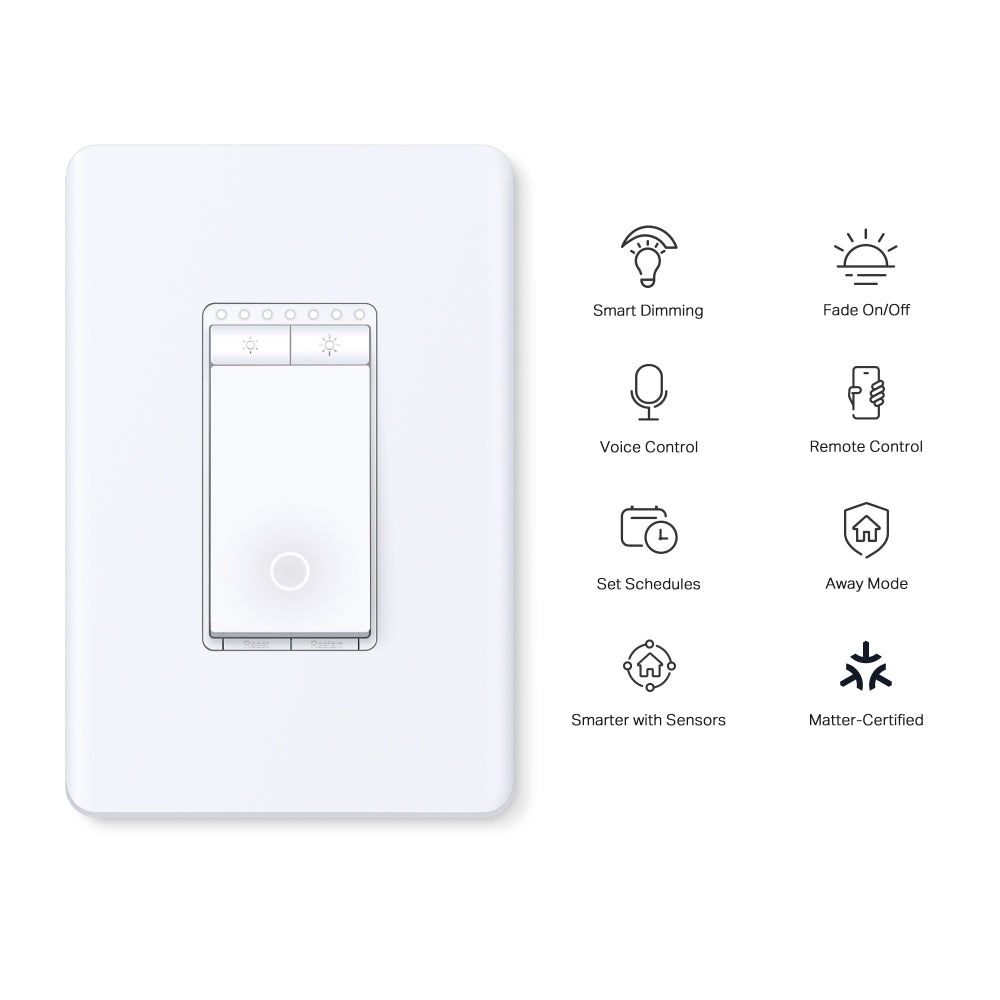
    Smart Dimming

  •  

    Fade On/Off

  •  

    Voice Control

  •  

    Remote Control

  •  

    Set Schedules

  •  

    Away Mode

  •  

    Smarter with Sensors

  •  

    Unprecedented Compatibility

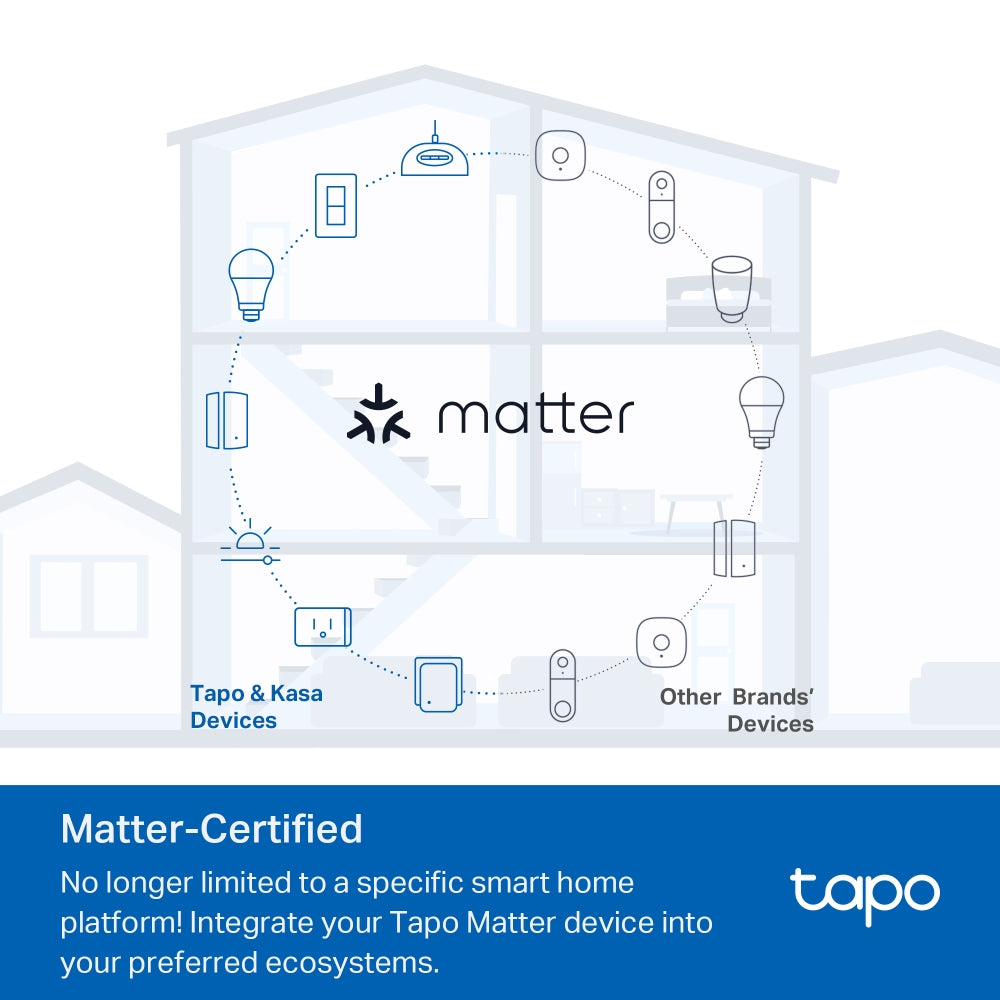
Meet Matter
All-Round Compatibility

With Matter support, using one app to control all smart devices is no longer a fantasy. Integrate Tapo Matter devices into your favorite ecosystems to create a unified smart home.

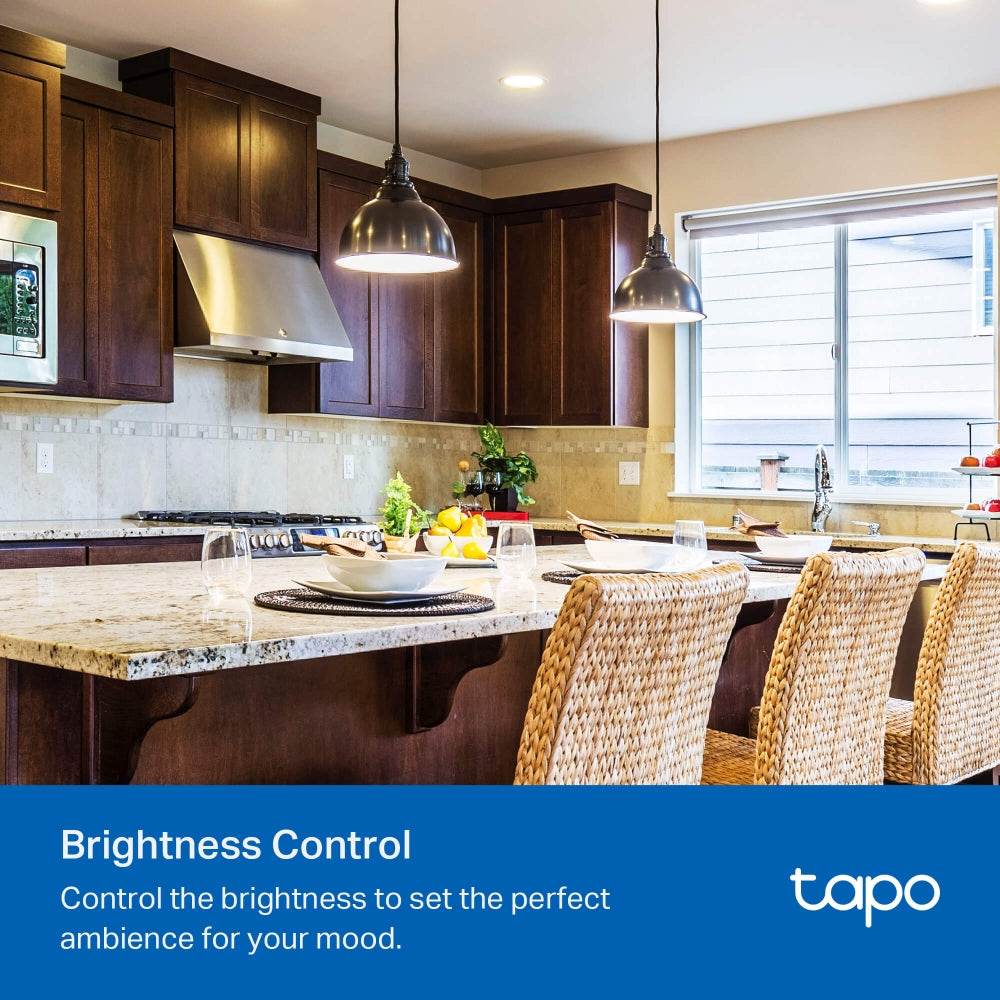
Brightness Control

Control the brightness of lights in any room and set the ambience for any activity. Designed to dim today's energy efficient LEDs as well as traditional incandescent bulbs.

*The actual lighting effect varies according to the connected lights.

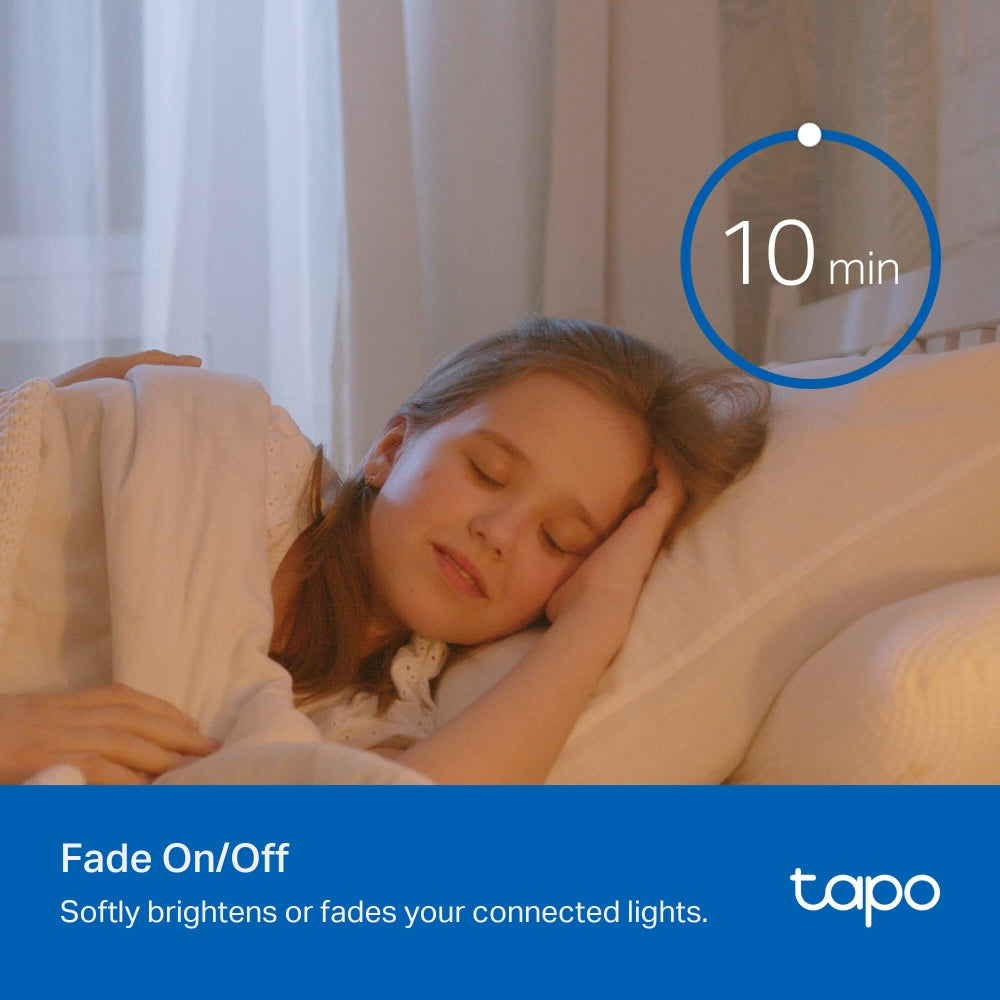
Fade On/Off

Smart dimmer switches smoothly adjust lighting levels without sudden eye-irritating brightness or darkness. Fade off the lights in your child’s bedroom as they drift off to sleep.

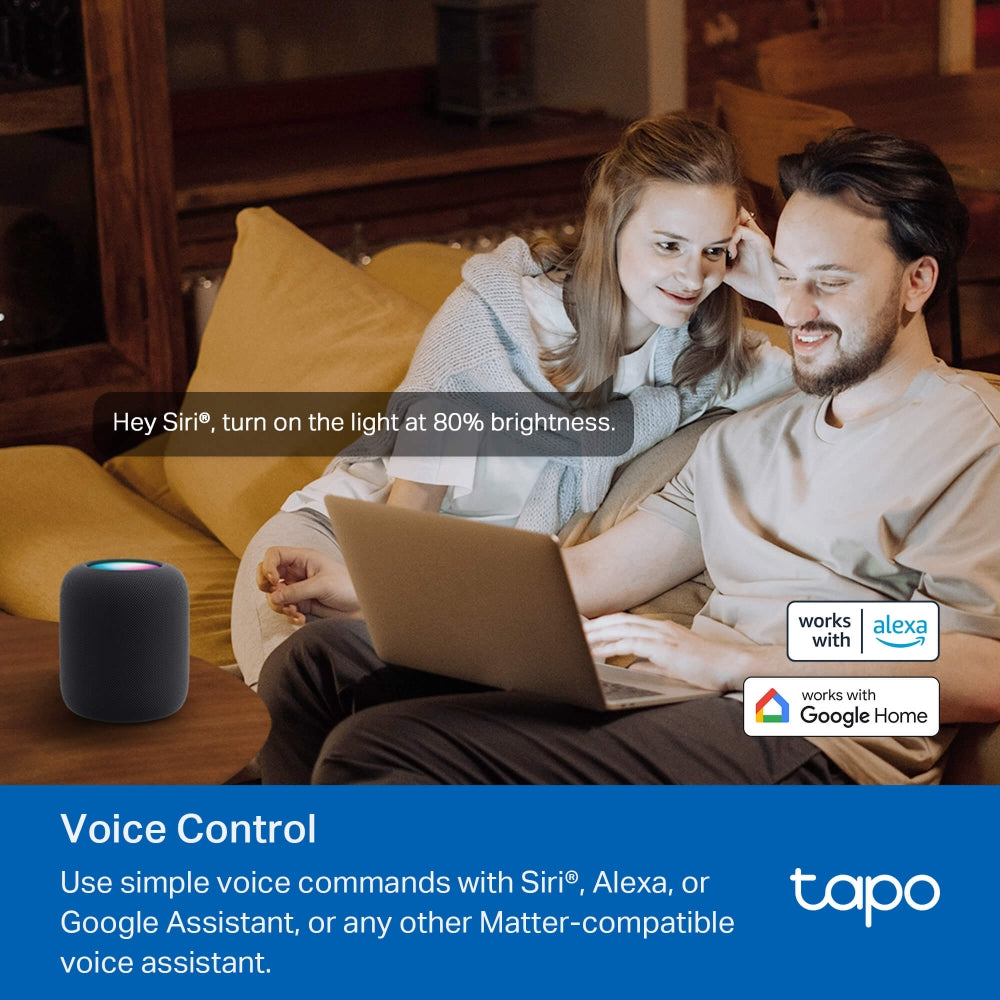
Voice Control

Use simple voice commands to turn on/off your connected devices or set lighting levels via Siri®, Alexa, Google Assistant, or any other Matter-compliant voice assistant.

Hey Siri®, dim the living room light to 50% brightness.

Local Control

Your connected devices in your local area network (LAN) remain accessible via the Tapo app or other Matter-compatible smart home control centers, even when the household goes offline.

Control from Anywhere

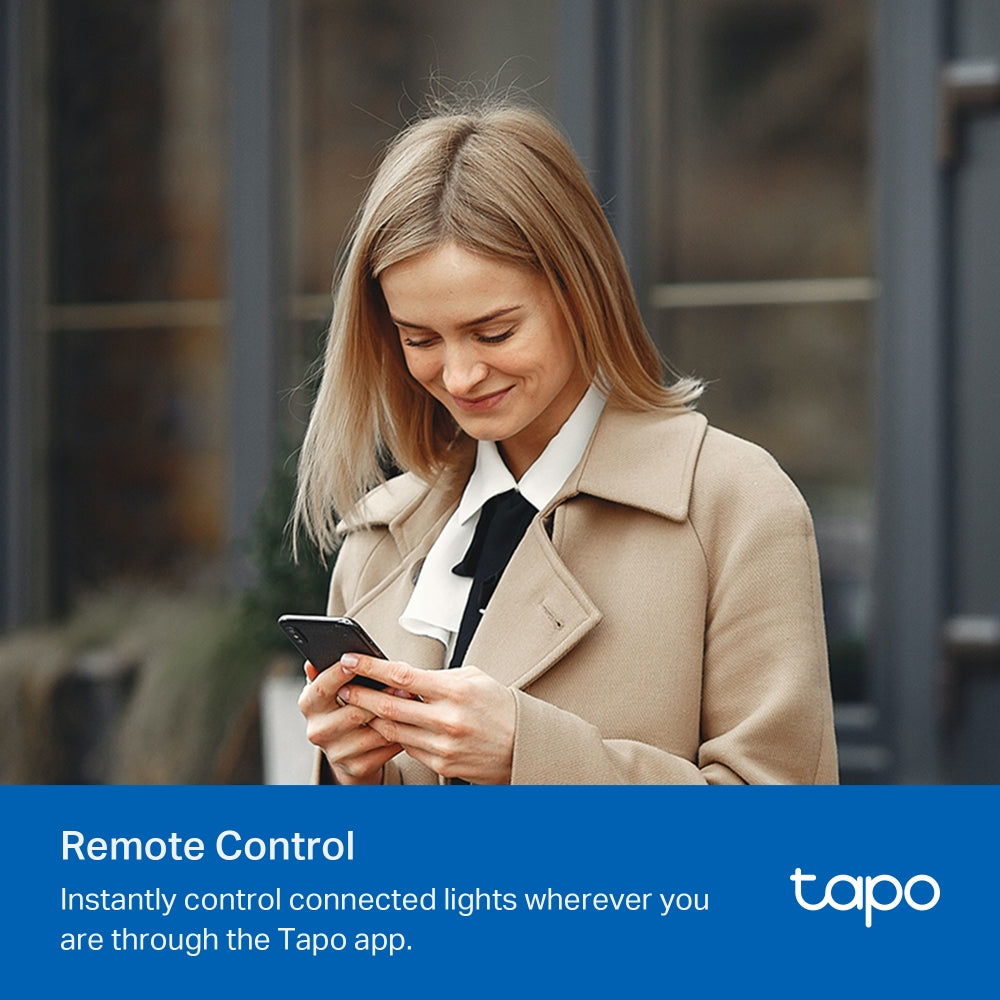
Control the lighting ambience of your home spaces from anywhere, at any time using the Tapo app.


Smarter with Sensors1

Effortlessly control your lights by setting automation or scenes triggered by Tapo smart sensors.

Tapo Hub Tapo Sensor Tapo S505D
1. Tapo Smart Sensors are sold separately. When working with smart sensors, the Tapo Hub is required.

More Versatile with a Tapo Smart Button2

Pair with a Tapo Smart Button to turn your single-pole dimmer switch into a 3-way or even 4-way dimmer switch without rewiring.

Tapo Hub Tapo Button Tapo S505D
2. Tapo S505D is a Single Pole dimmer switch and not compatible with 3-way wiring. Tapo Smart Buttons are sold separately. When working with a Tapo Smart Button, the Tapo Hub is required.
  • The courier is delivering the courier.The owner talks to the courier through tapo c500

    Set Scenes

    Control multiple devices all at once for a customizable scene. Instantly set the perfect ambience for any activity.

  • a record videos icon,a SD card icon,a timer icon

    Scheduling

    Use Schedules to set your smart dimmer switch to automatically turn on and off.

    06:00PM

  • The Tapo C500,a tapocare icon, and the Tapo app is being displayed on a phone.

    Share to Family

    The Matter protocol enables family members to access your home's smart products through different control ecosystems.

  • Tapo C500 are install at different positions

    Away Mode

    Automatically turn on and off connected appliances, like lights, to make it appear as if you're home.

Enjoy Easy, Friendly Setup

Tapo offers users multiple options to simplify configuration experiences. Use Bluetooth to easily onboard the smart switch with the Tapo app. Users can also set up Tapo S505D by scanning the included code with any Matter-compatible app, such as the Alexa app, Google Home app, and Apple Home app.

Scan the QR code to download Tapo app:

the qrcode to download the tapo app
logo of tapo app

Easy to Install

  • icon

    Turn off the circuit breaker.
    Then remove the old wallplate of the wall switch and label the Ground and Neutral wires.
    Then disconnect the wires from the old switch.

  • icon

    Turn on the circuit breaker.
    Use a voltage detector to identify the energized wire (Line wire).
    Then turn off the circuit breaker. Label the Line and Load wires.

    danger

    Take care to avoid electric shocks.

    Line wire Load wire
  • icon

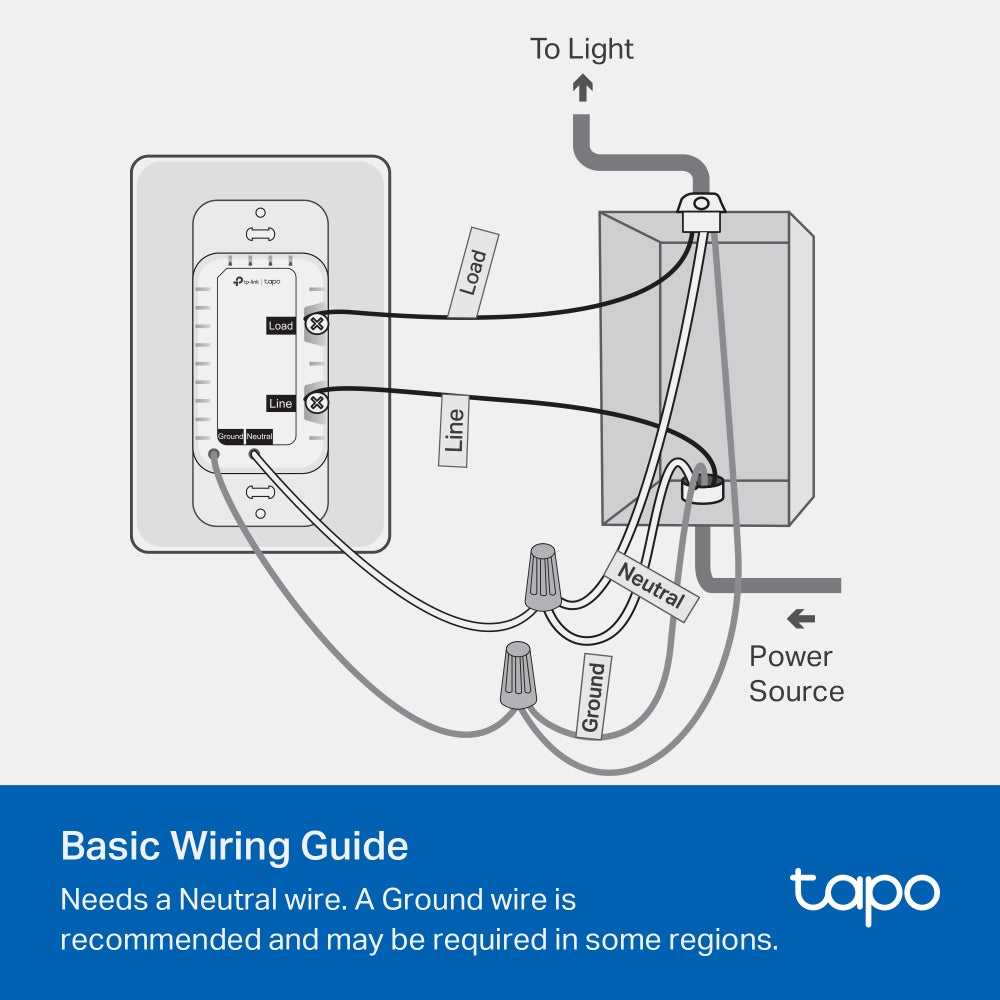
    Connect the wires to the smart dimmer switch as shown below.

    To Light Power Source
  • Ground: Usually green or copper.
  • Neutral: Usually white, and not connected to the dumb switch.
  • Line: Usually black and coming from the circuit breaker.
  • Load: Usually black. One end is connected to the light.
  • If you are unsure, consult a qualified electrician.
<p>Gagnez%20[points_amount]%20lorsque%20vous%20achetez%20cet%20article.</p>
  • 5 stars: 15 (83%)
  • 4 stars: 1 (6%)
  • 3 stars: 2 (11%)
  • 2 stars: 0 (0%)
  • 1 star: 0 (0%)
M
Mr. F

I’ve installed multiple smart switches, and this TP-Link Tapo Matter Smart Dimmer was one of the easiest.Before shutting off the breaker, I removed the wall plate and used a multimeter to identify line and load. After cutting power, I labeled the wires using the included stickers, removed the old switch, and disconnected the pigtail ground from the existing ground bundle. The Tapo dimmer uses a long ground wire instead of a ground screw, which made installation straightforward. Everything fit back into the box cleanly.Setup in the Tapo app was quick and intuitive. Tap the plus icon, add a new device, and follow the prompts. One important tip: don’t skip calibration. I did initially, and the dimming levels weren’t correct. Running calibration afterward fixed it immediately and made the dimming smooth and accurate. You can also set custom brightness percentages if you want precise control.Build quality feels solid, and the design is clean. A standout feature is the subtle glowing ring when the light is off—it’s surprisingly useful in a dark room. If you don’t like it, the ring can be disabled in the device settings.The only downside is cosmetic: if you’re replacing a switch that uses a double faceplate, you’ll need to reuse your existing plate or buy a matching double to avoid mismatched covers.Bottom line: easy installation, reliable performance, and thoughtful features. Highly recommended.

B
Benjamin
Perfect smart dimmer switch

So far so good! This product was extremely simple to install, and even easier to set up using the Tapo App. The dimmer buttons are very tactical and offer a solid click when pushed. The on/off button has a good spring-like action when pushed. The App also offers tons of automations and customizations. For example, between the hours or 11PM and 6AM, I limited the brightness to 25% so if I need to turn on the light in the middle of the night, I'm not blinded!

R
Rex B

I replaced competitor switches d/t unreliable network connections that were on and off the network randomly. These have been refreshingly solid performers over 6 months plus after installation. Dimming aspect is stepwise as opposed to smooth dimming- perhaps because of the bulbs themselves. Back-wiring is a huge plus as opposed to my other units that had pigtails. Works very well with voice control.

J
Juan B

Great functionality, once you install the cover it is very difficult to remove, will almost break, not well designed if you need to reposition it.

C
CMFmotorSports

TP-Link Tapo Matter Smart Dimmer Switch – Voice Control with Siri, Alexa & Google AssistantThis is the primary dimmer switch running in my smart home lighting system.I currently have more than 50 TP-Link Tapo devices installed throughout my house, including switches, dimmers, outlets, and plugs. These dimmer switches are a core part of that setup and control many of the lighting routines across the home.The dimming performance has been excellent. They handle LED bulbs very well with smooth dimming and no flicker, which is something I’ve run into with other dimmers in the past.One of the big advantages is Matter support. Since these switches can operate locally, they respond quickly and continue functioning even if the internet connection is down.Reliability has also been very good. After more than a year of use, I’ve only had one switch that needed a full reboot and reset, which is impressive considering the number of devices running in the system.The Tapo ecosystem has been easy to manage as well. I run several other Tapo switches and outlets throughout the house, and they integrate seamlessly together. The system also works well alongside TP-Link Kasa devices, and everything can be managed through the same app.While I do use Alexa for voice control, I actually prefer using the routines within the native Tapo app. The automation options there are a bit more flexible and work very reliably.Overall these have been very stable and have become the backbone of my smart lighting system.

T
Tech Junkie

Reliable switch, great firmware, app, and customer service support. This is the switch that you would expect from an excellent networking company! Well done Tapo / TP Link!I have approximately 30 of the dimmers and 3 or 4 of the on/off switches running in a Home Assistant-controlled smart home. For those of you with HA - your best bet is to go through HACS and download the Tapo Controller. If you're not using Home Assistant, well...what are you thinking?The dimmers & switches are ultra-reliable, fast-acting, and seem to have some baked-in self-healing WiFi routines. Nice work software/firmware team! Even after power is cycled on multiple breakers, the switches continue to try to re-establish their WiFi connection. Over a few days, they all return to the "white circle", fully connected status. If you're impatient, you can press the right button below the main switch on each of these to power cycle the switch and re-initiate the WiFi connection process.Some of these dimmers I am running as no-load remotes to control multiple other bulbs and switches. Even in those applications, response time is almost instant. The command always goes through and usually with imperceptible delay.Okay, so I've had these installed for about 20 months now and I haven't been without issues. I had an overnight failure of ten, yes 10 of the dimmer switches right around the 18-month mark. They were on separate circuits and kind of all over the house, some were right next to another dimmer that did not fail in the same junction box with the same hot/neutral/ground lines attached. While it looks a little like a failed firmware update, I just don't know for sure. There was no storm or electrical activity that night and nothing else in my electronics-heavy home was damaged. Anyway, TP Link honored the 2-year warranty. Yes, I had to jump through a few hoops, mostly answering honestly too many questions and return shipping is on the buyer to get replacements. It also took about a month, which is too long TP Link! But I did it all through the proper channels and TP Link did replace the failed switches with brand-new units.Overall, this is a really solid product from a reliable company. I do think at a budget price-point, this is the best choice for Matter-over-WiFi for North American smart home users. Would Matter-over-Thread be better? Almost certainly! It's just not available yet. (Hint, hint TP Link.)

S
S. Conway

These worked great for my application - dimming undercabinet LED lights. I connected this to a 24V dimmable LED driver (B0CPLLMKHH) that supports triac dimming and fits in a single gang box. The driver was connected to 24V dimmable FCOB LEDs (B091KG5K1Q) that will be in some aluminum channel. No flicker, no noticeable delay and super easy setup. I already have several light switches from Tapo, but these were the first Matter ready ones, so I was surprised when I opened my phone and Google assistant was asking for the number or to scan the QR code. I scan the code, named the device and it was done. Then when I opened Tapo app, it too just wanted me to name the device and location.I will say that the Tapo app handles the dimming better in that as you are dragging the slider the lights dim live whereas in Google, you have to let go of the slider for it to actually send the value to the switch. I also tested the voice command and it worked as expected, so that is great too.The switches come with faceplates that have hidden fastners, which I like, however I don't use them anywhere else in the house, and these switches will get in a multi gang box, so they will end up in the trash, which is a shame.Overall, I'm very happy with my purchase.

T
Tony

Installation was very easy with the help of the included guide and some YouTube videos. Had no problem installing in a double gang box.Easy integration with HomeAssistant as well. It's now being controlled by the Tapo integration within HA and is able to turn on and off with my door sensors.Responsiveness is great as well. Dimming functionality works without a problem, even through HA integration.

J
Jonathan
Matter support

Tp link adding matter support is great!

D
Damien
installation facile

Installation facile - application Tapo sous android - commandable depuis le téléphone si on souhaite- raccordement d'une terre, d'un neutre, d'un fil de 110 v et du départ vers la lumière.Ne convient pas pour un interrupteur 3 vois / va et vient

V
Varun
At brightness 2 LED flicker.

This is my first time with Tapo delay switch, it’s not working great with LED when brightness set to 2 LED keep flicking.

A
Amazon Customer
Best smart dimmer

Has everything that I was looking for. Works with Apple HomeKit without any hub due to matter compatibility.

I
IVelasques
Not sure the quality

I had high expectations for this dimmer switch, especially because it uses Matter technology, which is supposed to be modern and reliable.However, even after professional installation, my dimmable spot lights keep flickering constantly when o use in first stage of the light intesity and works well when the intesity is high I dont know why.. This completely defeats the purpose of having a dimmer and creates a very unpleasant lighting experience.I made sure my lights are compatible (dimmable), so this should not be happening. Unfortunately, the switch seems unreliable or not properly designed to handle real-world setups.Very frustrating experience. I will have to remove and replace it.Not recommended if you want stable, flicker-free lighting.

T
Trevor G.
Very Smart Switch

It took a bit to figure out the classes of smart switches from TP-Link. The Matter feature is what I needed. Great product

A
Amazon Customer
Great value for a smart switch much less a dimmer switch.

Love the TP-Link stuff but this was my first Matter switch. Struggled a bit getting it set up as I'm stuck in bad habits after setting up as many Kasa switches I have, these are a little different.

B
Barry
Good buy

It works great.

L
Lauren B
Super easy setup, smooth dimming

We all know the struggle of finding a dimmer that will dim LEDs without that annoying flicker - and here it is! Cheaper than a regular dimmer and the ability to link it to Google/Alexa is a game changer. Ive bought 6 so far and recommend them to all my friends, family, and clients. I set up 4 of them at my parents place to react to different commands through the Google Home like "it's TV Time" and "Night night". Super handy and super easy to set up! I love Tapo, though, honestly.

L
Lucia Guo Zeng
must have basic wiring knowledge to install it

Works as advertised, it is hard wired to the wall, you must have basic wiring knowledge to install it. Lever nuts will not work, you must connect the wires to the conductors (screws)