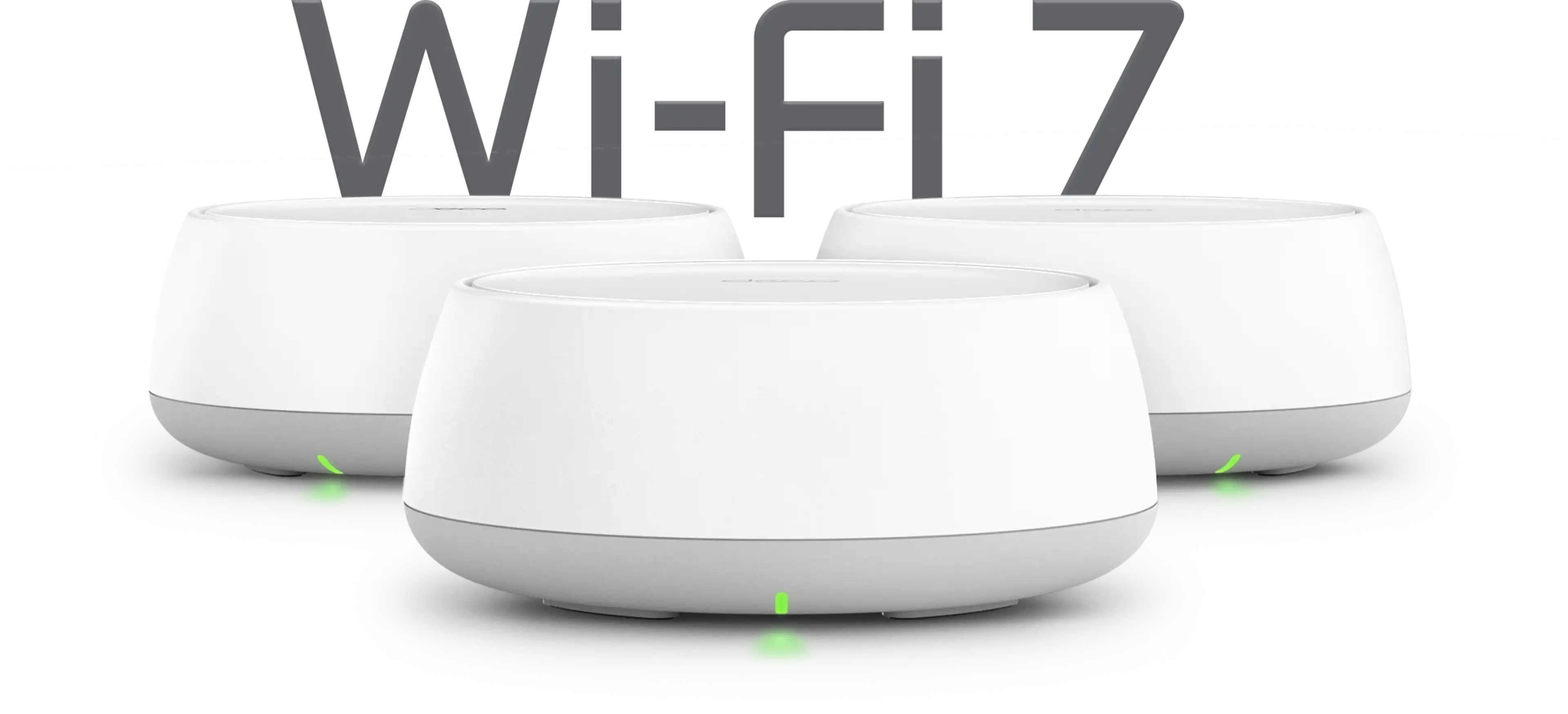

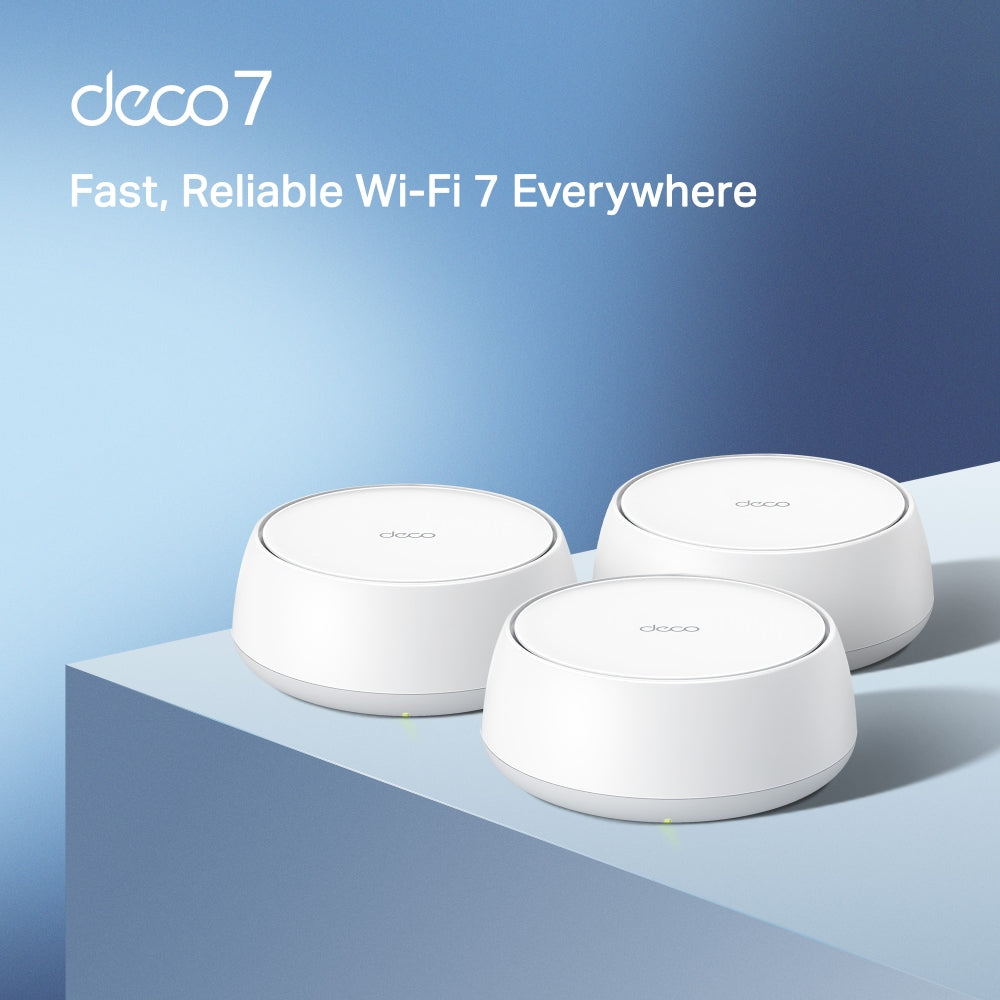


BE5000 Dual-Band Wi-Fi 7 Mesh System | Deco BE25(3-Pack)

2× 2.5G Ports MLO Multi-Link HomeShield Security
Sale price$449.99

Tax excluded. Shipping calculated at checkout


  • WiFi 7 Technology
  • Whole Home Coverage
  • Ultra-Fast Ethernet Ports
  • Easy Setup & Management
  • Multi-Link Operation (MLO)
<p>Earn%20[points_amount]%20when%20completing%20this%20purchase.</p>
Secured Shopping
American Express
Apple Pay
Diners Club
Discover
Google Pay
Mastercard
Shop Pay
Visa

Shipping from Canada

  • Free Shipping for Orders Over CAD 200
  • 30-Day No Reason Return Policy
  • Local English/French Customer Service
  • 2 Years Warranty
  • WiFi 7 Technology: Experience blazing-fast speeds up to 5Gbps with the latest WiFi 7, perfect for streaming, gaming, and more on multiple devices simultaneously.
  • Whole Home Coverage: Eliminate dead zones with Deco BE25’s advanced mesh technology, providing seamless coverage for larger homes up to 3,500 sq ft.
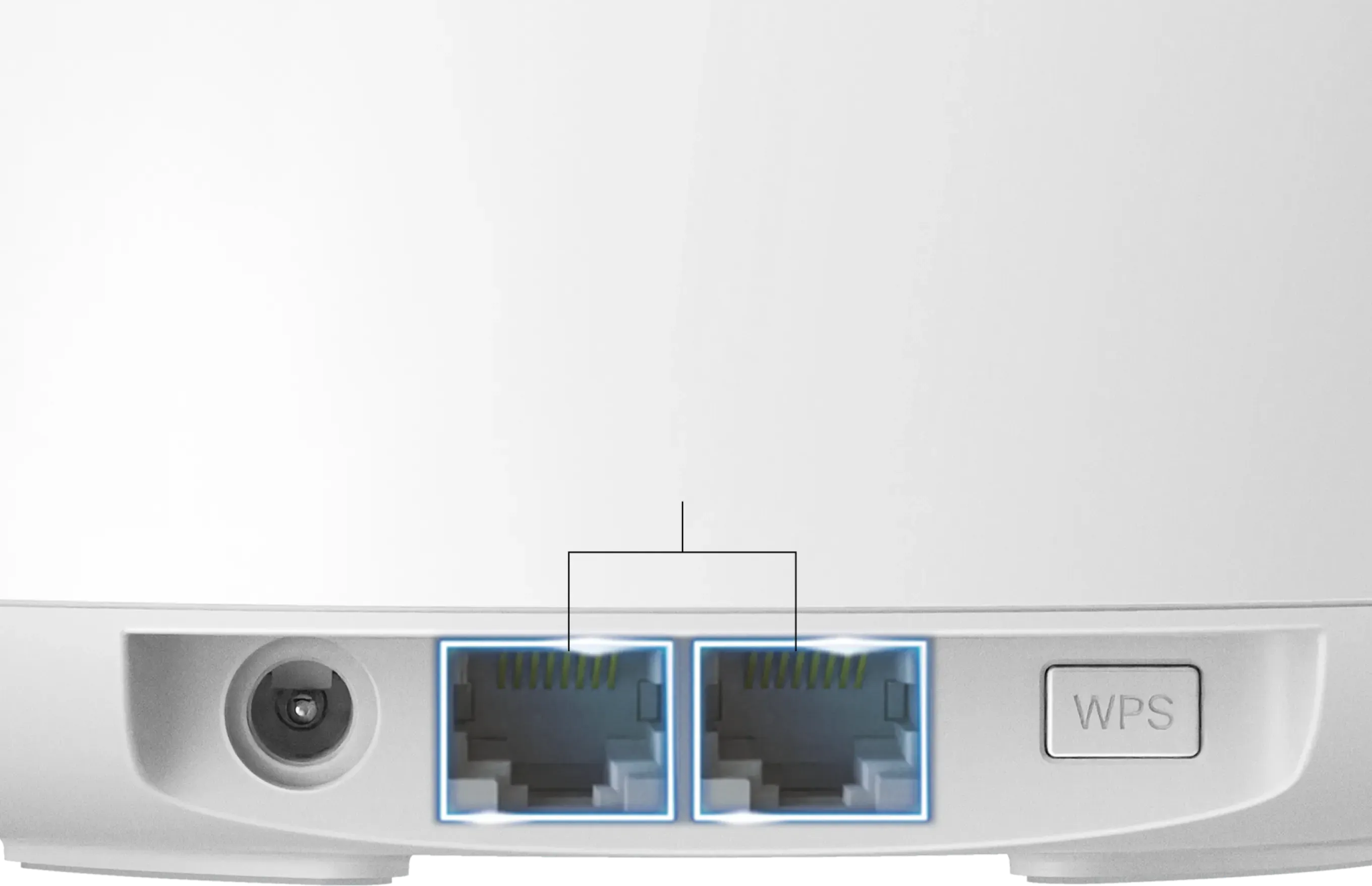
  • Ultra-Fast Ethernet Ports: Equipped with 2.5G and 1G Ethernet ports for high-speed, reliable wired connections, ideal for smart TVs, gaming consoles, and PCs.
  • Easy Setup & Management: Set up in minutes with the Deco app, monitor network usage, and manage settings even remotely; compatible with Alexa for voice control.
  • Multi-Link Operation (MLO): Transfers data across multiple bands for improved reliability, reduced latency, and boosted throughput.

WIRELESS

Standards and Protocols Wi-Fi 7
IEEE 802.11be/ax/ac/n/a 5 GHz
IEEE 802.11be/ax/n/b/g 2.4 GHz
WiFi Speeds BE5000
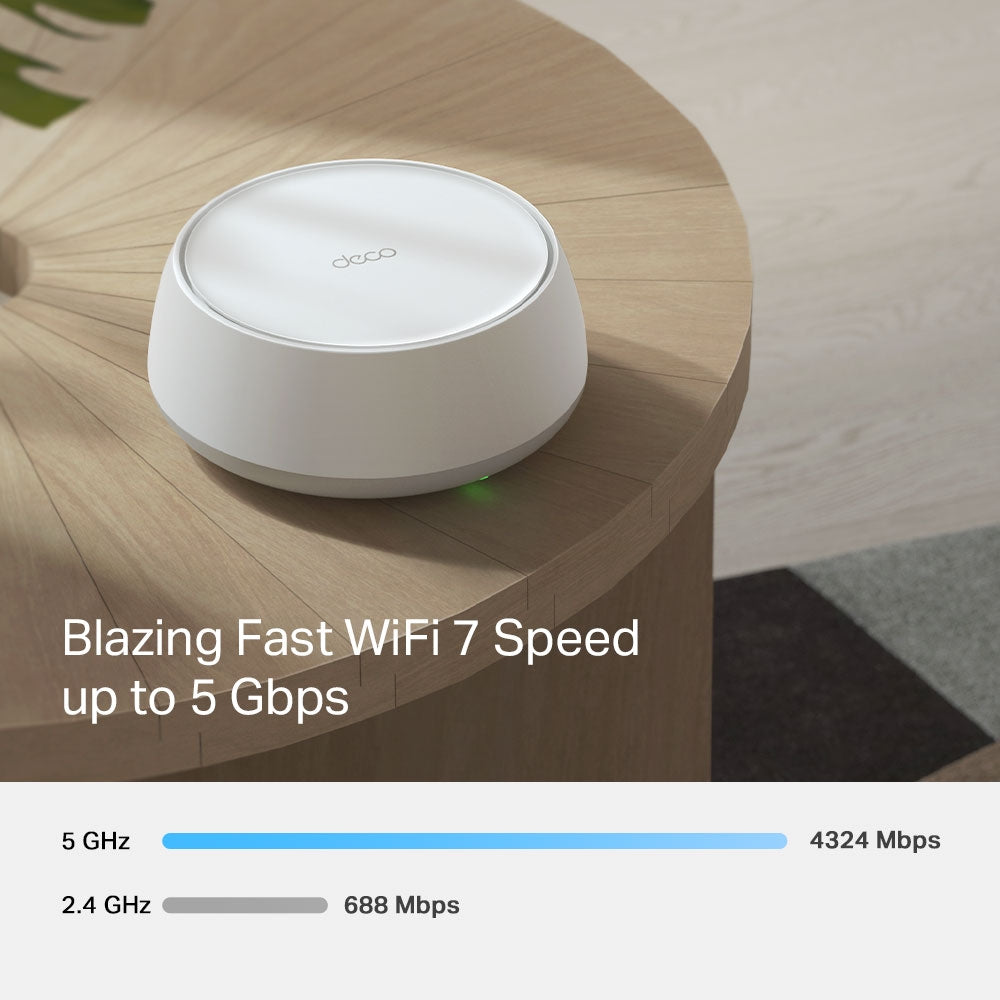
5 GHz: 4324 Mbps (802.11be)
2.4 GHz: 688 Mbps (802.11be)
WiFi Range Broader Whole Home Coverage
TP-Link Mesh Technology
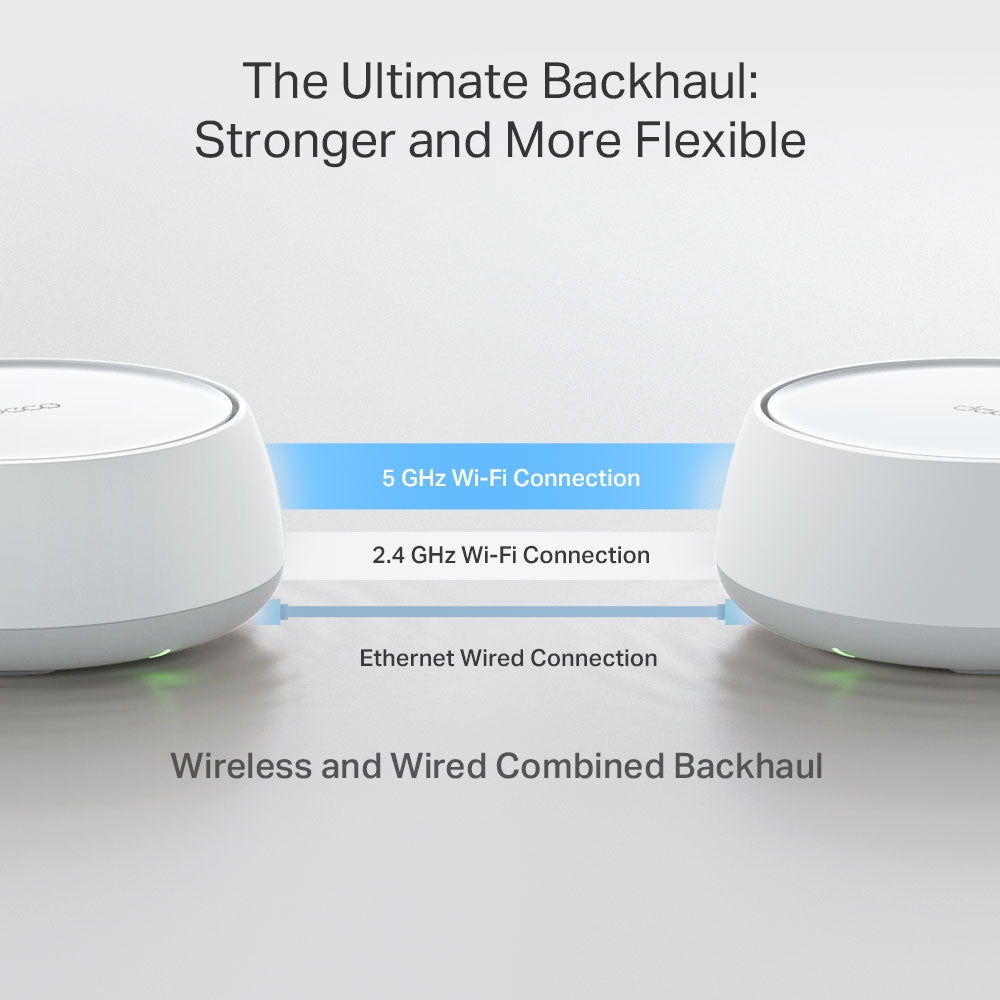
Optional Ethernet backhaul work together to link Deco units to provide seamless coverage
AI-Driven Mesh
Intelligently learns the network environment to provide ideal Wi-Fi unique to your home
4× High-Performance Antennas (Internal)
Multiple antennas form a signal-boosting array to cover more directions and large areas
WiFi Capacity Very High
Dual-Band
Distribute devices to different bands for optimal performance
OFDMA
Simultaneously communicates with multiple WiFi 7 clients
4 Streams
More than enough bandwidth for connected devices
Working Modes Router Mode
Access Point Mode
Advanced Features • Multi-Link Operation (MLO)
• 240 MHz Channel
• 4K-QAM
• Multi-RUs
• Works with Alexa and Google Assistant

SECURITY

Network Security SPI Firewall
Access Control
HomeShield Security
Real-Time IoT Protection
Malicious Site Blocker
Intrusion Prevention System
DDoS Attack Prevention
Home Network Scanner
Guest Network 1× 5 GHz Guest Network
1× 2.4 GHz Guest Network
Effective Time
Bandwidth Control
VPN Server • OpenVPN Server
• PPTP VPN Server
• L2TP/IPSec VPN Server
VPN Client • OpenVPN Client
• PPTP VPN Client
• L2TP/IPSec VPN Client
WiFi Encryption WPA-Personal
WPA2-Personal
WPA3-Personal

HARDWARE

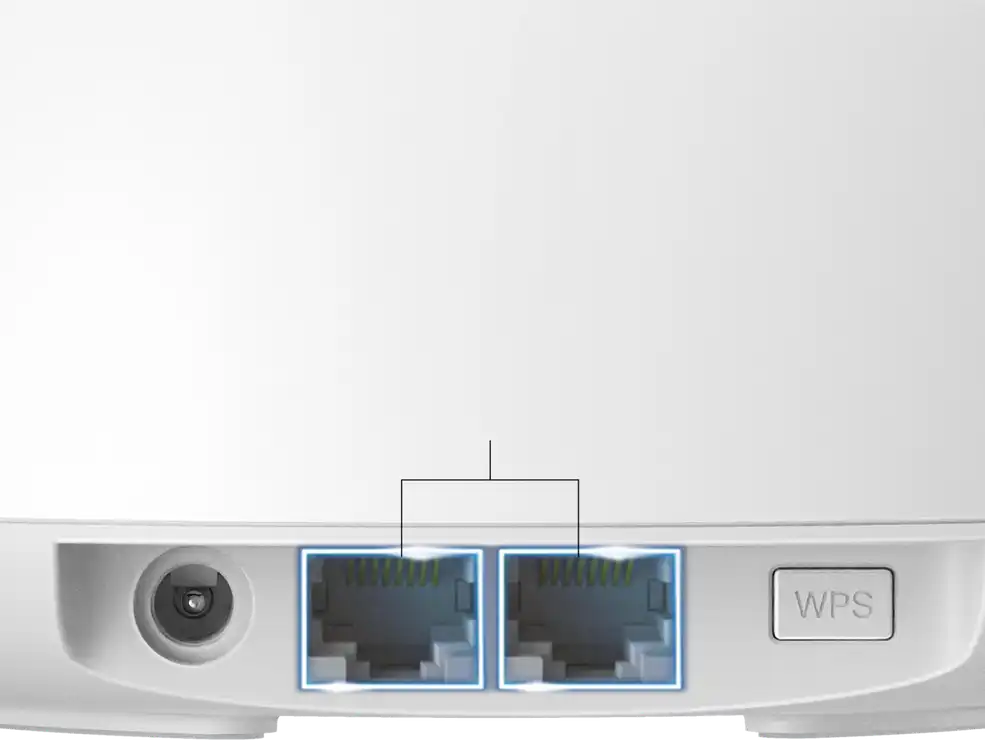
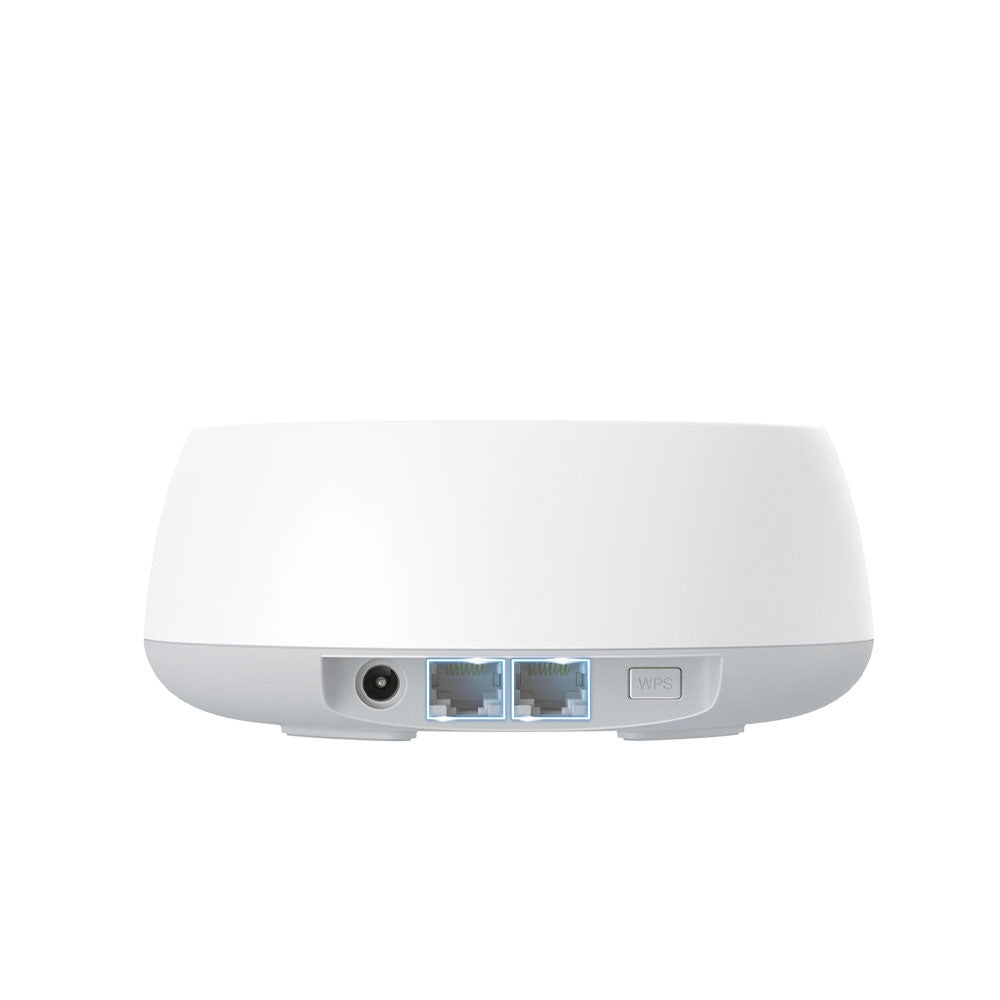
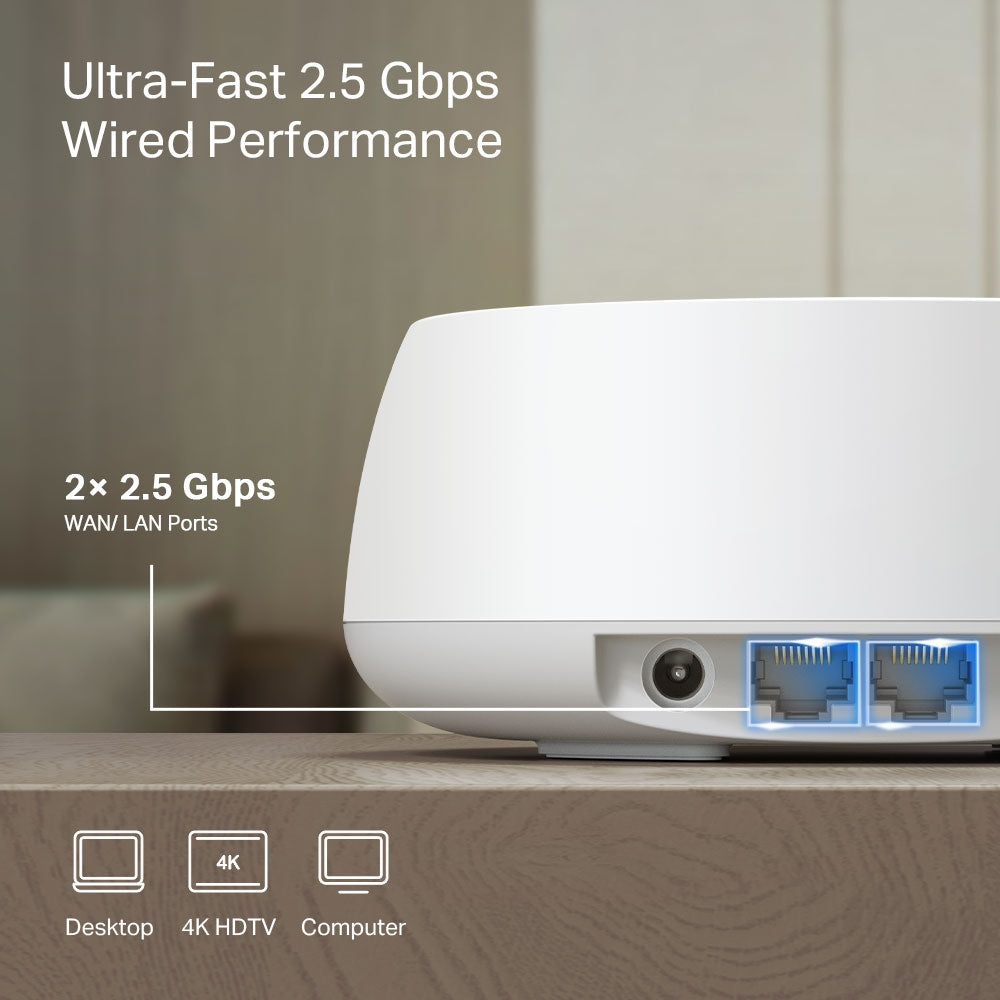
Ethernet Ports • 2× 2.5 Gbps
*Per Deco Unit
Supports WAN/LAN auto-sensing
Buttons 1× Reset Button
1× WPS

SOFTWARE

Advanced Features • Reboot Schedule
• Tapo/Kasa Onboarding
• IoT network & Device Isolation
• Static Routing Function
• Node/Band Connection Preference
Protocols IPv4
IPv6
Service Kits HomeShield
Learn More>
Parental Controls HomeShield Parental Controls
Youtube Restriction
SafeSearch
Custom Profiles
Professional Content Filter Library
Family Time
Bedtime
Off Time
Time Rewards
Family Online Time Ranking
Pause the Internet
Weekly and Monthly Reports
WAN Types Dynamic IP
Static IP
PPPoE
PPTP
L2TP
Quality of Service HomeShield QoS
QoS by Device
Cloud Service OTA Firmware Upgrade
TP-Link ID
DDNS
NAT Forwarding Port Forwarding
UPnP
IPTV IGMP Proxy
IGMP Snooping
Bridge
Tag VLAN
DHCP Address Reservation
DHCP Client List
Server
DDNS TP-Link
Management Features Deco App

OTHER

Network Services Enabled by Default Web Server
Manage and configure device through web (HTTP/HTTPS)
• Port: 80/443   Protocol: TCP
DNS
DNS
• Port: 53   Protocol: TCP & UDP
DHCP Server
IP address assignment (DHCP)
• Port: 67   Protocol: UDP
App management
Manage and configure device through app
• Port: 22   Protocol: TCP
• Port: 20001   Protocol: TCP
• Port: 30001   Protocol: TCP
• Port: 20002   Protocol: UDP

PHYSICAL

Dimensions (W×D×H) 5.91 × 5.91 × 2.44 in (150 × 150 × 62 mm)

OTHERS

Certifications CE, FCC, RoHS
Environment Operating Temperature: 0°C~40°C (32 °F~104 °F)
Storage Temperature: -40°C~60°C (-40 °F~140 °F)
Operating Humidity: 10%~90% RH
Storage Humidity: 5%~90% RH
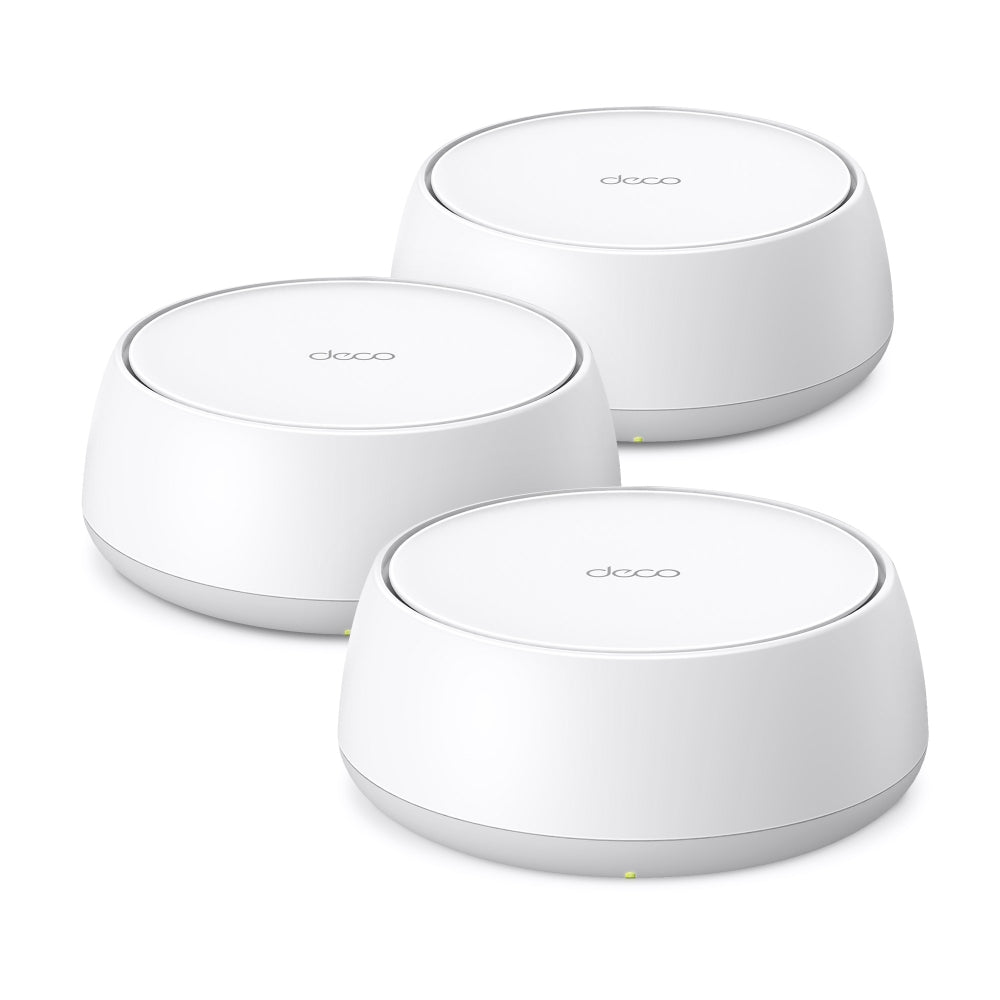
  • 3 Deco BE25 units
  • 1 RJ45 Ethernet cable
  • 3 Power adapters
  • Quick Installation Guide

Whole-Home Wi-Fi 7.
Made Simple.

BE5000 Whole-Home Wi-Fi 7 Mesh System

Deco BE25

Wi-Fi 7 6000 ft 2.5G
compatible with google home works with alexa works with homeshield works with aireal
Seamless coverage, room to room
Up to 6,600 sq. ft. (3-pack)

Easy setup with the Deco app

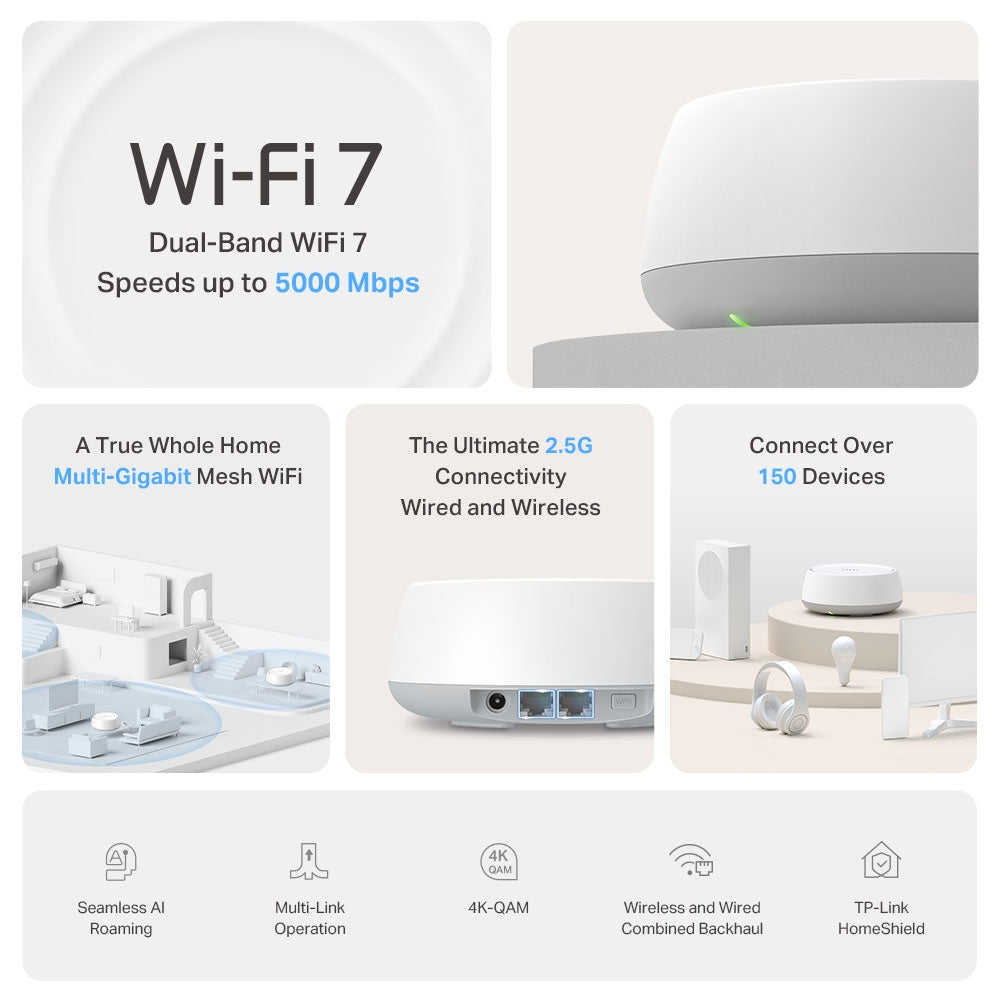
Up to 5 Gbps
Wi-Fi 7 speeds

Ready for
2.5G Internet

Connect over
150 devices

  • Smart Roaming

    Smart
    Roaming

  • Multi-Link

    Wi-Fi 7
    Multi-Link

  • Backhaul

    Flexible
    Backhaul

  • HomeShield

    HomeShield -
    Advanced Security

  • Parental Controls

    Parental
    Controls

wifi 7 router

Wi-Fi Like Never Before

Wi-Fi 7 delivers faster speeds and smoother connections for today’s connected homes. Deco 7 makes next-generation Wi-Fi simple, reliable, and ready for everything you do online.

wifi 7 router

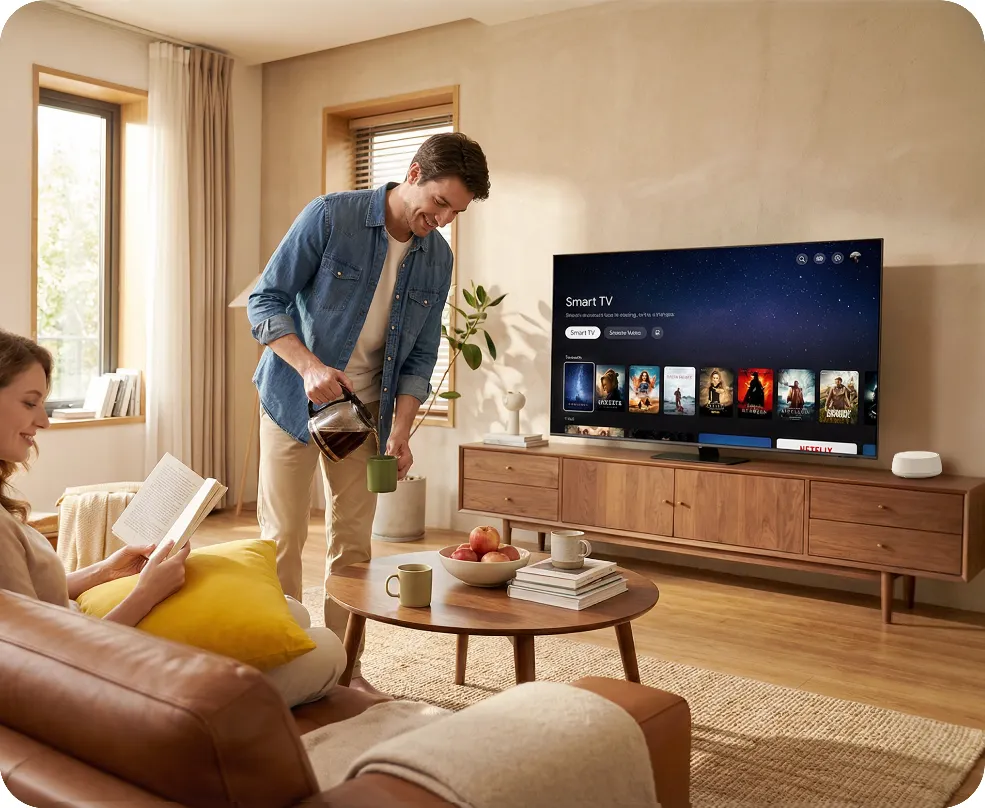
Wi-Fi That Keeps Up With Your Day

No more buffering, dropped calls, or slowdowns when everyone’s online. Deco 7 is built for busy homes, delivering smooth streaming and dependable connections in every room.

Performance bar graph 5 GHz 4324 Mbps 2.4 GHz 688 Mbps
A family enjoying smart tv
A man relaxing with a tablet
A fit woman exercising with a tv instructor
 
 
A family enjoying smart tv A man relaxing with a tablet A fit woman exercising with a tv instructor

Ready for 2.5 Gbps Internet

When your internet plan gets faster, your Wi-Fi should keep up. Deco 7 supports 2.5 Gbps wired connections, helping reduce bottlenecks and slowdowns as more devices connect throughout your home.
Router and connected device comparison table Router and connected device comparison table
Rear view of the router with ports Rear view of the router with ports

2.5× Faster
Than Standard Gigabit

2× 2.5 Gbps
WAN/ LAN Ports

  • Computer

    Computer

  • 4K HDTV

    4K HDTV

  • Desktop

    Desktop

Stronger Connections Between Every Deco

Deco 7 intelligently combines wired and wireless connections between units to keep Wi-Fi fast, stable, and reliable throughout your home.
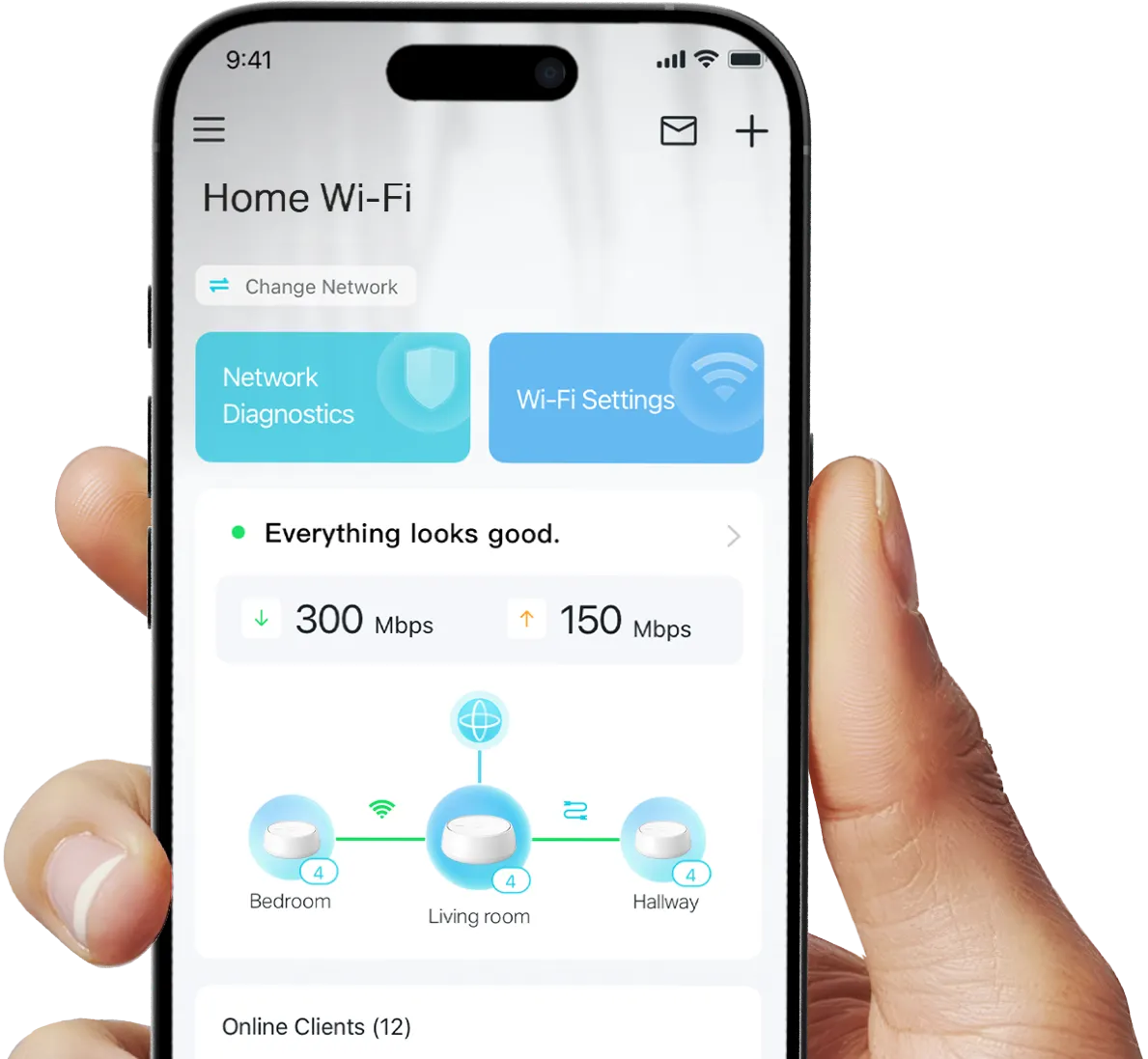
deco app

Simple. Easy.
Powerful.

Deco 7 is designed to be effortless from the start. Set up in minutes with the Deco app, then enjoy strong, reliable Wi-Fi throughout your home.

Simple. Easy. Powerful.

Deco 7 is designed to be effortless from the start. Set up in minutes with the Deco app, then enjoy strong, reliable Wi-Fi throughout your home.

  • 1 Connect   to a modem and power on both.

  • 2 Download   and launch the Deco app.

  • 3 Configure   by following the in-app instructions.

deco app

Built-In Security for Everyday Life

HomeShield helps protect every device on your network—automatically—so your family can connect with confidence at home and beyond.


Learn more about HomeShield >

family browsing safely

Advanced Network Protection

Get automatic protection for your entire home network, designed to help block online threats so you can browse, stream, and connect with confidence.

father and daughter using a table together

Parental Controls

Use simple tools to manage screen time and filter content, designed to support healthier online habits for kids while giving parents more control.

mother checking for phone notifications from her child

Protection that goes with you

Keep your devices protected at home and on the go, with security that stays with you wherever life happens.

 
family browsing safely

Advanced Network Protection

Get automatic protection for your entire home network, designed to help block online threats so you can browse, stream, and connect with confidence.

father and daughter using a table together

Parental Controls

Use simple tools to manage screen time and filter content, designed to support healthier online habits for kids while giving parents more control.

mother checking for phone notifications from her child

Protection that goes with you

Keep your devices protected at home and on the go, with security that stays with you wherever life happens.

Private IoT Network for More Security

Set up a separate Wi-Fi network for IoT devices, with built-in HomeShield protection and advanced WPA3 encryption to help better protect your home network and connected devices.
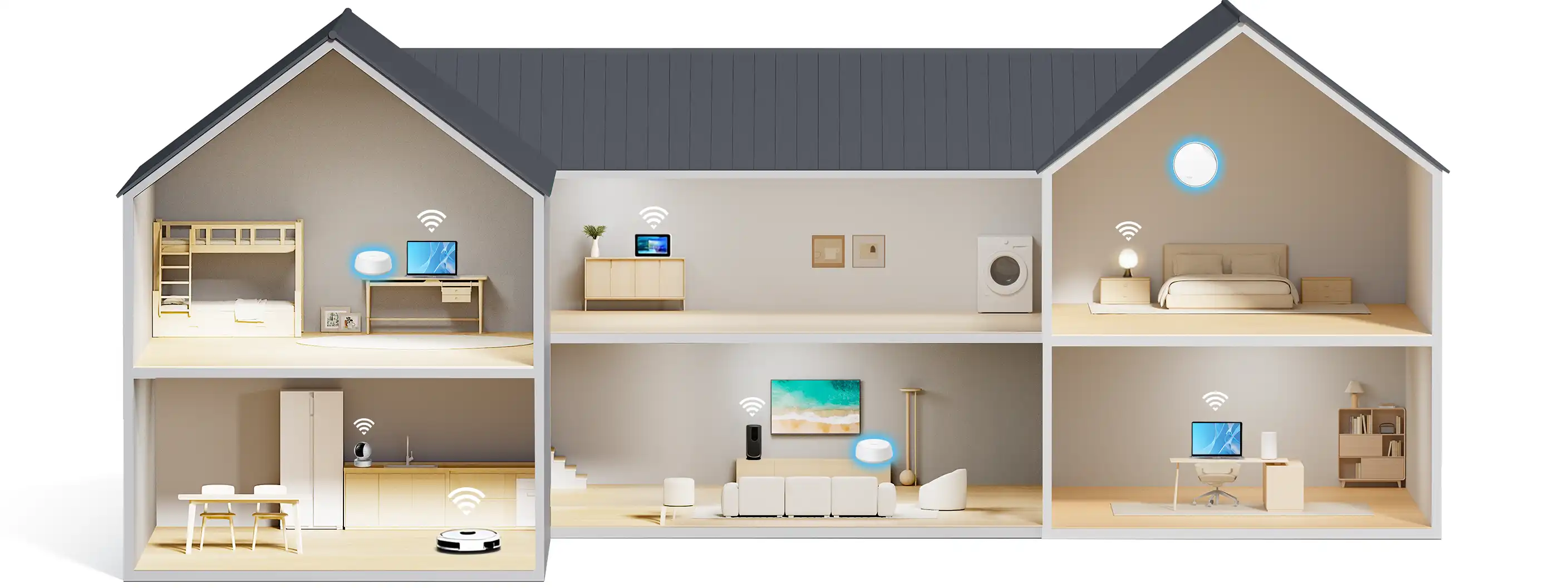
a house with wifi routers and a separate IoT network            

Smart Features Included with Every Deco 7 System

family browsing safely family browsing safely

Hands-Free Voice Control

Use Amazon Alexa or Google Assistant-enabled devices to control your Deco system with simple voice commands, making it easy to manage your Wi-Fi hands-free.
family browsing safely

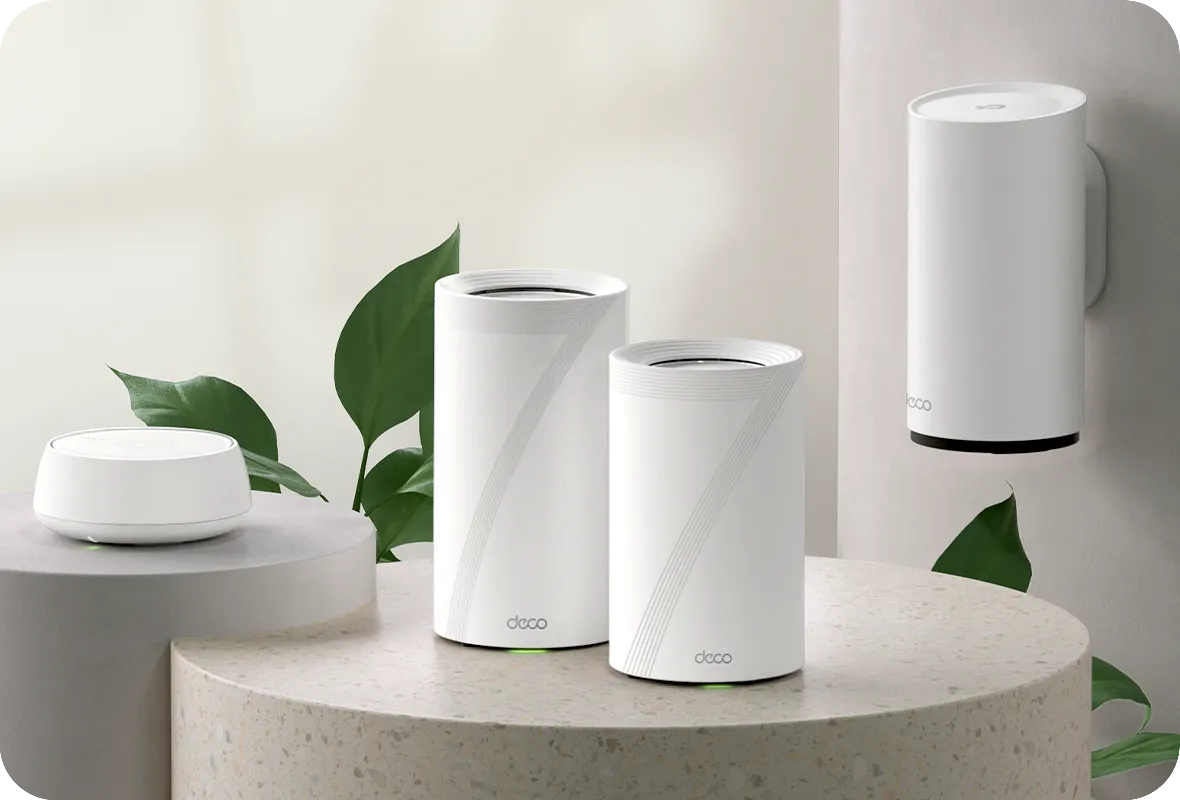
All Decos Work Together

All Deco devices work together to form one seamless mesh network. Expand your Wi-Fi coverage anytime by adding more Decos to keep every corner of your home connected.

<p>Earn%20[points_amount]%20when%20completing%20this%20purchase.</p>
  • 5 stars: 12 (71%)
  • 4 stars: 5 (29%)
  • 3 stars: 0 (0%)
  • 2 stars: 0 (0%)
  • 1 star: 0 (0%)
g
greatauror28
Amazing mesh network

Our old Telus fiber modem has been buggy since time immemorial and i've had enough of restarts and devices not connecting immediately so I thought it's time to upgrade my WiFi network. I've bought this and it came few days after. Setup was pretty easy as i'm a bit tech inclined so done in about 10 mins or so. My 8 Eufy security cameras used to take forever to reconnect when the Telus router reboots but now it only take half a minute or so! This Mesh network is magical and life-changing for my family. 2000 sq ft home with finished basement and about 40 devices connected simultaneously over 2.4Ghz and 5Ghz network.One small tip is that you might have to change its default encryption of WPA3 to WPA2 if you have older devices that have trouble connecting to your new Mesh network.

J
Jp
Good Performance Without Breaking the Bank

Bought this mainly because our old router couldn’t keep up anymore. Between two adults working from home and the kids streaming or gaming, the Wi-Fi was constantly slowing down. I’m not very technical, but getting this set up was easier than expected.We’ve been using the BE5000 for about a week now and the internet feels much smoother, especially in the evenings when everyone is online. Our home is around 2,000 sq ft and coverage seems pretty good throughout the house.Definitely feels like a worthwhile upgrade if your current router is starting to show its age.

M
Miguel Ángel
Essential Upgrade for Bell Giga Hub Users! WiFi 7 Stability in Downtown Condos

I have a 3Gbps fiber plan with Bell in a 600 sq. ft. downtown Toronto condo. Even though I’m using Bell's latest Giga Hub 2.0 (WiFi 7), the signal struggled because the modem is tucked away in the laundry closet. After testing the TP-Link Deco BE25 (WiFi 7), the improvement in stability and speed—especially upload—is staggering.The "Battle of WiFi 7" (Real-World Benchmarks): I ran side-by-side tests from my living room, and the results speak for themselves:* Bell Giga Hub 2.0 (WiFi 7): 1133 Mbps Down / 220 Mbps Up.* TP-Link Deco BE25 (WiFi 7): 1490 Mbps Down / 1451 Mbps Up.* Wired via uGreen 2.5G Switch: 2279 Mbps Down / 2358 Mbps Up.The most shocking part? The Deco delivered over 6 times the upload speed compared to the Giga Hub 2.0. In a condo environment with lots of interference, having a symmetrical 1.4Gbps connection over WiFi is incredible for my NAS backups and trading sessions.Pro Setup Tip: To maximize performance, I set the Deco to Access Point mode and disabled the WiFi radios on the Bell Giga Hub. This prevents signal "noise" and lets the Deco’s WiFi 7 tech handle the traffic efficiently.* Pros:* Incredible Upload Speeds: Solves the common "slow upload" issue on ISP routers.* WiFi 7 & 2.5G Ports: Perfectly matches high-tier fiber plans (3Gbps+).* Condo Friendly: Overcomes the "modem in a closet" problem common in Toronto.* Stability: No more quality drops during 4K streaming or video calls.Cons:* Requires Permanent Wired Connection: Unlike some simple extenders, the main Deco unit must be physically connected to your modem via Ethernet at all times. This can be a limitation if your modem is in a tight spot (like a laundry closet).* Port Limitation: Since one of the ports is dedicated to the modem, you are left with only one extra 2.5Gbps port for your other devices (I solved this by adding a uGreen 2.5G switch).Final Verdict: If you are on a high-speed Bell plan, the Giga Hub 2.0’s placement is likely limiting your potential. Adding a Deco BE25 isn't just an "extra"; it's how you actually get the speeds you’re paying for. An absolute must-have for power users.

R
RegularRoamerL
Fast and stable WiFi

It works really well with a wireless setup. Coverage is strong and the connection has been stable throughout the house. I’m currently using it wired, but I might try wireless backhaul later. Overall very happy with the performance so far.

C
Carlos Martinez
Excellent upgrade!

Bought a single BE25 to use as the main router. It's currently working with 3 other X20 nodes. I can finally get access to (almost) the full speed that I get from Bell. I have the Gigahub in PPPOE mode and the BE25 as the main router. I get 2.3GB down/up. Wifi7 speeds are 971MB down/up on mobiles now. When on sale it's a great addition to upgrade the full network without having to replace all the nodes. I was able to retire an older M5 node, so I can finally use WPA3-it was WPA2 before, due to the M5 being the lowest common denominator.Also, it finally supports VPN Server (Wireguard, OpenVPN, etc.)!Great upgrade! Don't hesitate to upgrade!

p
patrick
Good product!

Good product!

K
Keith Trudell
Works fine, but watch location and orientation

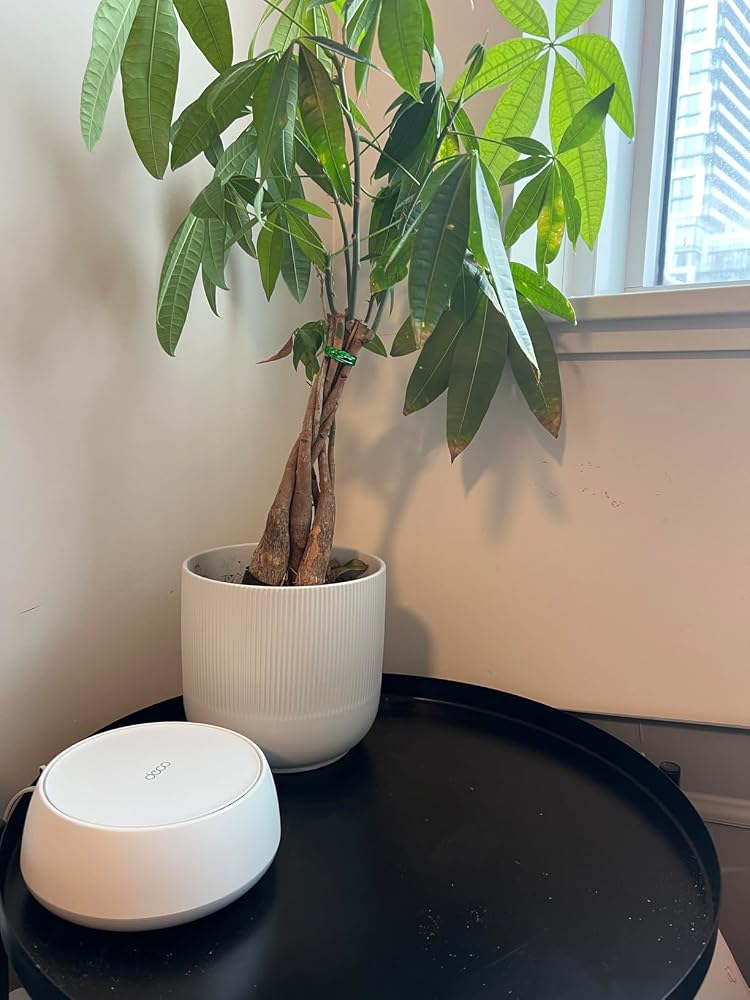
Configures easily. I used it in wired access point mode and get WiFi speeds faster than the 1G ethernet in my home.This unit would be better if it contained two antennas, one for vertical and one for horizontal. Finding a place for it to sit that is at the right height and location is challenging. I opted for using a wall mount bracket and that does reduce signal slightly as expected.

S
Simon
Great to extend and cover dead spots

I don't know if it was enabling the IoT network on our BE65 routers, but the cameras on the far front of our garage were having trouble connecting to that new IoT SSID.Adding one of these in the garage boosted the signal without the compromises that re-using an older Deco X unit introduced so everything works smoothly again.

M
Maria McKeen
Amazing

Works amazing

B
BB
Good to buy

Very good product. The wifi signal is very strong!

T
Thomas Lynk
ury still out on range, good support so far

Just set up this TP-Link Deco 7 BE25 WiFi 7 mesh system. Speeds are great where it covers but the jury is still oit on the overall range in my house. Im currently working with their tech support to tweak it and improve coverage. So far theyve been responsive and Im hopefull it will get there. Nice hardware and easy app setup tho. Will update later.

e
eric wang
Work as expected

the install is piece of cake. And It fully unleash my fiber internet speed. The coverage is also better. But you get what you pay for. It is dual band unit.

A
AMR SHALABY
Doed not work well with Deco M5 but works with Deco X50

1- installation is easy with the app2- works well with existing Deco X50.3- Deco M5 pods had weak signal and unstable performance.4- Unlike days of M5 tplink used to give free anti-virus protection not anymore.7- excellent signal strength, neatly 860 mbps via wireless connection which is definitely faster than X50 (750 to 780 mbps).8- from the look,feel, and weight of pod it definitely heavier and better built than M5, M9 Plus, and X50.9- Network Optimization needs to be automated or automatically or autonomously done instead of doing it manually if there were interference.10- TP Link needs to offer antivirus for free like M5 not for $180 per year which is more expensive than the pod itself!

M
MAK
Fantastic App. Solid And Reliable Connection.

I waited nearly a month to write this review. Setup was a breeze and the control is as good as I've ever had in a network system.Over the past several weeks I have had the Deco-BE25 WiFi 7 3pk up and running through wired backhaul in our home and it has been nothing short of fantastic. I haven't experienced any drops or interruptions in my signal the entire time. Signal strength is better than my ISP provided all in one unit and the amount of settings and control I have is so much more and much easier to manage through the Deco app.I've had nothing but a great experience with this system and the app. I love being able to chose which band to use for each device and I also love the fact I can direct each device to use a specific unit as it's signal source rather than have it roam. I can rename every device to help me better identify it in my system and I've been able to direct each unit to the best possible unit for optimal signal strength. This made it a seamless transition getting all my 2.5ghz smart bulbs and such connected. I can create a blocked list and guest wifi effortlessly through the app and everything can be done in realtime without having to reset the units. If I want to make a system setting change I can just do it through the app and it applies to my system without missing a beat. This is truly a refined and well thought out system.I will acknowledge that I'm using these units through wired backhaul and have no experience with the wireless signal. But for my use case I couldn't have asked for a better experience. The APP truly is one of the best in the industry and one of the better experiences I've had in home networking. The units run cool and quiet and have been flawless in their reliability and signal strength. Highly recommended from me.

R
Redsz
Completely changed the signal strength in our house

This is the best home networking device I have owned. My house is a 3 story walk out and I always struggled getting strong signals to every floor. Had tried my internet providers extenders, after market, etc and was never satisfied. The builders of the house had never installed cat5 to the main floor (just the 2nd floor and basement walkout). After installing the three decos (wired in basement and 2nd floor) and the main floor is the wireless, it's unbelievable the difference in signal quality, range and speed.I have internet in all areas of my house, garage and onto the back deck. Very easy to install, seamless firmware update and the app actually is decent. Very impressed and would recommend.

W
Wayne Harris
Great system!

Bought these recently (3 pack) to replace my ISP wireless. We weren't getting the coverage we needed for all our devices (we have about 100 smart devices in our house that are all running via wireless), with some occasionally dropping connectivity, TV's buffering etc. Decided to buy these after some research thinking they would be adequate. Boy, are they ever. In fact I have 3 installed and could probably get away with just 2! My house is 3 story 3000 sq ft, and coverage is everywhere with these. In fact, we have roaming turned on, and most of the time, devices stay connected to the original connected AP. Very strong signal. Easy to configure and great price!

A
Anthony
Better than the Google Wifi

Had this for about a week now and only thing noted was a tricky set up process but not overly difficult. For any one reading, unlike the Google Wifis, all the routers in the box have the capacity of being the "main" router. So far it's handling my google home audio system nicely and a bunch of cameras and electronics. I do notice a slight lag once in a while as I have about 20-28 devices connected to the routers but my internet speed is also only 300 down in my area.One things for sure is the app associated with the TP-Link Deco shows all devices connected and to which router and you can customize it to to have MoL, IoT and guest wifi networks so the app gives a lot and it very user friendly.Giving this a 4 stars as I think there could be room for improvements with the number of device connections (I also own a lot of tech lol) but honestly it blows my Google wifi 5 out of the water with its range and connectivity alone right now so definitely a good purchase I think. I'll let you all know if something break later on.